Zipic Release Notes
Zipic's growth record is right here 🚀
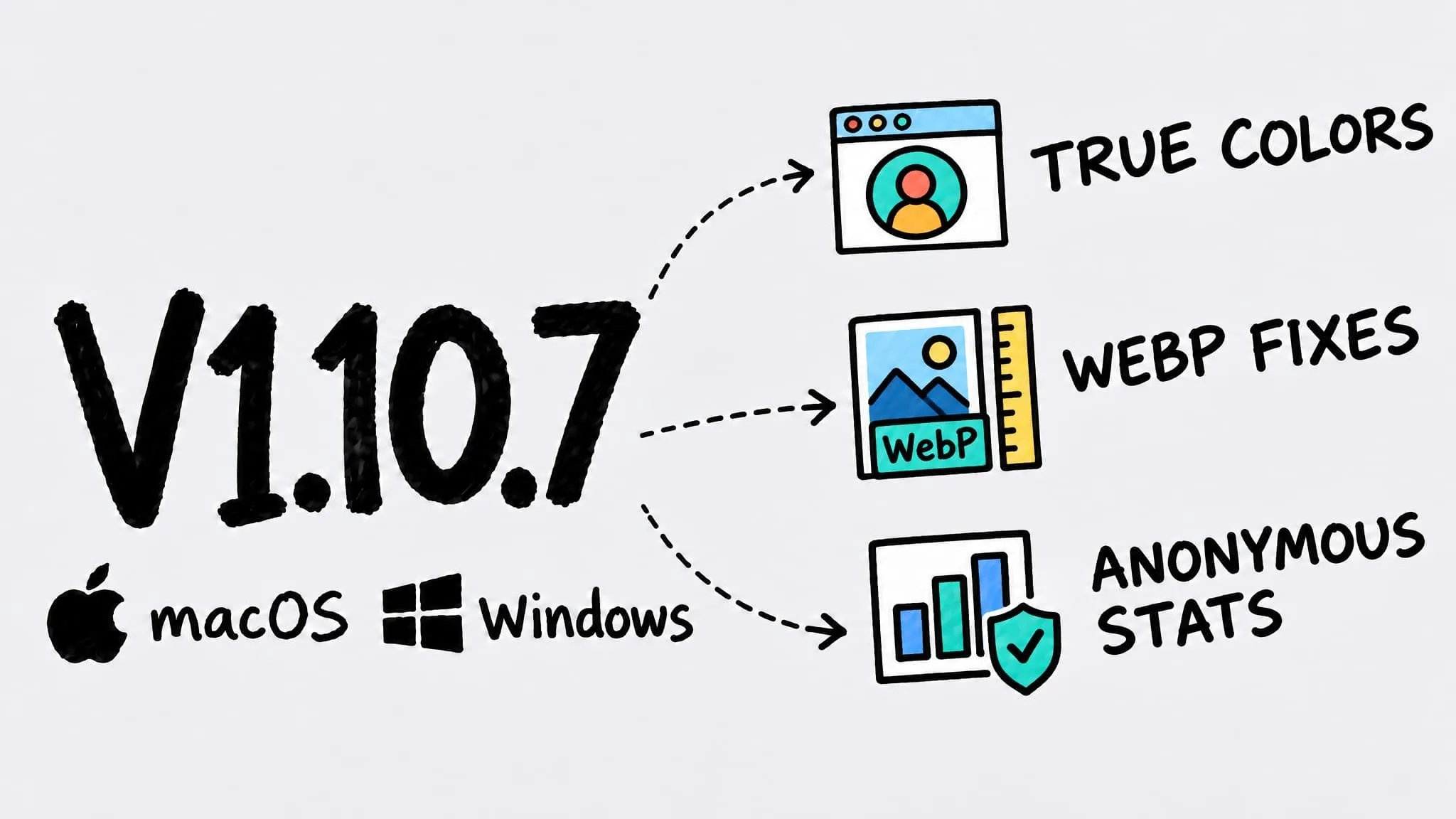
V1.10.7
Zipic v1.10.7 ships for both macOS and Windows (Beta) as a bug-fix release. On both platforms, small colorful areas such as avatars and buttons in PNG screenshots no longer turn black-and-white after compression, images over 16,383 pixels get a clear message when converting to WebP, and anonymous usage statistics arrive with an off switch in Settings. macOS also lets WeChat's built-in screenshots trigger clipboard auto-compression, stops silently downscaling animations with a long side over 10,000 pixels when converting to WebP, and no longer overwrites the launch-at-login preference during onboarding.
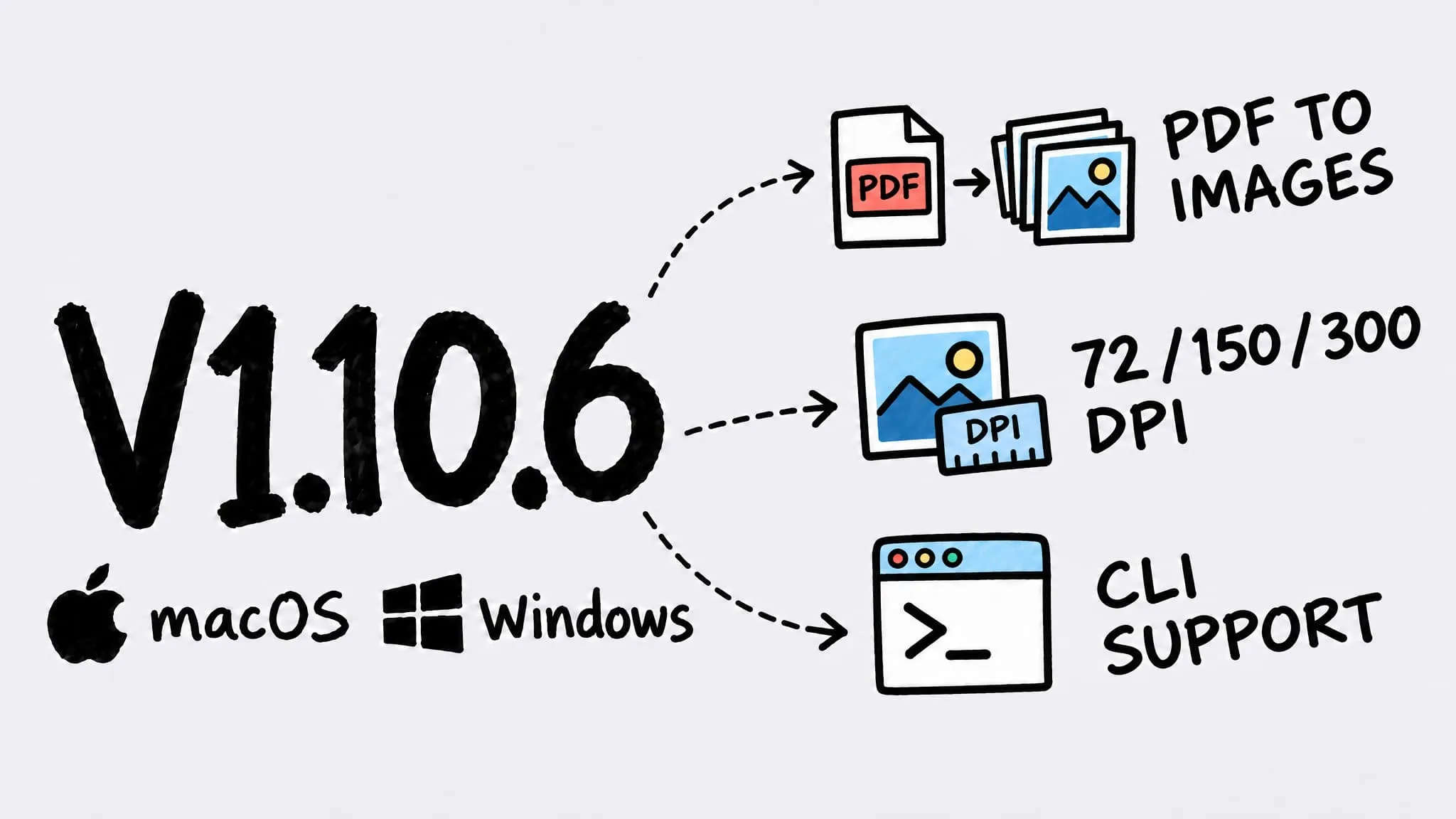
V1.10.6
Zipic v1.10.6 ships for both macOS and Windows (Beta), and both add PDF to Images (Pro): export every PDF page as PNG, JPEG, WebP, AVIF and more at 72, 150 or 300 DPI, with matching new CLI flags. On macOS, PDF to Images also works in Shortcuts and the URL Scheme, the comparison preview now adapts to each image's aspect ratio so portrait shots and long screenshots are no longer cropped, and folder monitoring predicts output names more accurately.
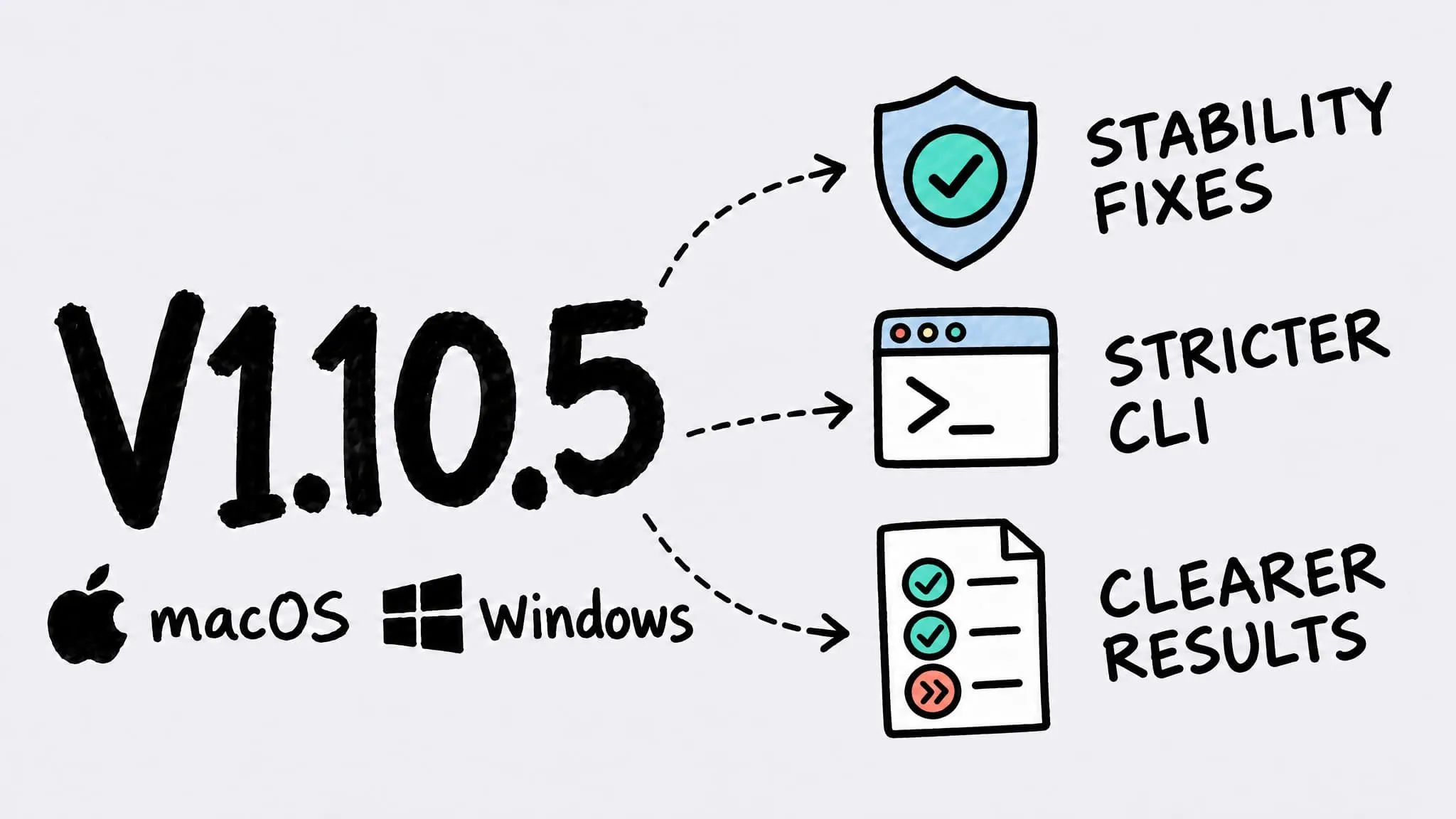
V1.10.5
Zipic v1.10.5 ships for both macOS and Windows (Beta) as a patch release focused on stability and the command line. On both platforms the CLI now validates options strictly, so a mistyped option stops with a clear error instead of being silently ignored, --help never runs the command by accident, and the CLI waits longer when it has to launch Zipic. macOS also fixes an occasional crash with clipboard monitoring and a menu bar count that lagged one compression behind; Windows no longer copies corrupt or empty files to the output unchanged or reports failed and skipped files as 100% saved.
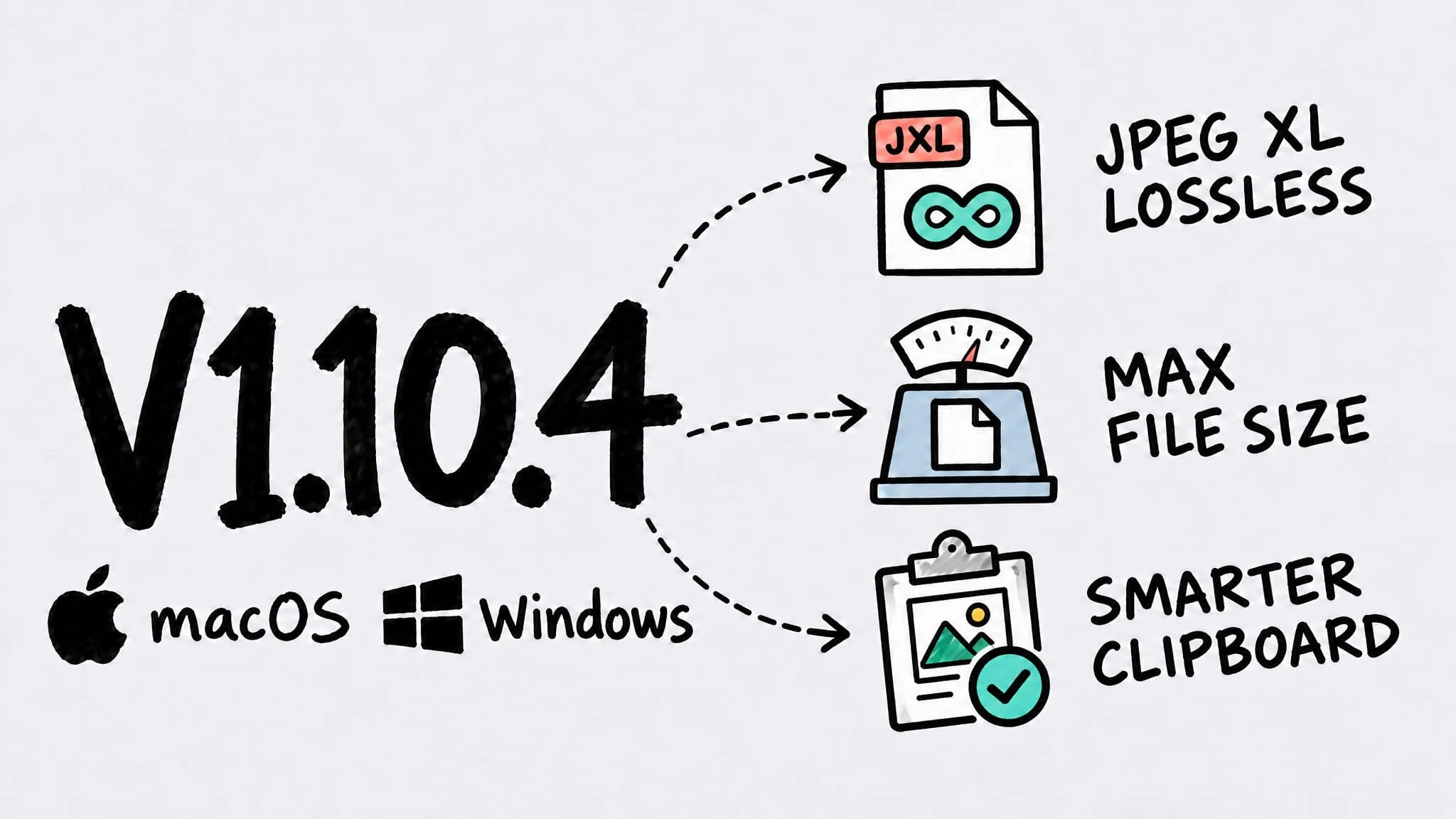
V1.10.4
Zipic v1.10.4 ships for both macOS and Windows (Beta) under the same version number. Both platforms gain a max file size limit (Pro) and a JPEG XL lossless mode, can compress images copied from WeChat, and fix missing text in some compressed PDFs and wrong orientation after resizing or converting photos. macOS also adds background updates, a Full Disk Access guide, and several clipboard and folder-monitoring fixes; Windows also keeps the clipboard format when copying results back and fixes HEIC quality levels and TIFF ZIP compression.
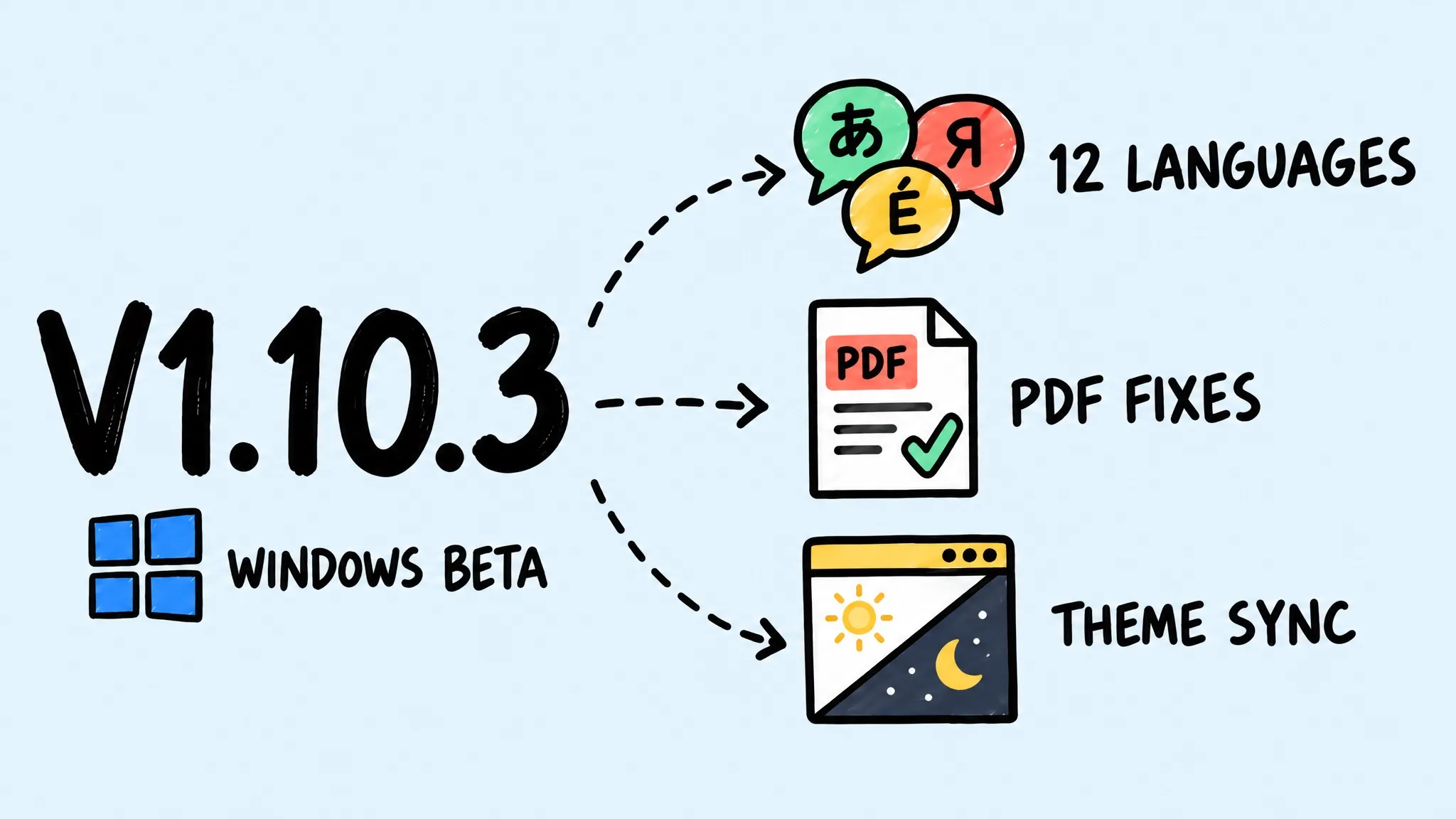
V1.10.3 (Windows)
Zipic v1.10.3 is a patch release for the Windows version (Beta) that brings it in line with macOS v1.10.2: 12 new interface languages — German, Spanish (Spain and Latin America), French, Italian, Dutch, Polish, Portuguese (Brazil), Turkish, Russian, Japanese, and Korean — plus fixes for inverted colors and blank pages in some PDFs, Pro trial checks, and controls not following the app theme. macOS and Windows share the same major.minor version; patch releases ship independently per platform, and the latest macOS version is v1.10.2.
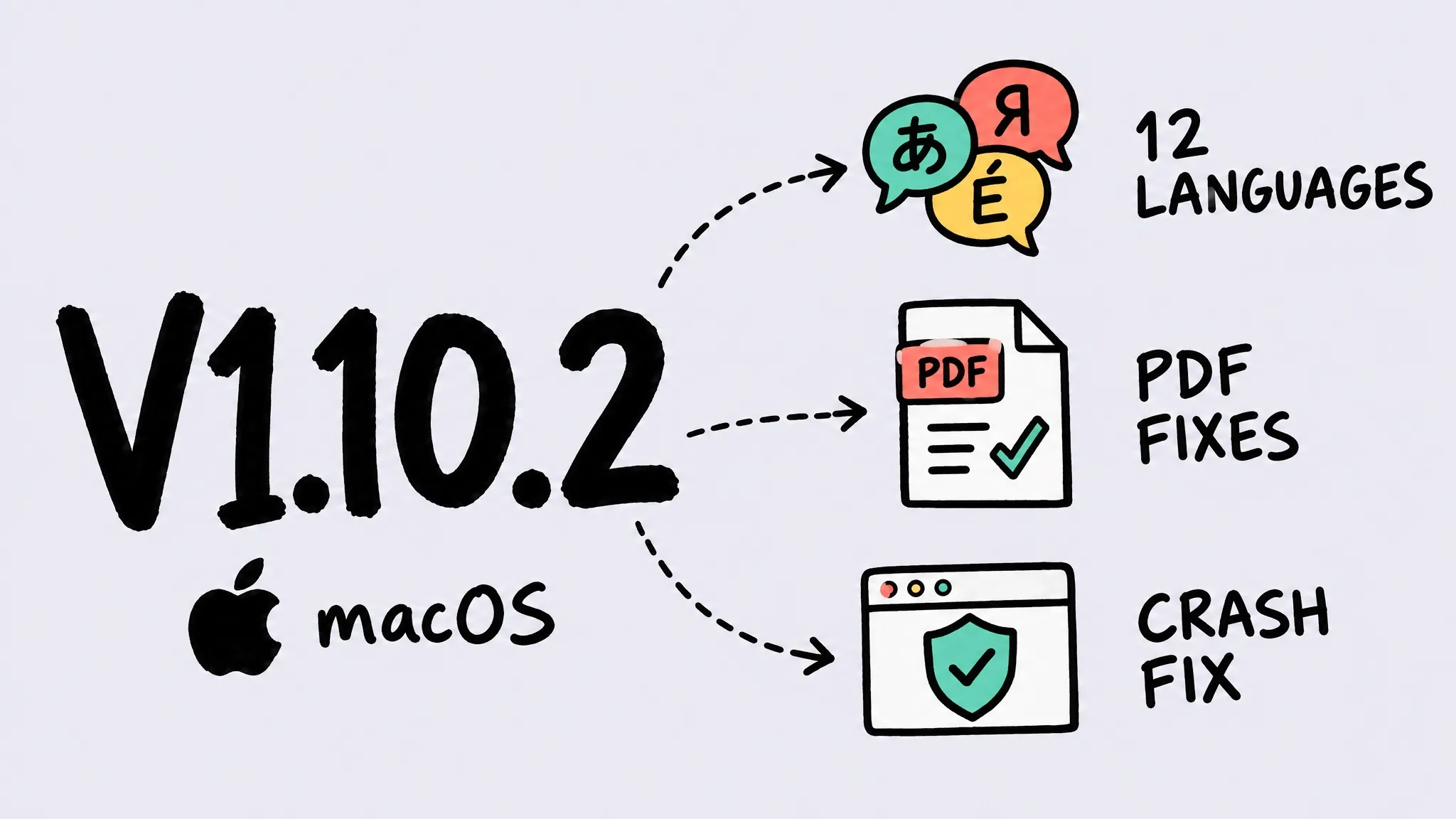
V1.10.2 (macOS)
Zipic v1.10.2 for macOS adds 12 interface languages — Japanese, Korean, German, French, Spanish (Spain and Latin America), Italian, Dutch, Polish, Portuguese (Brazil), Russian, and Turkish — and fixes a crash on some macOS 26 releases, inverted graphics and blank pages in some PDFs, overlapping rows when switching options, and truncated text. macOS and Windows share the same major.minor version; patch releases ship independently per platform, and the matching Windows release is v1.10.3.
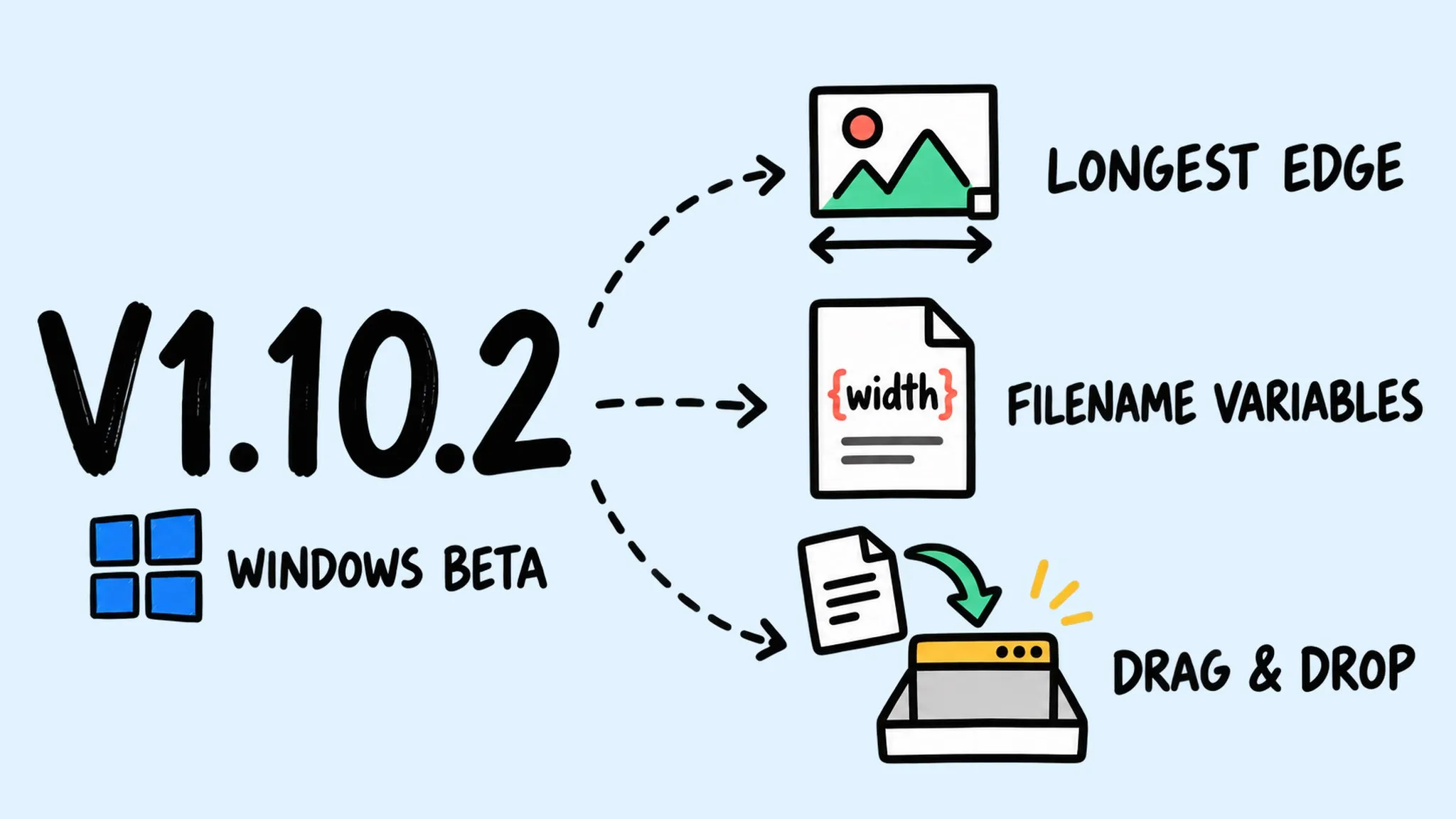
V1.10.2 (Windows)
Zipic v1.10.2 is a patch release for the Windows version (Beta) that brings it in line with macOS v1.10.1: longest-edge resizing, filename template variables, and an app language setting, plus fixes for PDF compression, photo orientation, and trial and activation states, and more reliable drag-and-drop. macOS and Windows share the same major.minor version; patch releases ship independently per platform, and the latest macOS version is v1.10.1.
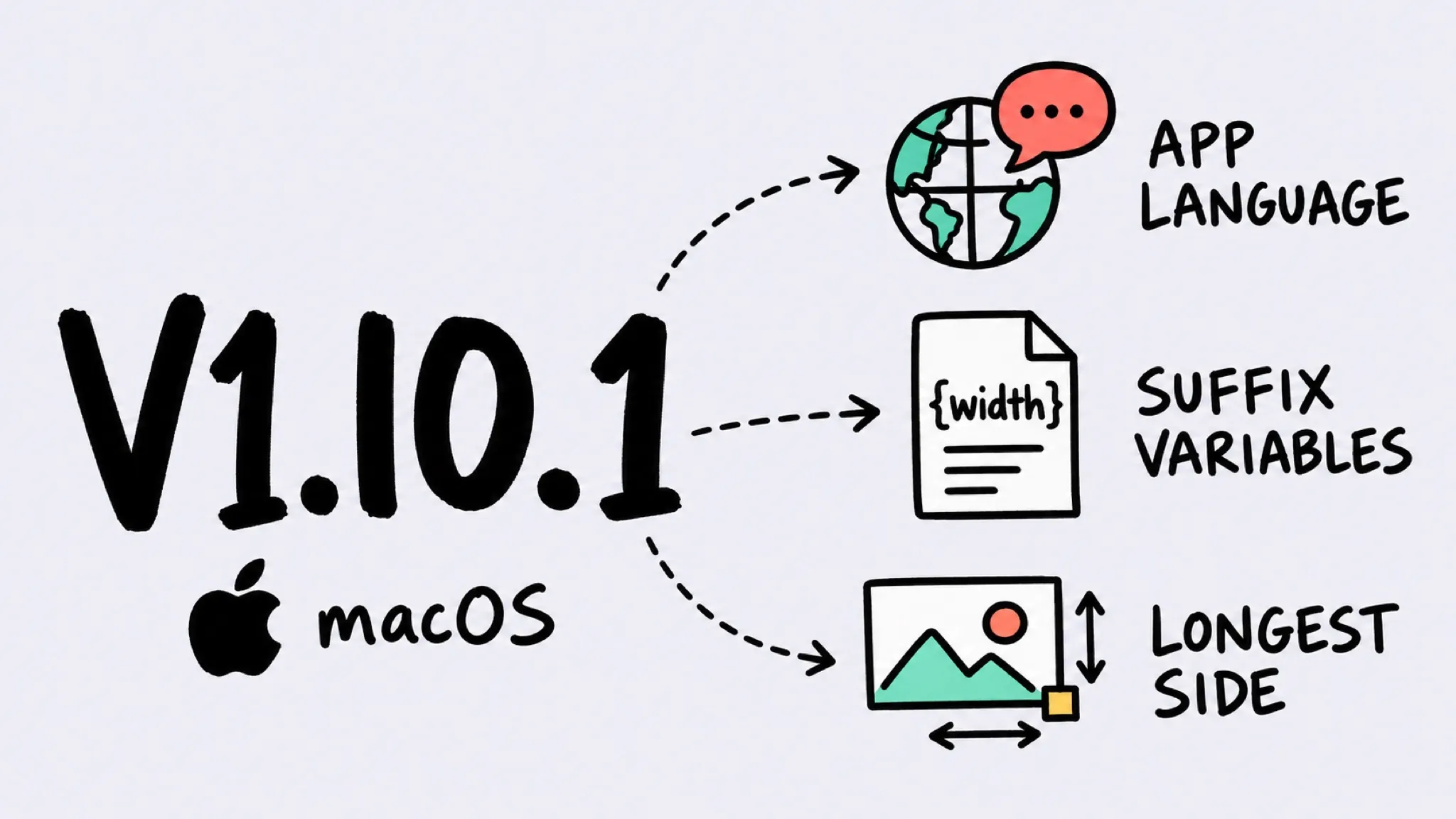
V1.10.1 (macOS)
Zipic v1.10.1 for macOS adds an interface language setting (system, English, Simplified Chinese, Traditional Chinese), template variables in filename suffixes, and a new longest-side resize mode — plus fixes for a lost activation credential, stale trial state, compression failures with no visible reason, PDF trailer errors, and clipboard JPEG write-back. macOS and Windows share the same major.minor version; patch releases ship independently per platform, and the latest Windows version is v1.10.2.
V1.10.1 (Windows)
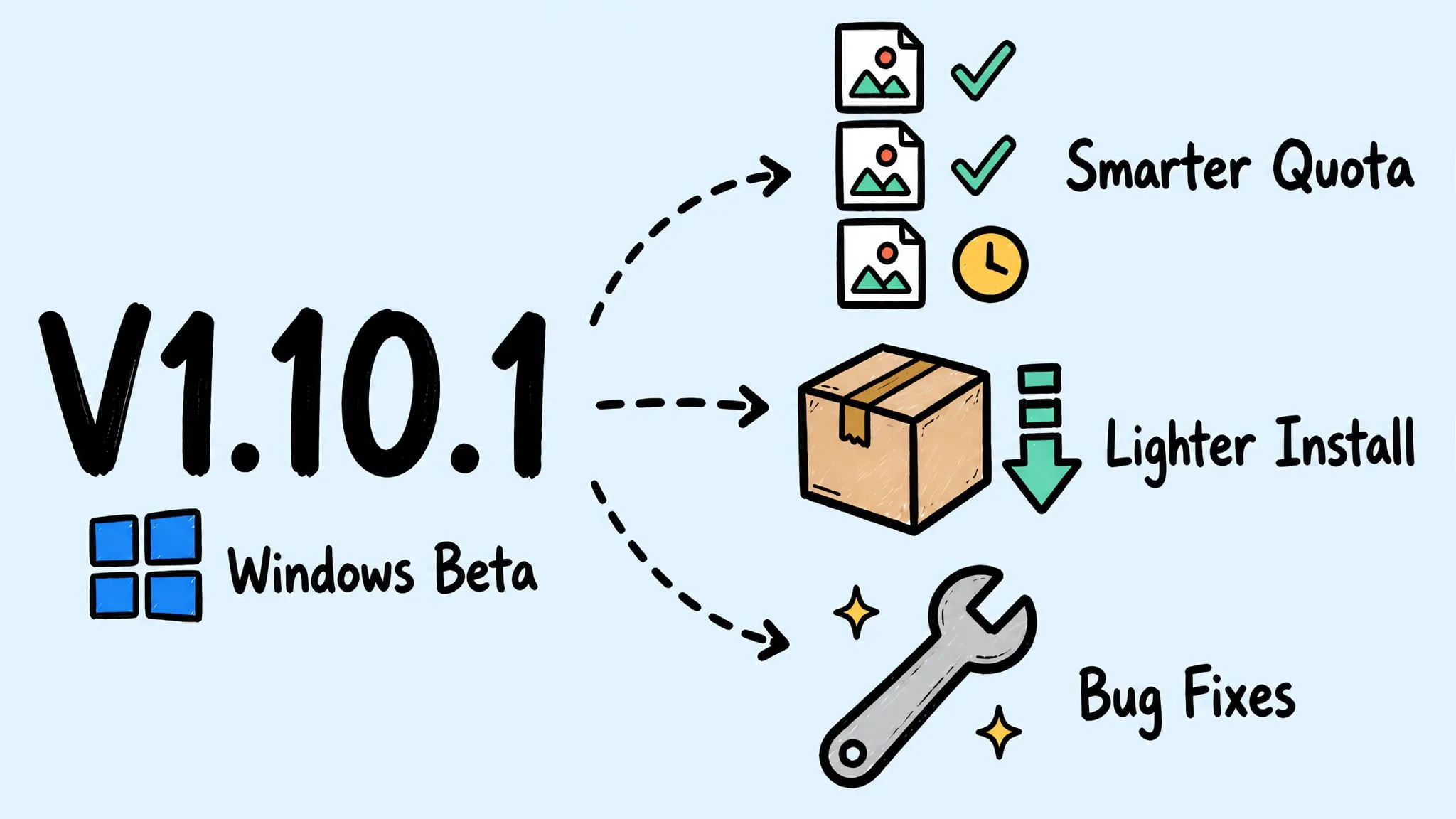
Zipic v1.10.1 is a patch release for the Windows version (Beta): the free daily quota now partially processes batches instead of rejecting them, JPEG compression no longer fails on non-ASCII paths, the installer shrinks from ~103 MB to ~59 MB, plus fixes for drag & drop, notifications, and license device management. macOS and Windows share the same major.minor version; patch releases ship independently per platform, and the latest macOS version is v1.10.0.
V1.10.0
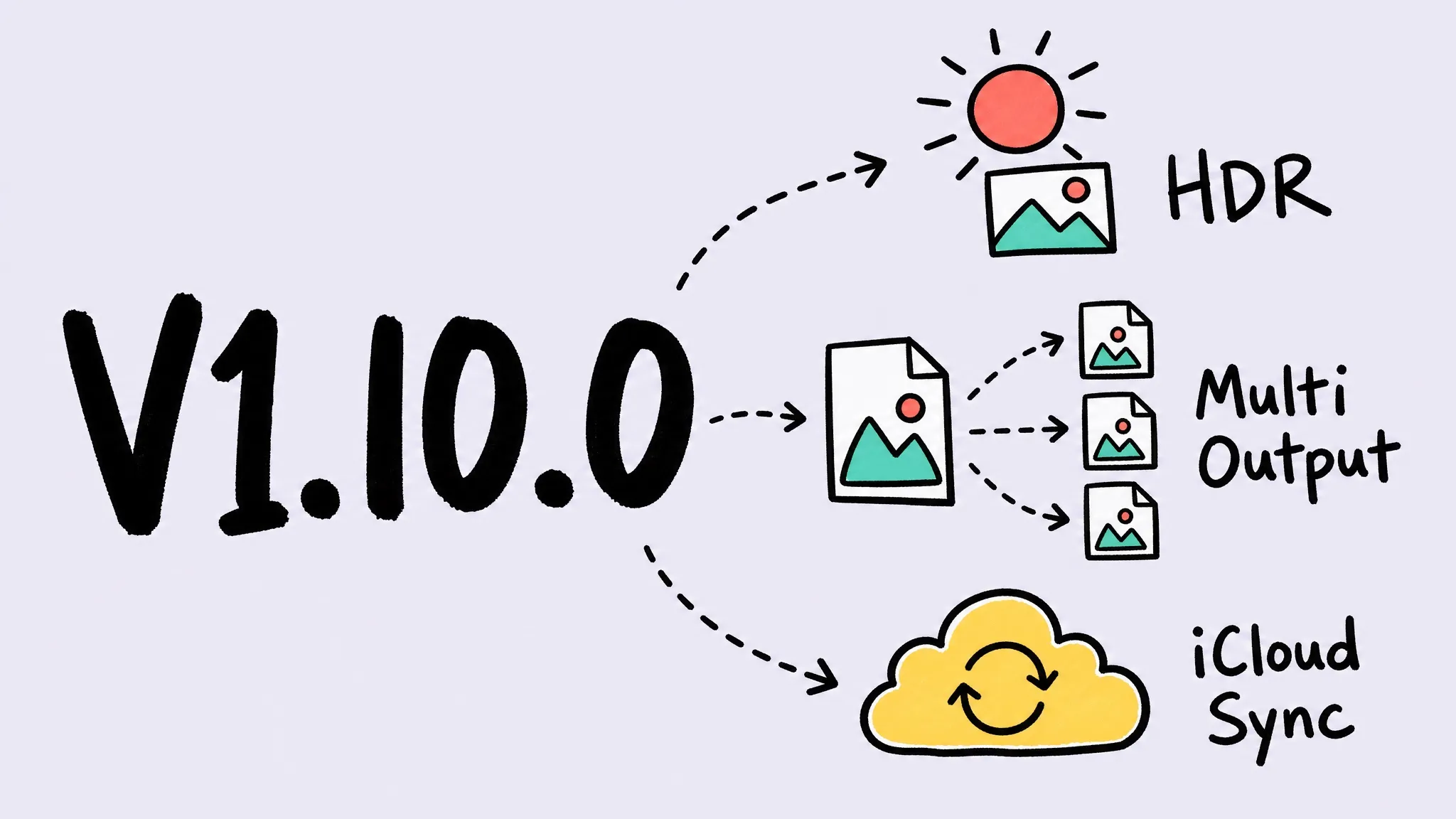
Zipic v1.10.0 adds multiple outputs per compression, HDR preservation for JPEG/AVIF/HEIC/JXL, iCloud sync for settings and presets, a redesigned settings window, config export/import, a clipboard format whitelist, percentage resizing, and major engine upgrades — plus the Windows version debuts on the Microsoft Store as a public beta.
V1.9.9
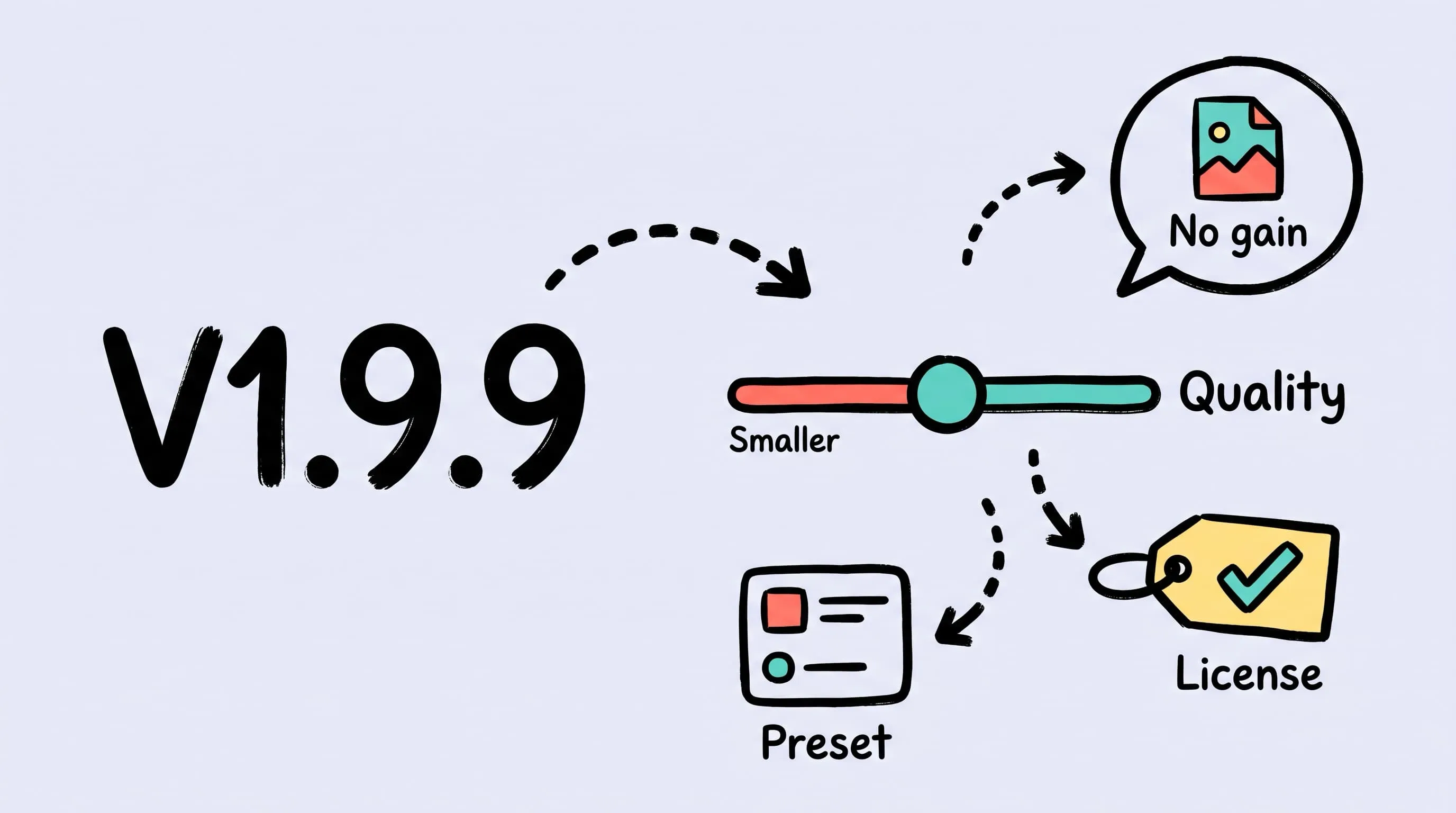
Zipic v1.9.9 makes compression settings easier to understand with image quality wording, adds no-benefit compression hints, improves license management and the current preset summary, and fixes Keygen activation removal from a new Mac.
V1.9.8
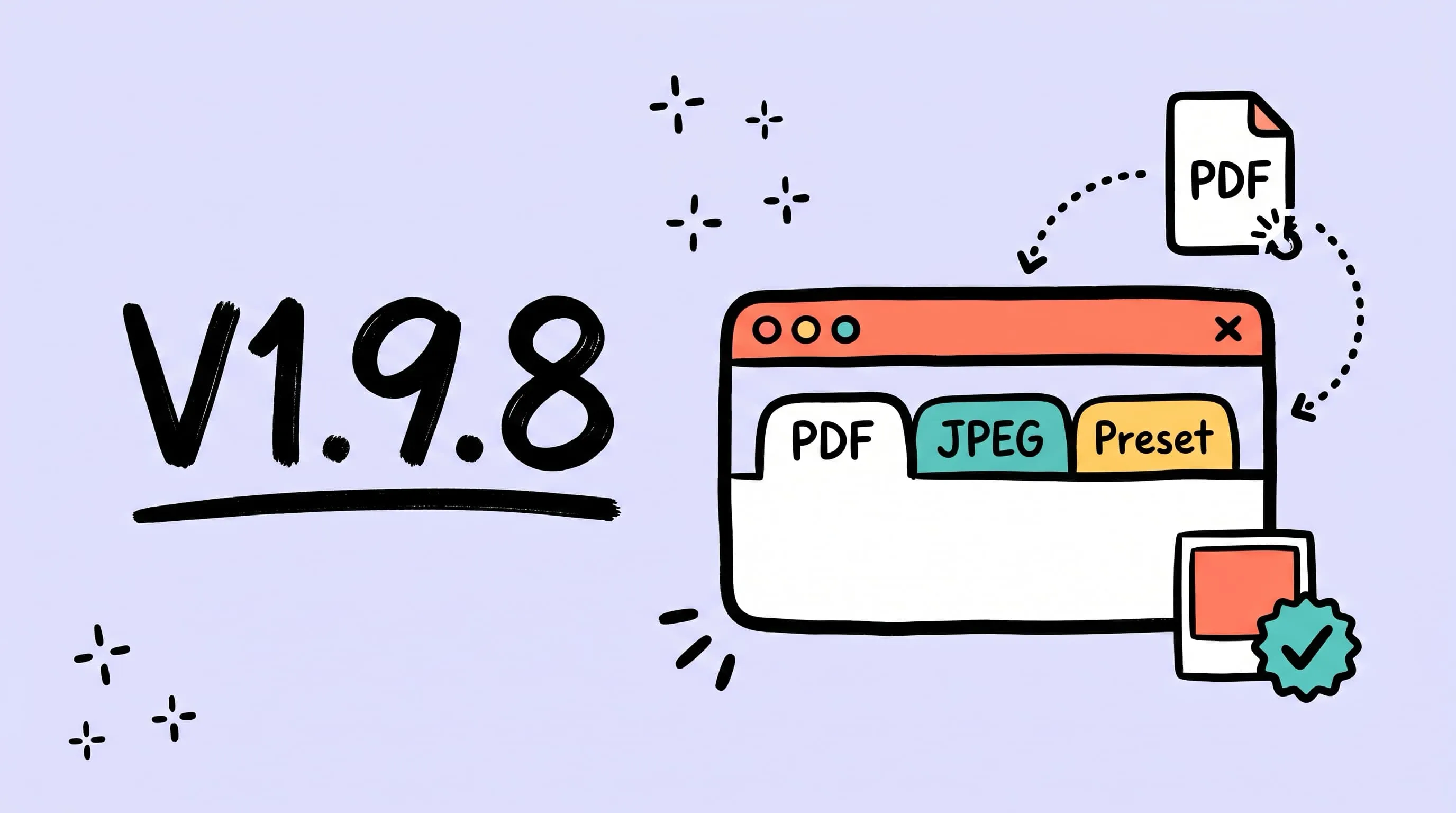
Zipic v1.9.8 — upgraded PDF compression, custom background colors when converting transparent images to JPEG, and a clearer current-preset summary in the main window, plus smoother license errors, settings sizing, and preset switching.
V1.9.7
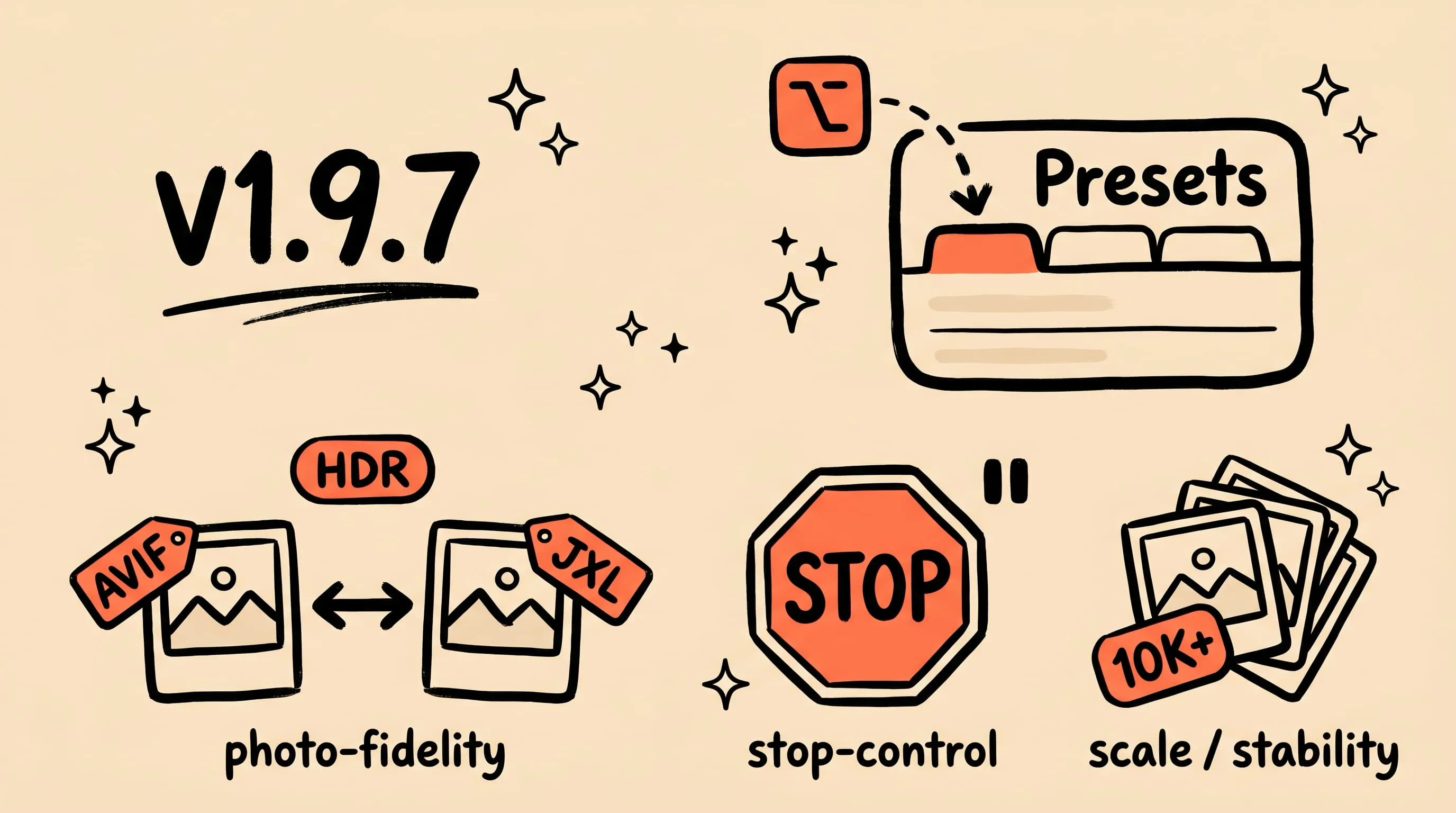
Zipic v1.9.7 — brand-new in-house jxloptim engine delivers full-fidelity JXL HDR encoding and lossless AVIF ↔ JXL gain-map round-trip; redesigned Preset Manager, three-state output location, drop-to-preset onboarding, and mid-run stop. Plus fixes for iCloud monitoring, the daily free quota, CLI long-running tasks, re-compression quality, and full EXIF / XMP / ICC preservation across HEIC, PNG, JPEG, JXL, and AVIF.
V1.9.6
Zipic v1.9.6 — more reliable metadata handling when converting to WebP, AVIF, JXL, and HEIC, with fixes for privacy metadata removal, JXL decoding, license re-activation, CLI metadata flags, and Pro feature prompts.
V1.9.5
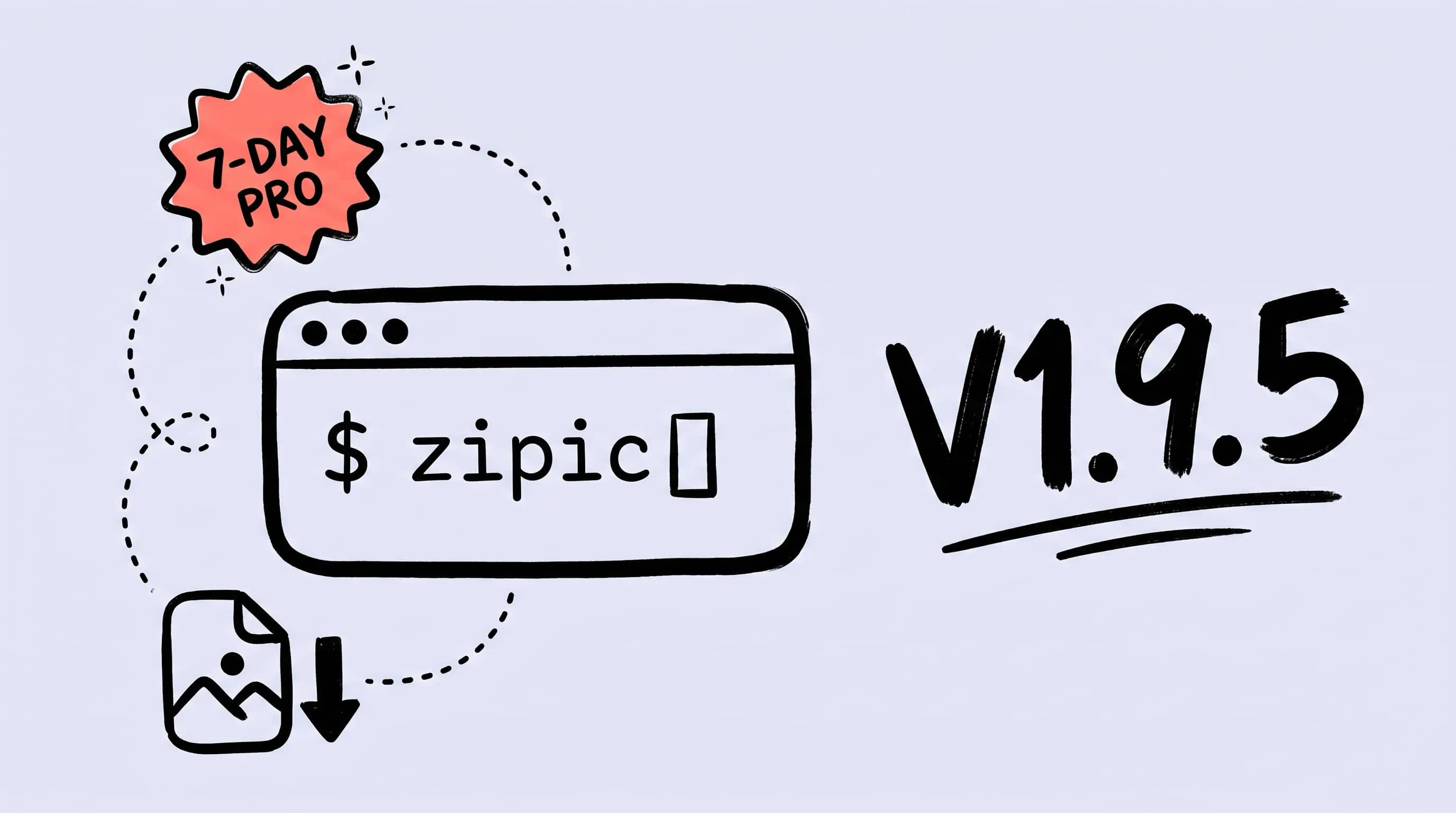
Zipic v1.9.5 — unlock a 7-day Pro free trial in one click, ship the new `zipic` command-line tool for terminal / scripts / AI workflows, plus fixes for original timestamps, iPhone HDR-to-AVIF colors, and iCloud folder startup stalls.
V1.9.4
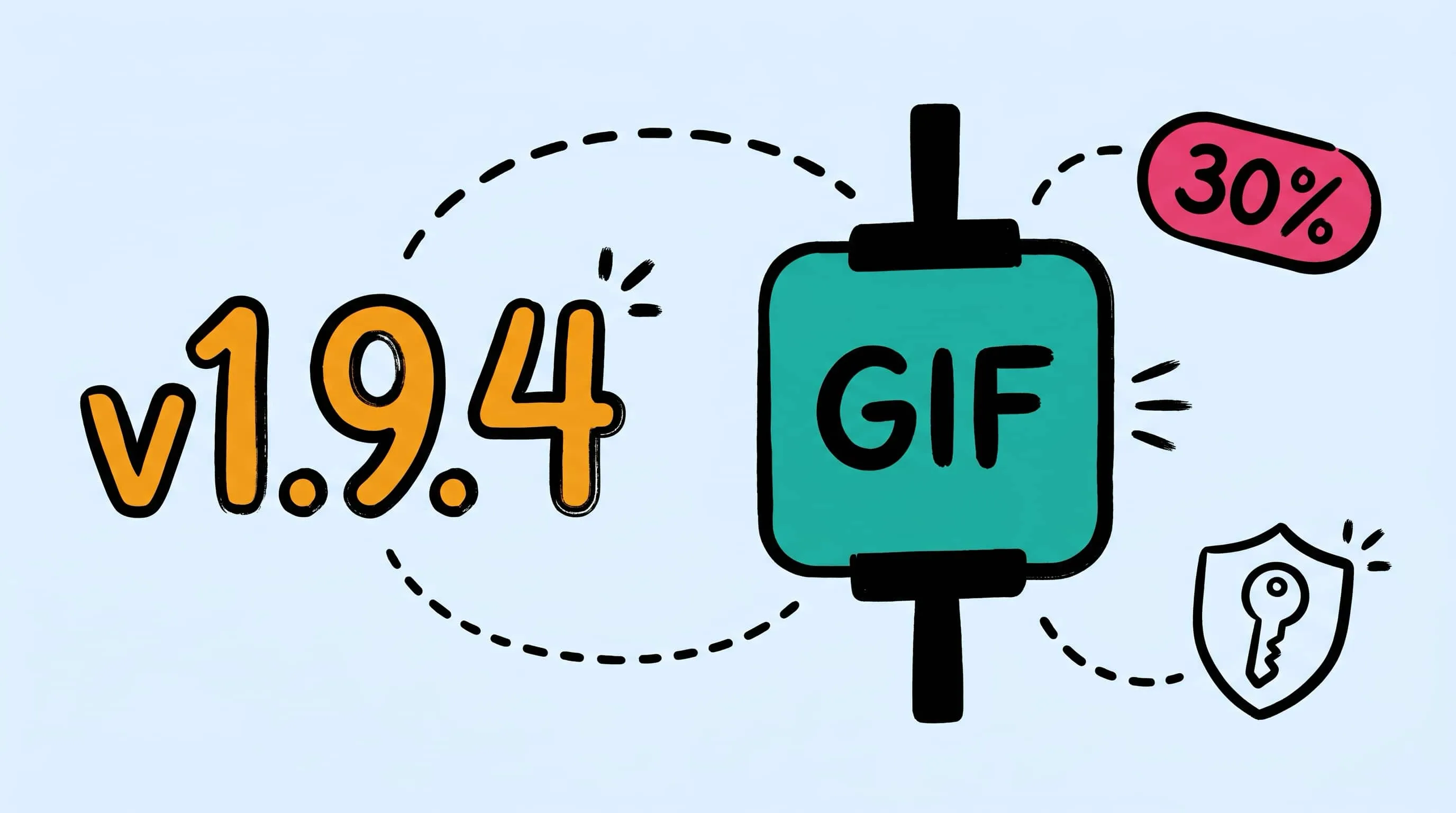
Zipic v1.9.4 — stronger default GIF compression with up to 30%+ size reduction at higher levels, more reliable license validation, plus fixes for resized dimension display and the Chinese IME space-key issue in the rename popover.
V1.9.3
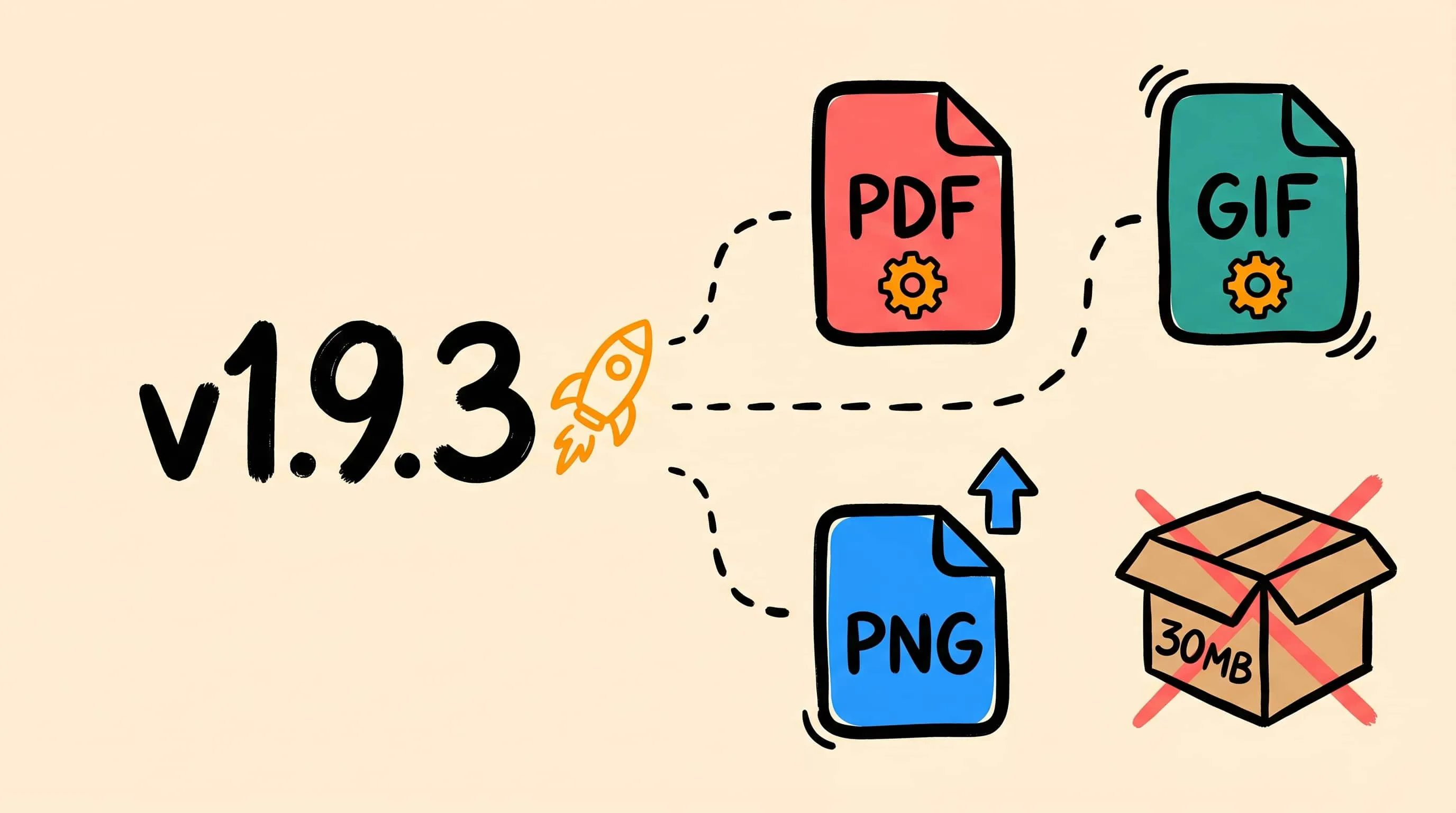
Zipic v1.9.3 — In-house PDF (pdfoptim) and GIF (gifoptim) engines replace Ghostscript and gifski, with no large dependency download, clearer PDF quality levels, friendlier encrypted-PDF errors, PNG core upgrade, and fewer first-run waits.
V1.9.2
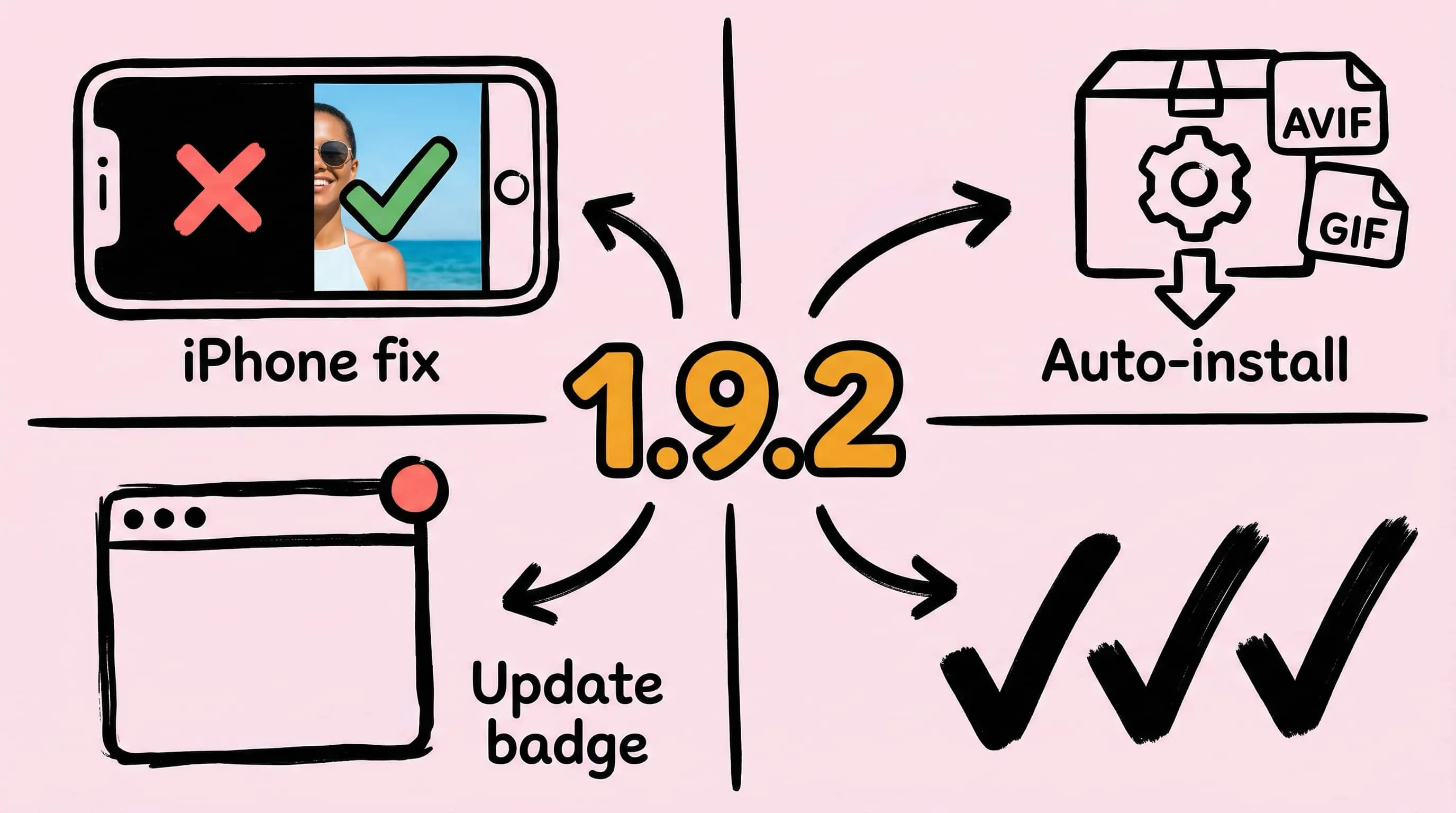
Zipic v1.9.2 — Auto-checks and installs required components for AVIF/GIF compression, shows an update badge on the main window, and fixes iPhone portrait photos turning black after JPEG compression.
V1.9.1
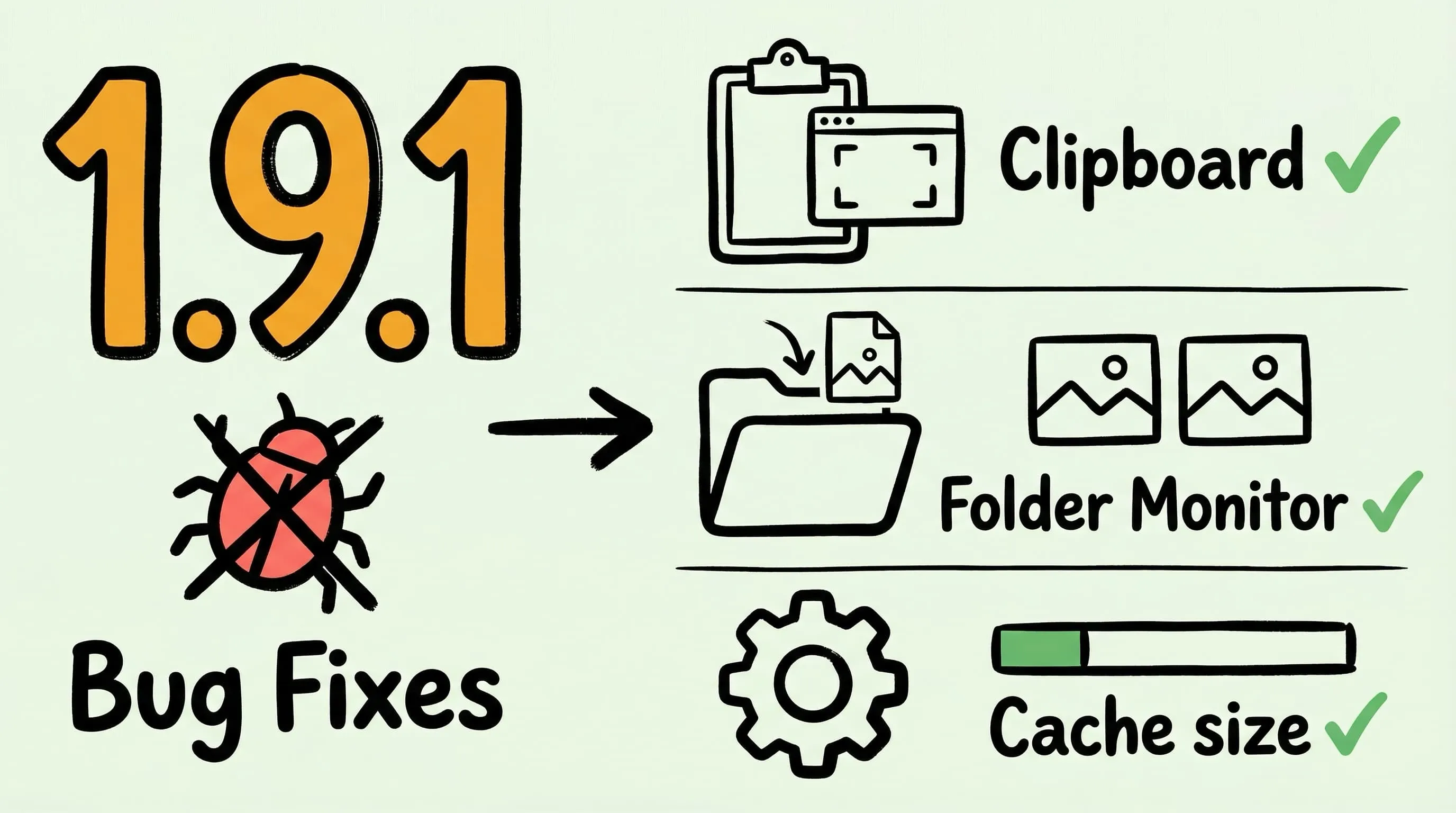
Zipic v1.9.1 — Fixes clipboard monitoring for Qt-based screenshot tools, folder monitoring when the first saved image only showed a notification, and inaccurate cache directory size in Settings.
V1.9.0
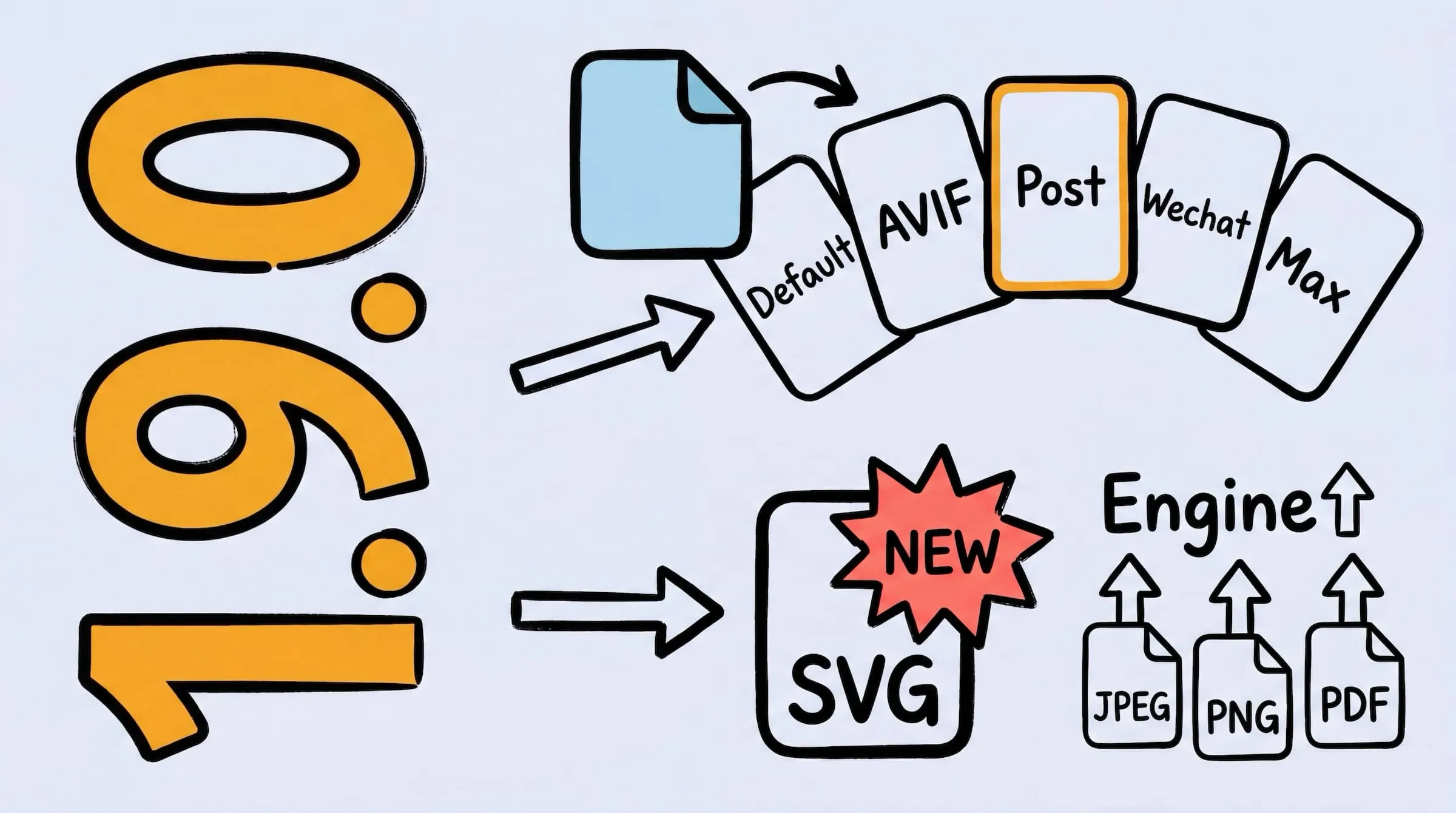
Zipic v1.9.0 — New SVG compression, APNG support, enhanced JPEG/PNG/PDF engines, smart skip for compressed files, quick preset switching, and Display P3/HDR/ICC color fidelity improvements.
V1.8.5
Zipic v1.8.5 — Fixed clipboard screenshot recognition, image rotation loss during format conversion, and drop zone obstruction on notch displays. Improved WebP/AVIF color accuracy and compression performance.
V1.8.4
Zipic v1.8.4 — Notification tap to open main window, fixed multi-source drag save path issue, and improved license validation stability.
V1.8.3
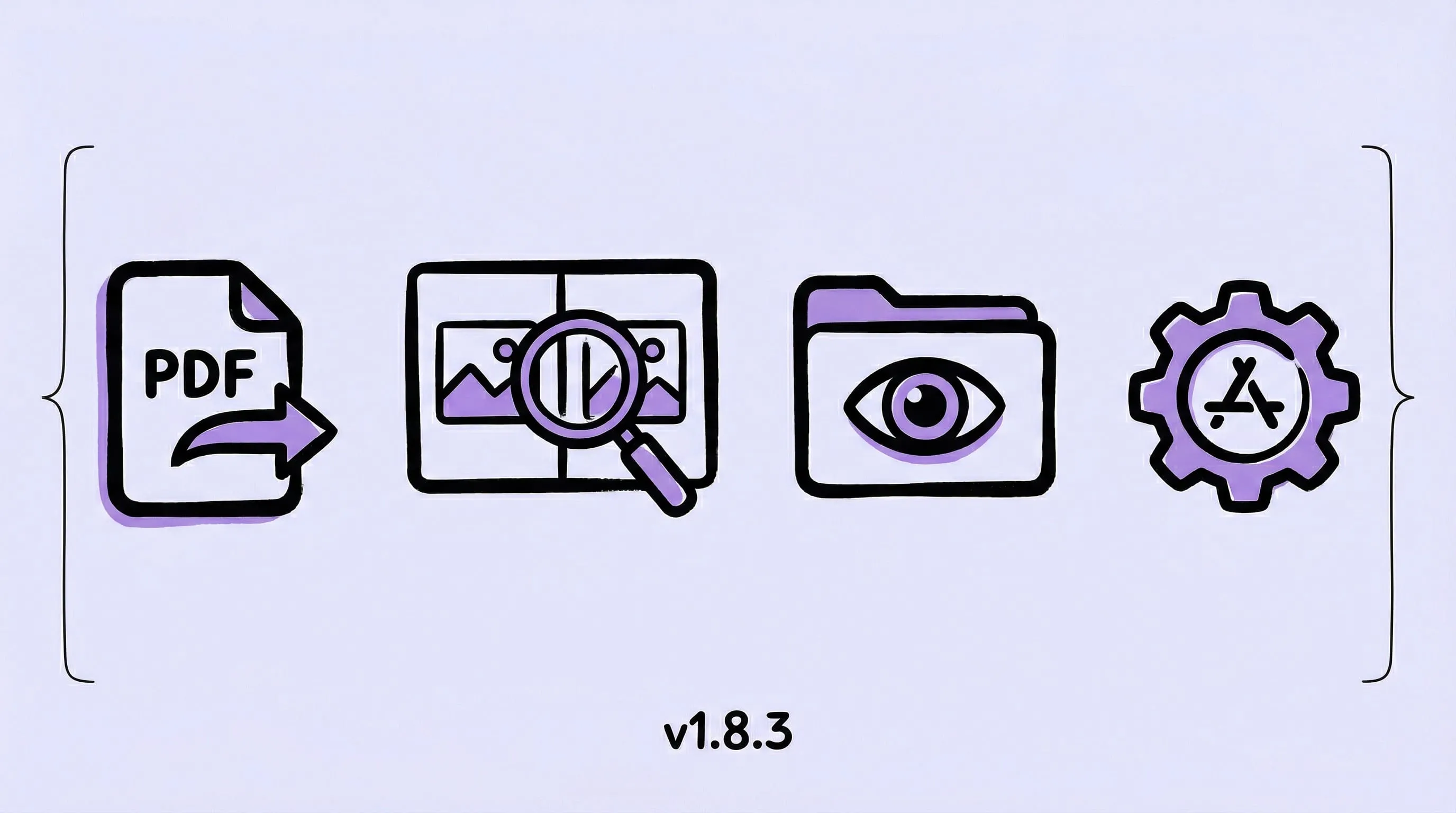
Zipic v1.8.3 — PDF compression support, image comparison view, directory monitoring depth settings, and AppIntents support for enhanced automation.
V1.8.2
Zipic v1.8.2 — macOS Shortcuts support, improved NotchDrop reliability, and enhanced clipboard detection for better workflow integration.
V1.8.1
Zipic v1.8.1 — clearer onboarding, more resilient component downloads, and fixes for status bar/Dock and Silent Launch.
V1.8.0
Zipic v1.8.0 is out! 🧲 Notch Drop (Pro), 📋 Clipboard auto‑compress (Pro), 🖼️ JXL/native WebP/GIF, ⚡ event‑driven monitoring, 🎬 new onboarding + Lottie, 🎨 macOS 26 visual style. Toss images at the notch and they compress—seriously.
V1.7.3
Zipic 1.7.3 is here! 🚀 Introducing PNG format conversion, enhanced compression quality, customizable status bar controls, and improved file size accuracy.
V1.7.2
Zipic 1.7.2 is here! 🚀 New cut feature for Pro, improved notifications, fixed text operations.
V1.7.1
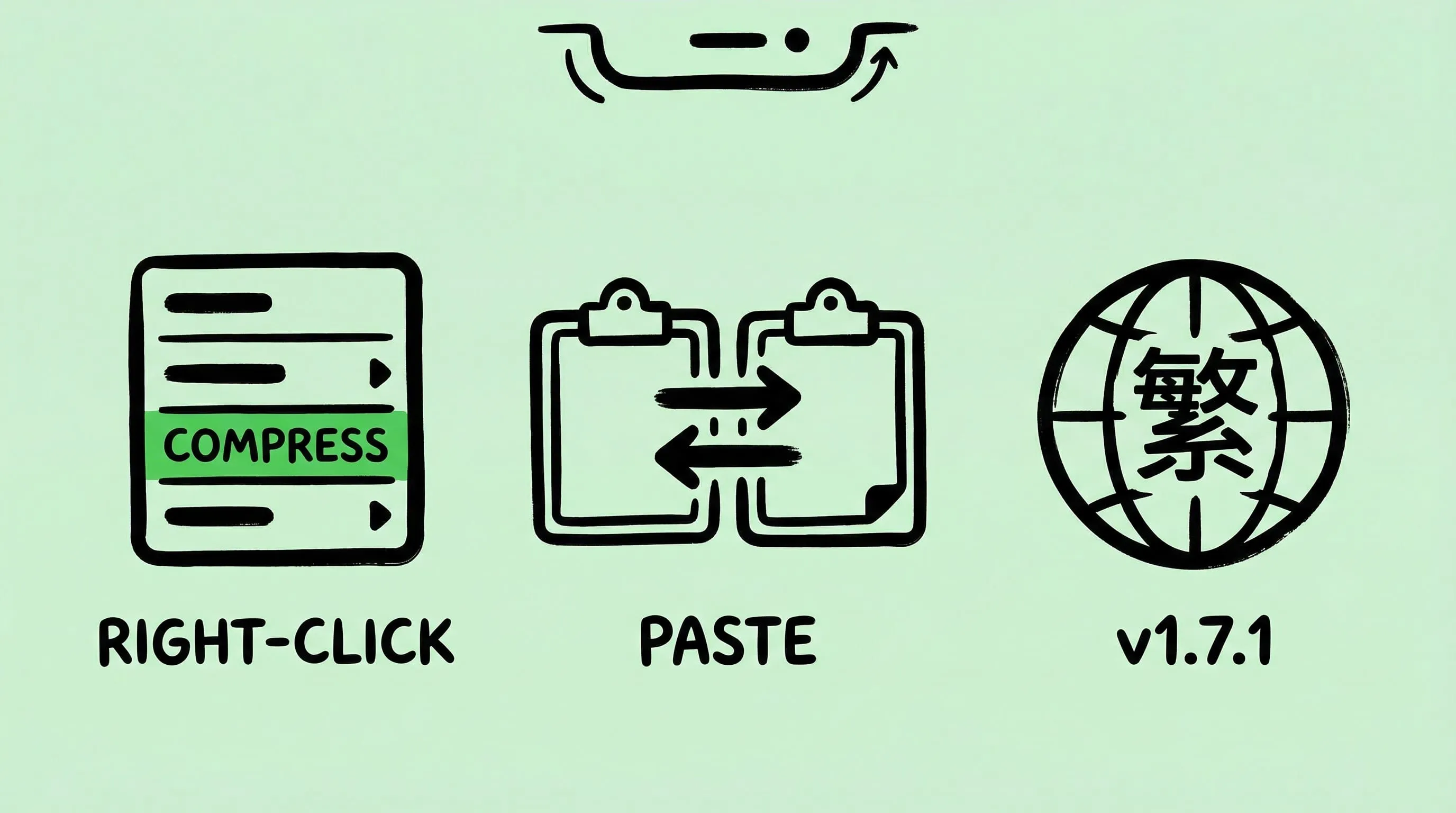
Zipic 1.7.1 is here! 🚀 New right-click menu and in-app copy-paste for Pro. Improved Notch popup experience. Now with Traditional Chinese support!
V1.7
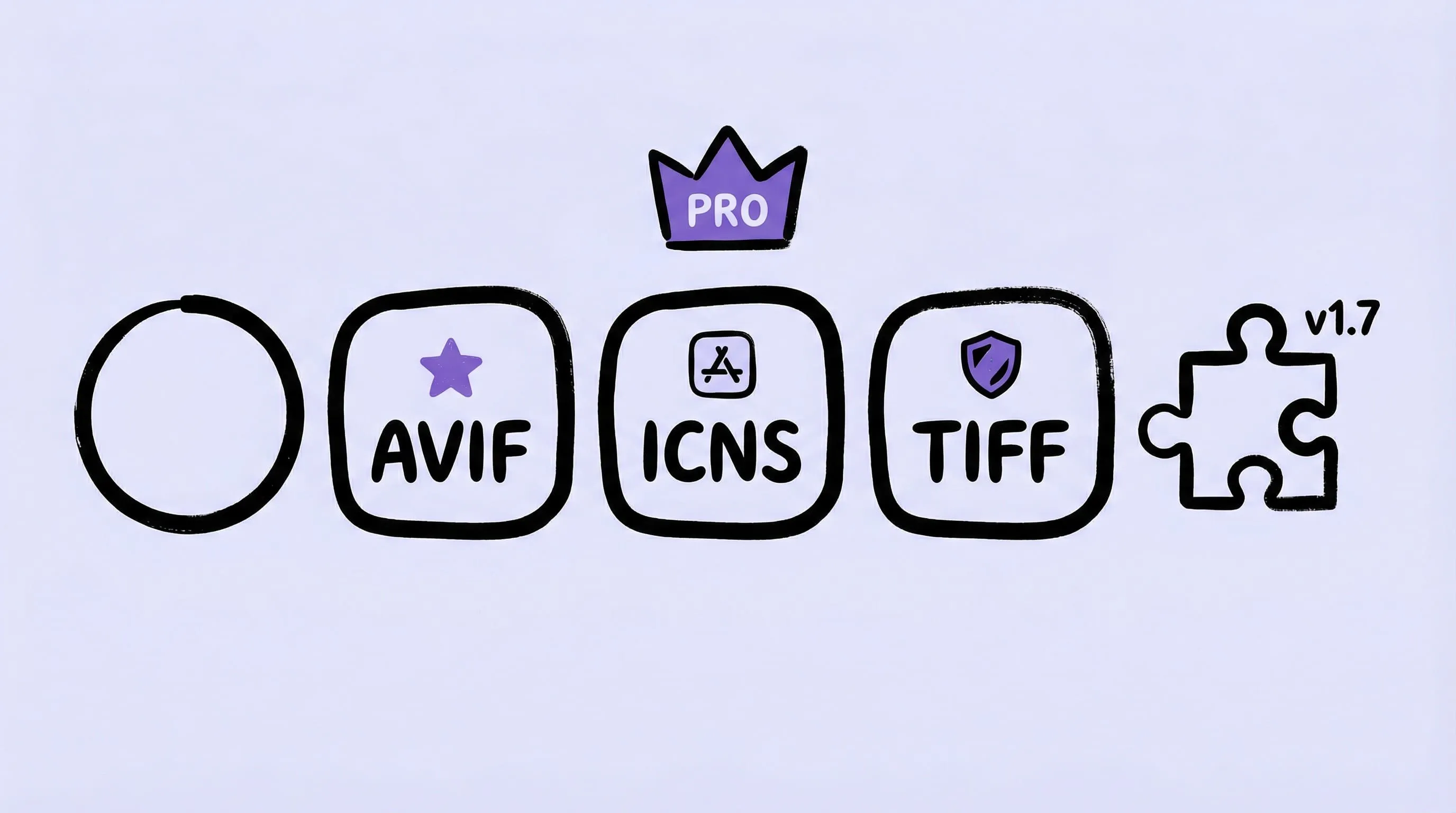
Zipic 1.7 introduces several new features 🎉, including support for AVIF and ICNS formats, lossless TIFF compression, and more. It optimizes tool component management ⚙️, enhances performance 🚀, fixes multiple critical issues 🐛, and implements various improvements ✨.
V1.6.4
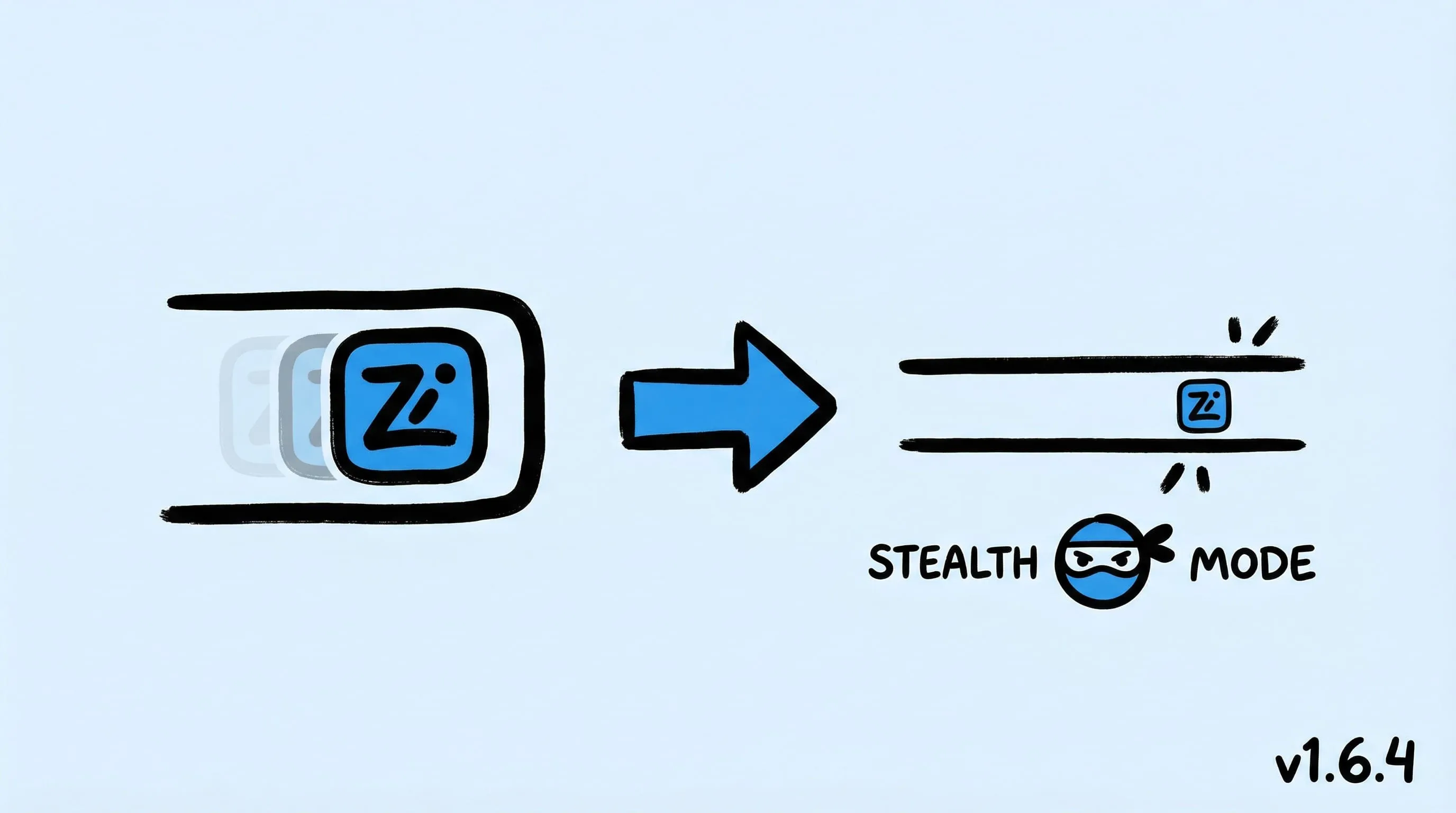
Zipic 1.6.4 sneaks in! 🎉 New Stealth Mode for Pro → Dock hides, status bar gains a tiny icon. Upgraded verification, enhanced stability. Update now! 🚀
V1.6.3
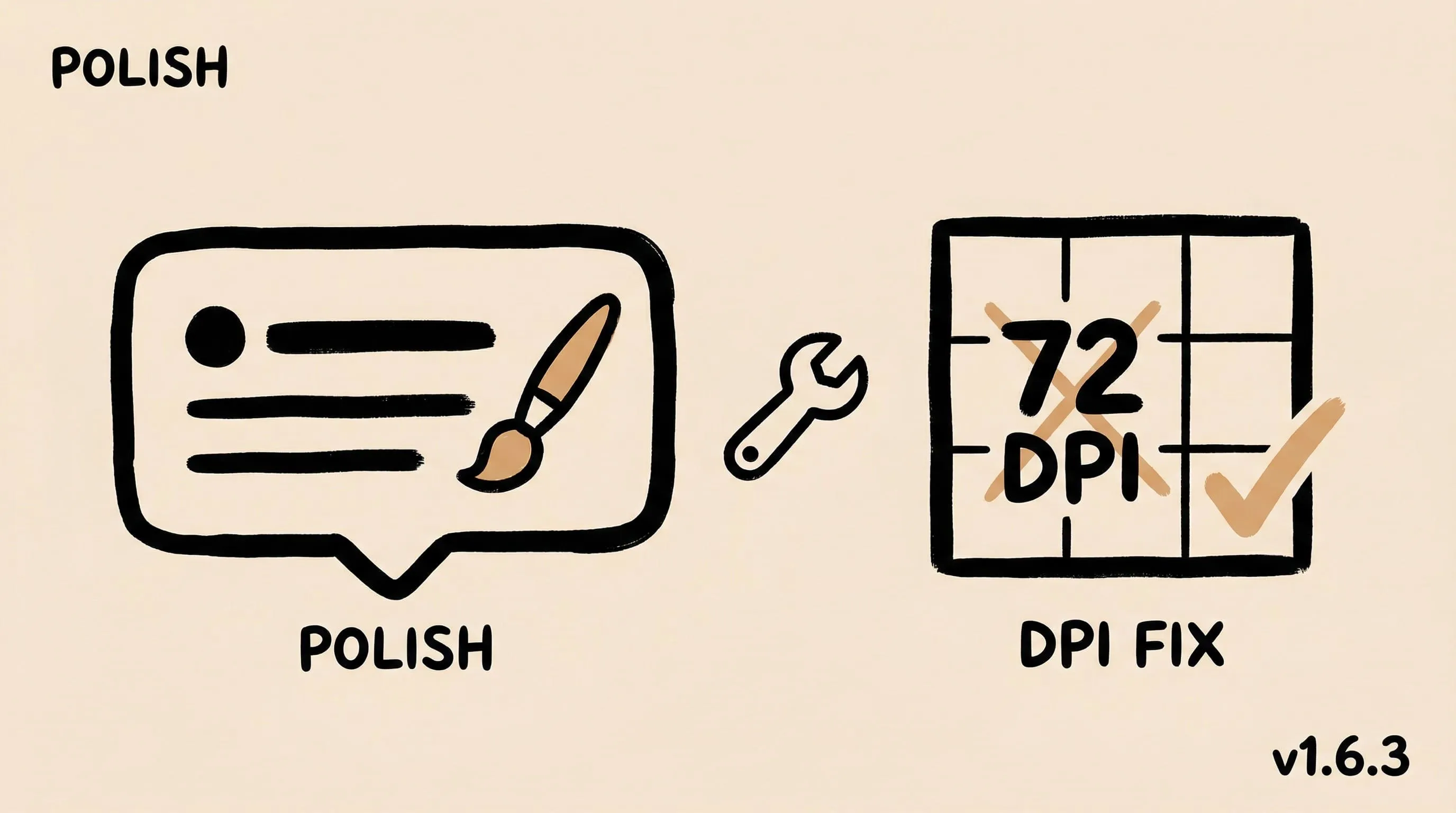
🚀 Zipic 1.6.3 optimizes notification popup styles and sorting option descriptions, and fixes the issue of abnormal resolution after resizing images.
V1.6.2
Zipic 1.6.2 introduces image list sorting🎉, optimizes the feedback page and default configuration🎈, fixes thumbnail display issues🐛, and adds an entry for managing orders and license keys✨。
V1.6.1
Zipic has introduced a new feedback system🎉, now supporting macOS 12.0 and above. Performance optimized🎈, multiple issues fixed🐛. Thanks for your support and feedback!✨
V1.6
Zipic Pro introduces various new reminder styles and an auto-compression feature 🎉, optimizes compression processing and configuration prompts 🎈, fixes various UI and interaction issues 🐛, and adds a convenient feedback button ✨.
V1.5.3
🚀 Zipic 1.5.3 introduces 🔥 new features for Pro users → customizable image metadata retention, automatic post-compression copying✨, and background operation for compression calls🌐, significantly boosting professional workflow efficiency.
V1.5.1
🚀 Presenting Zipic 1.5.1! We're introducing deep link functionality, we're rolling out the 🌟Zipic's Raycast extension.
V1.5
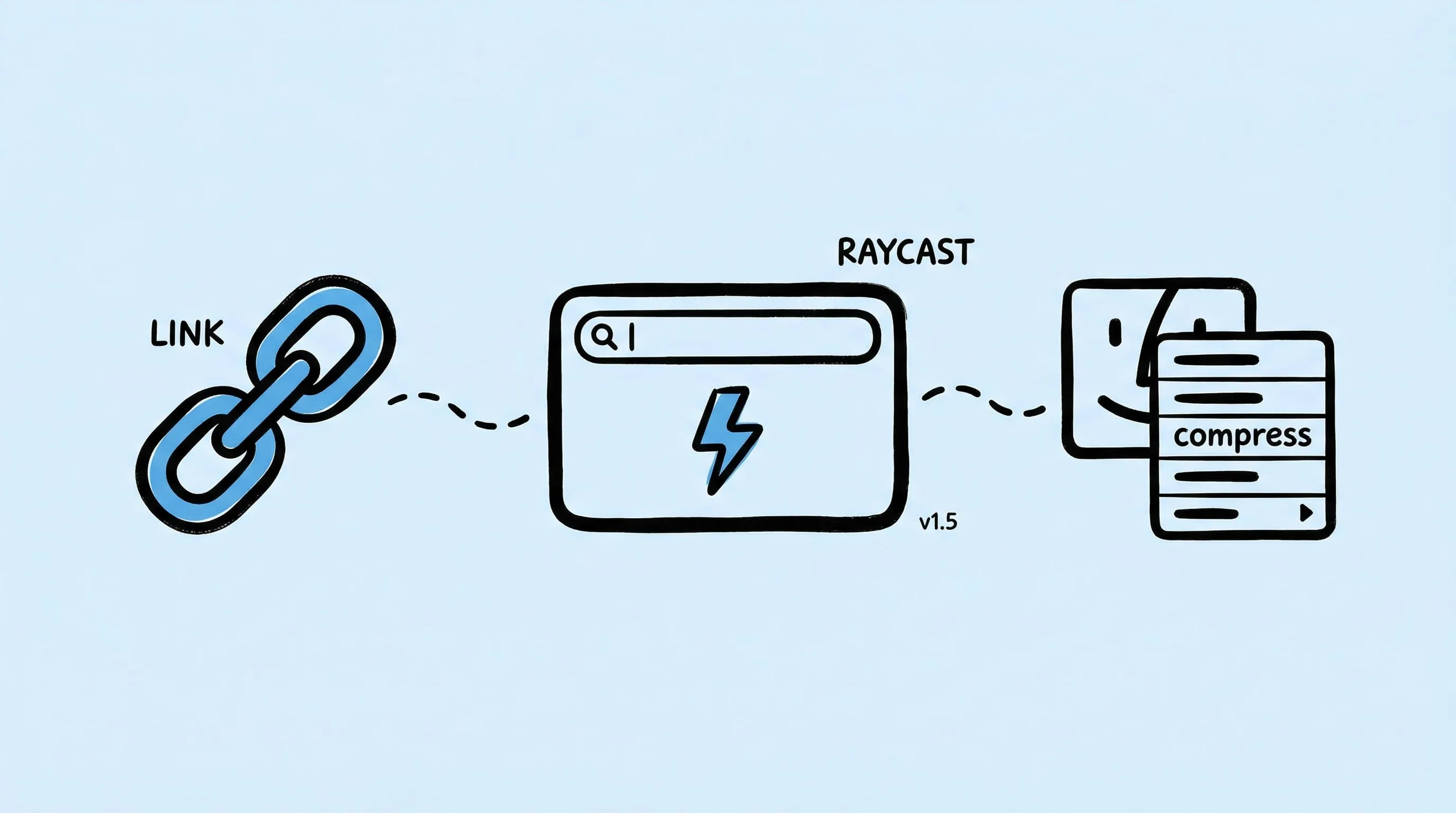
🚀 Presenting Zipic 1.5! We're introducing deep link functionality, simplifying multi-file compressions, resolving HEIC to WebP conversion issues, and enhancing usability👌. Plus, with this release, we're rolling out the 🌟Zipic's Raycast extension.
V1.4.1
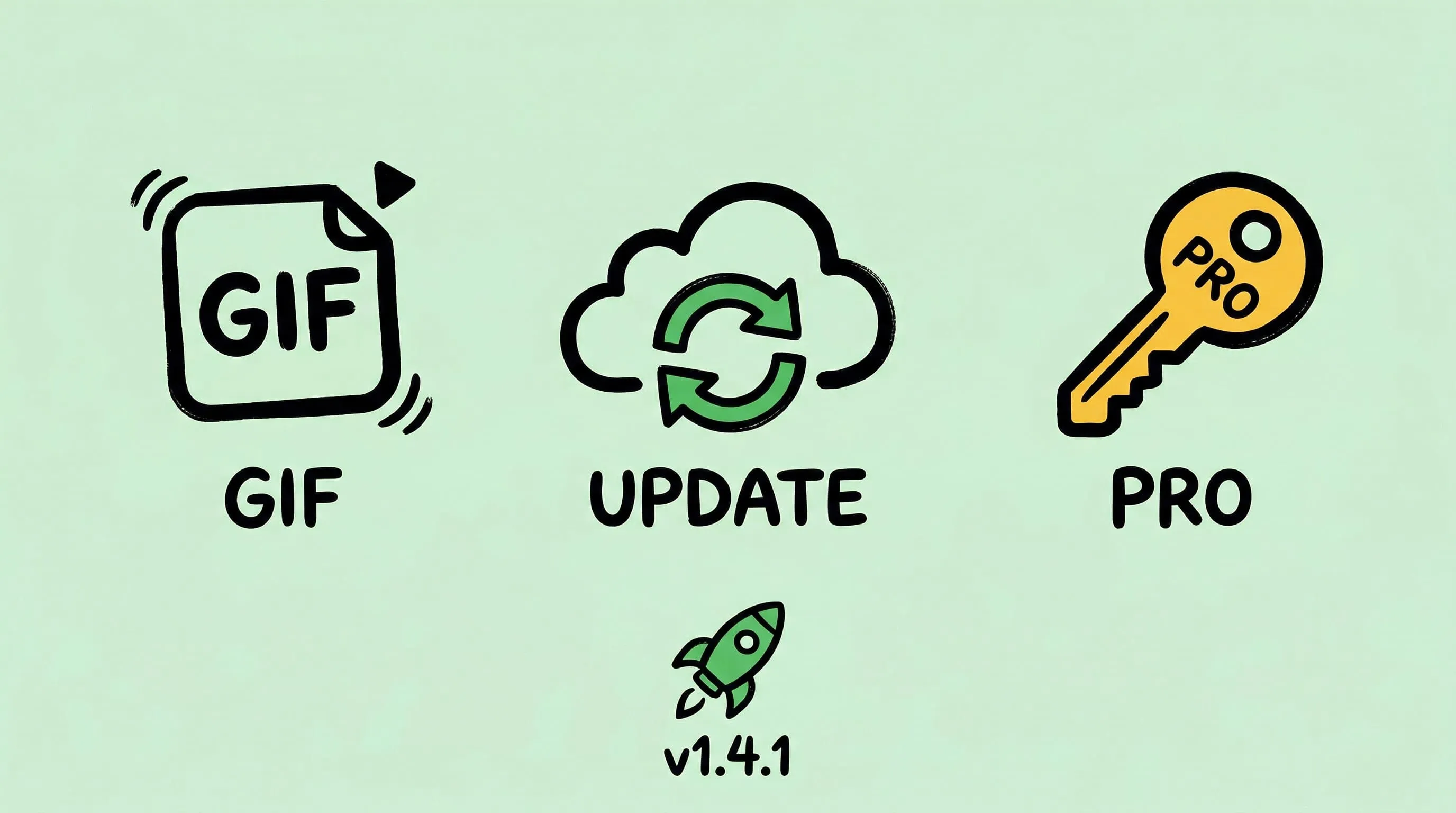
🚀 Zipic 1.4.1 brings significant updates. GIF image compression🎉, update checking & downloading🔄, and Pro version authorization🔑. Also includes WebP compression optimization and UI layout fixes, enhancing overall experience.
V1.3
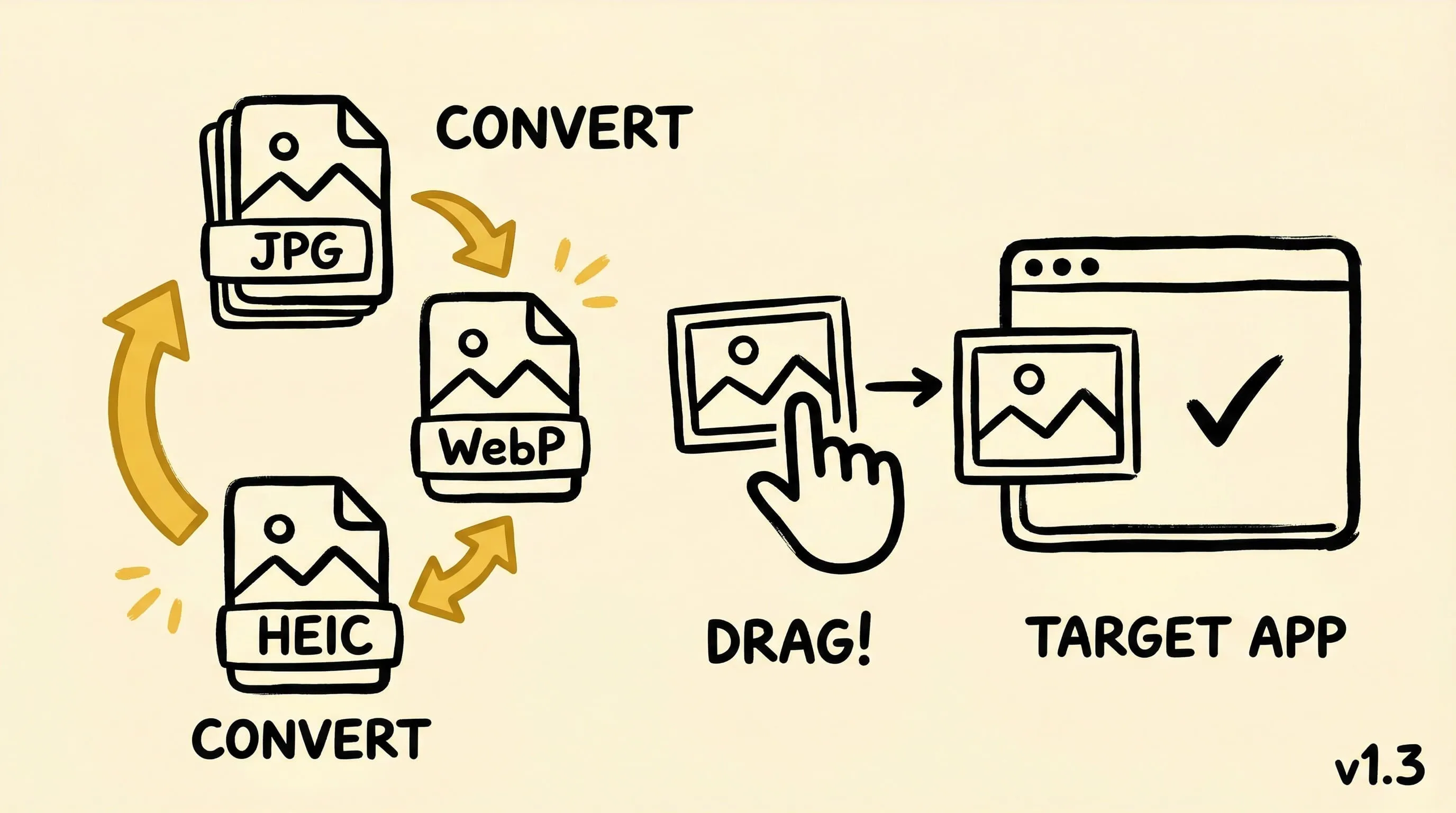
🎉 Added batch image format conversion and drag-and-drop copy feature, 🎈 enhanced tips, optimized drag-and-drop processing, updated build system, 🐛 fixed compression progress display, file handling, and button display issues.
V1.2.2
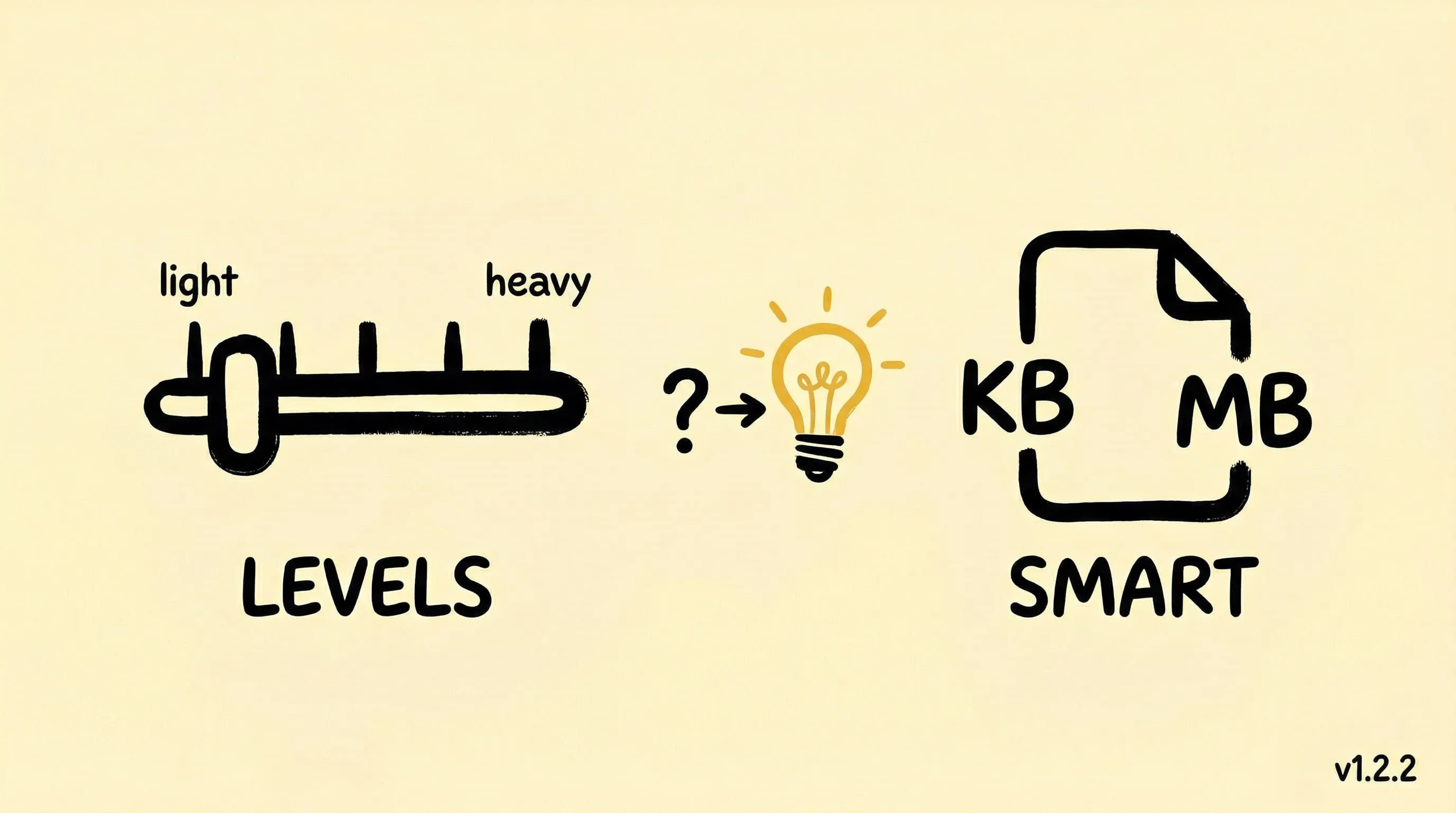
Added explanations for compression levels, along with adaptive unit information for file sizes. 🐛Fixed the crash issue that occurred when non-image files were dragged and dropped. Also implemented some improvements.✨

V1.2.1
Enhanced UI layout of options view in English environment and directory authorization management, improving user experience. No new features or bug fixes.
V1.2
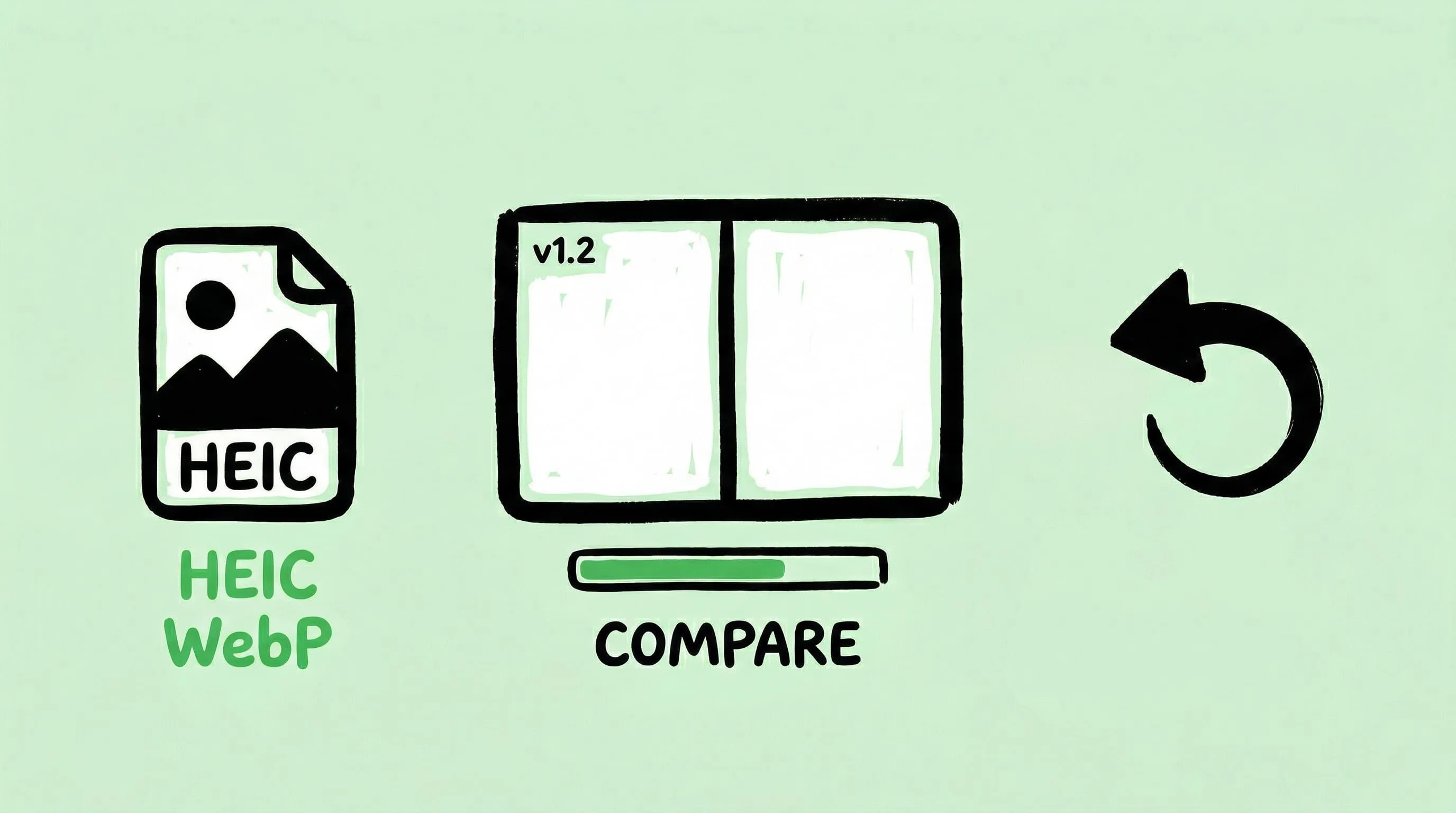
Supports compression for HEIC/HEIF/WebP image formats✨; Compare compressed images for an intuitive view of the results🎈; Not satisfied with the compression quality? No worries, easily restore the original image🛠️; Monitor the real-time progress of batch compression tasks and take control of your time.🤩
V1.1
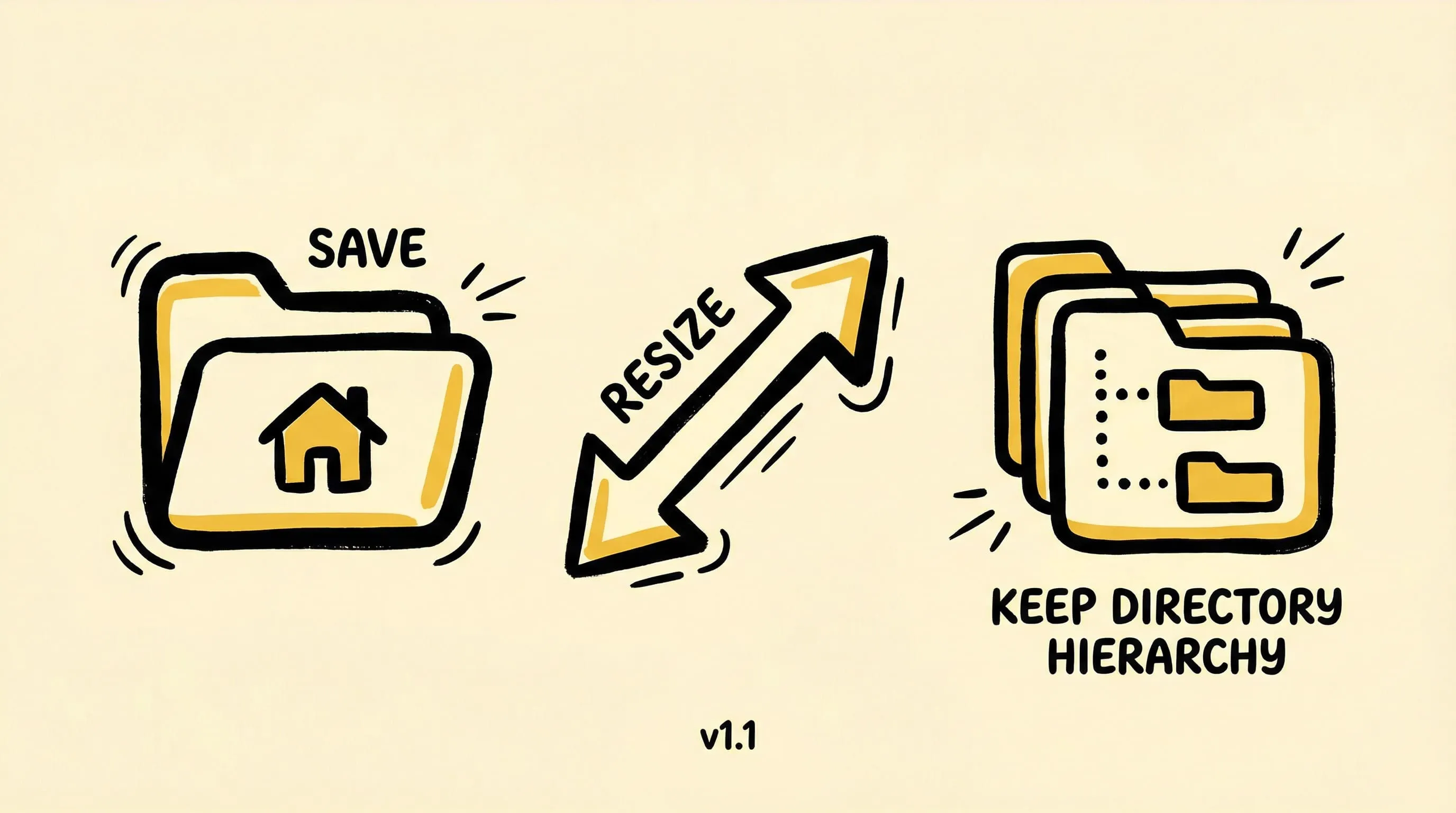
Default directory support for image compression🌟; Selectable image list items for improved interaction👁️; New image resizing feature for enhanced application flexibility💡; "Keep Directory Hierarchy" option for efficient file management🗂️. Performance enhancements and various bug fixes to boost stability and efficiency🛠️.