V1.10.6
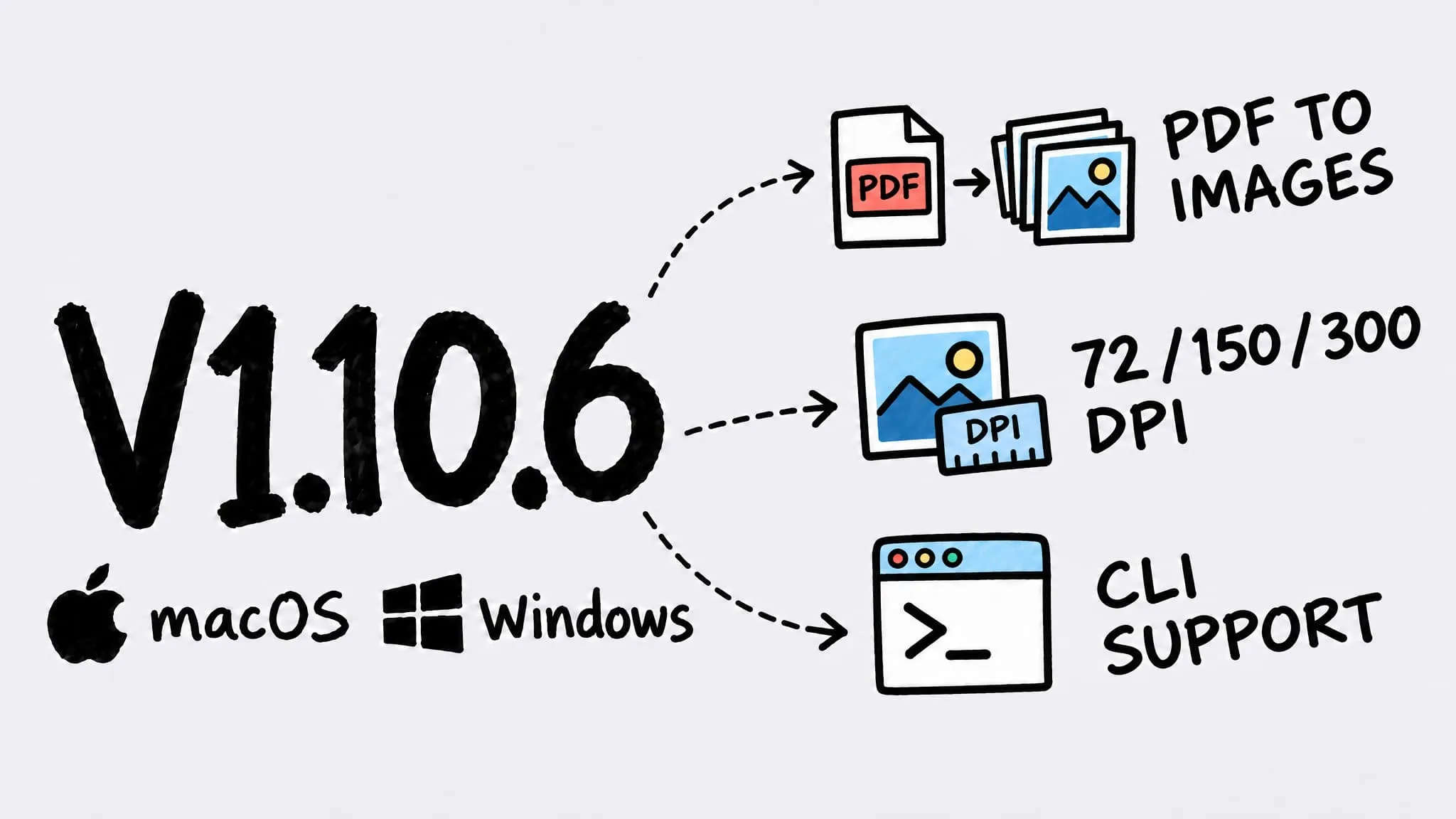
Zipic v1.10.6 ships for both macOS and Windows (Beta), and both add PDF to Images (Pro): export every PDF page as PNG, JPEG, WebP, AVIF and more at 72, 150 or 300 DPI, with matching new CLI flags. On macOS, PDF to Images also works in Shortcuts and the URL Scheme, the comparison preview now adapts to each image's aspect ratio so portrait shots and long screenshots are no longer cropped, and folder monitoring predicts output names more accurately.
Thanks to 奥赛 (preview window aspect ratio) — the new preview window grew out of your suggestion.
macOS and Windows (Beta) share the same version number again: v1.10.6. Items without a platform tag apply to both; platform-specific items are marked in their title. The Windows version rolls out via the Microsoft Store.
✨ New Features
- PDF to Images (Pro): Turn it on in Settings and every PDF page is exported as an image — PNG, JPEG, WebP, AVIF and more — at 72, 150 or 300 DPI. Resize, max file size and filename suffixes all work as usual.
- PDF to Images in the CLI: New
--pdf-to-imageand--pdf-dpiflags, with results listed per page for easy scripting. - PDF to Images in Shortcuts and URL Scheme (macOS): The Compress and Convert actions gain a “Convert PDF pages to images” option, and the URL Scheme can set conversion and resolution too.
- Helpful hint (macOS): When a PDF is set to another format but conversion is off, the list offers a one-click switch to image conversion, or you can dismiss it for good.
🐛 Bug Fixes
- Preview no longer crops images (macOS): The comparison window now adapts to each image’s aspect ratio, so portrait shots and long screenshots show in full. Double-click toggles between fit and fill, and you can pan with the trackpad or scroll wheel when zoomed in.
- More accurate folder monitoring (macOS): Fixed incorrect output name predictions for PDFs and some other files in watched folders, which could cause outputs to be processed again.