V1.10.7
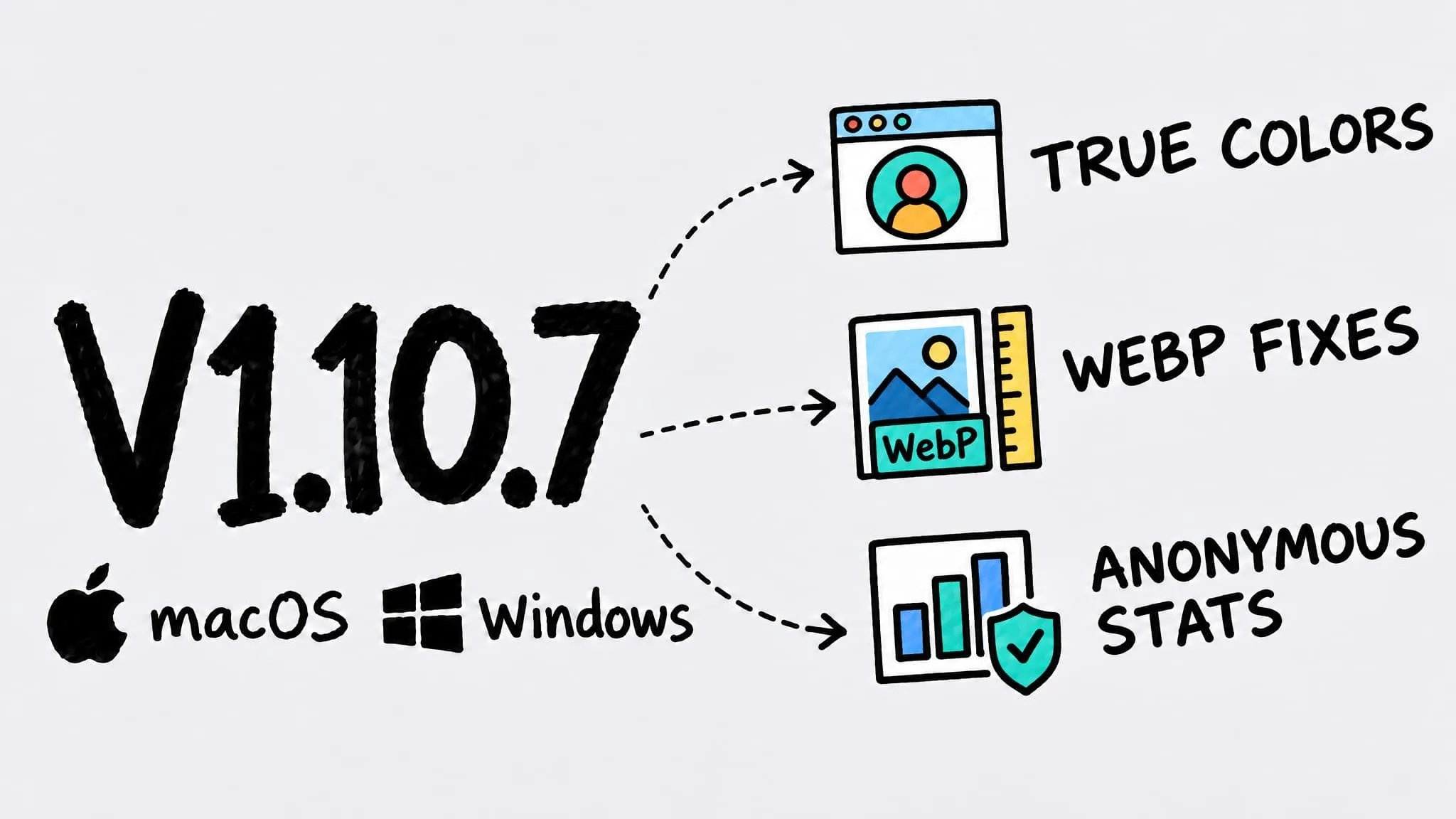
Zipic v1.10.7 ships for both macOS and Windows (Beta) as a bug-fix release. On both platforms, small colorful areas such as avatars and buttons in PNG screenshots no longer turn black-and-white after compression, images over 16,383 pixels get a clear message when converting to WebP, and anonymous usage statistics arrive with an off switch in Settings. macOS also lets WeChat's built-in screenshots trigger clipboard auto-compression, stops silently downscaling animations with a long side over 10,000 pixels when converting to WebP, and no longer overwrites the launch-at-login preference during onboarding.
Thanks to 奥赛 (avatars turning gray in screenshots, WeChat screenshots not auto-compressing) and Miguel Stevens (very tall images failing to convert to WebP) — every fix in this release came from your reports.
This time macOS and Windows (Beta) share the same version, v1.10.7. Items without a platform label apply to both; single-platform items name their platform in the title. The Windows version is delivered through the Microsoft Store.
🐛 Bug Fixes
- Small colorful areas keep their color: When compressing PNG screenshots, tiny colored regions such as avatars and buttons no longer turn black-and-white or shift hue, even on dark-mode screenshots.
- Clearer message for oversized WebP: WebP allows at most 16,383 pixels per side. Instead of a cryptic encoder error, Zipic now suggests turning on resizing or converting to JPEG XL.
- WeChat screenshots auto-compress (macOS): With clipboard auto-compression on, screenshots taken with WeChat’s built-in tool are now compressed automatically, just like iShot and other screenshot apps.
- Long animations keep their size in WebP (macOS): Animated images with a long side over 10,000 pixels are no longer silently downscaled when converted to WebP.
- Launch-at-login setting stays accurate (macOS): Finishing onboarding no longer overwrites your launch-at-login preference, so exported configurations carry the right value.
🚀 Other Improvements
- Anonymous usage statistics: Zipic now collects anonymous usage data to help us improve the app. File names, paths, and image content are never collected, and you can turn it off anytime in Settings → Data. See the Privacy Policy.