macOSWindows (Beta)
V1.10.0
2026-08-24okooo5km
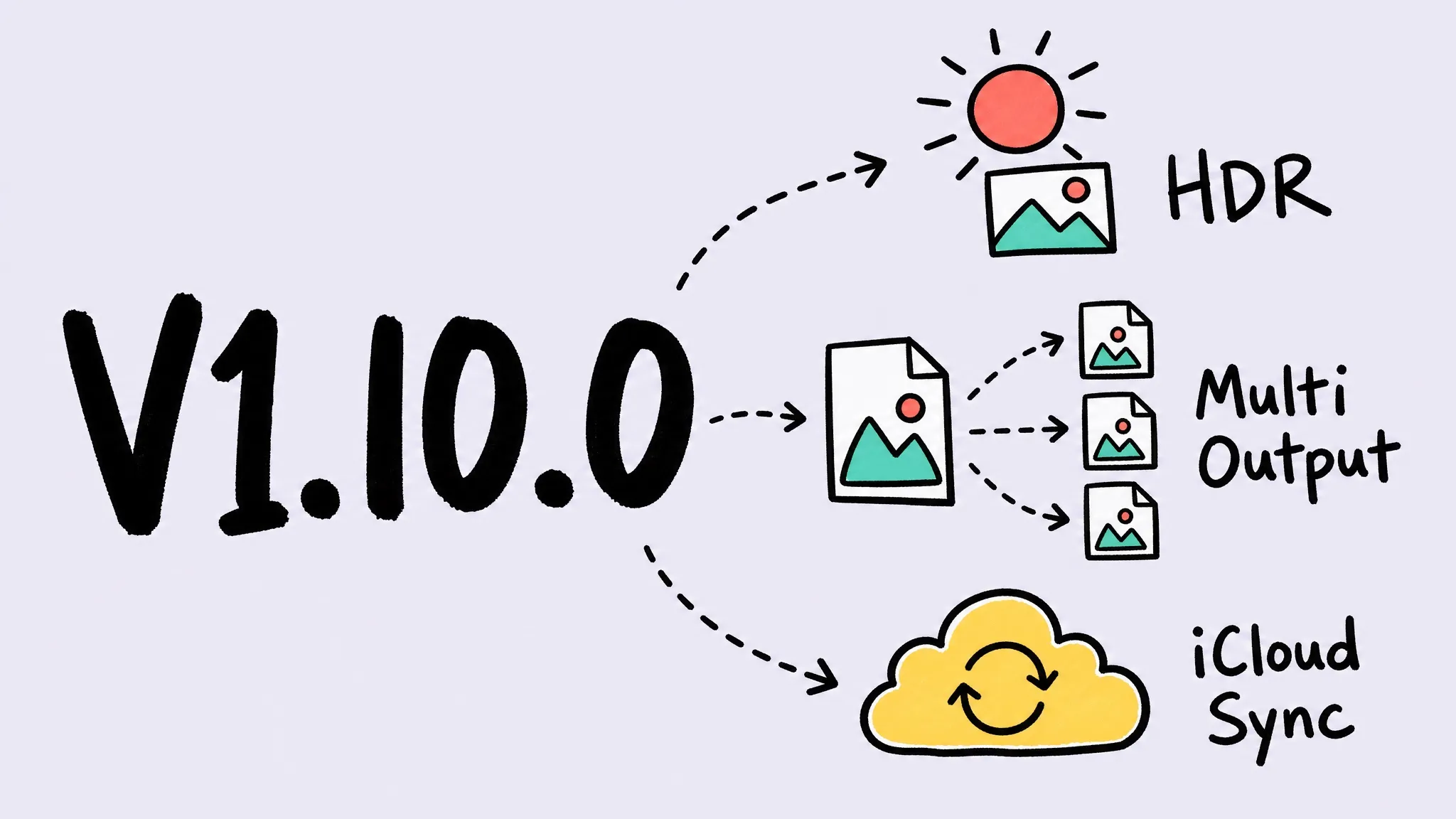
Zipic v1.10.0 adds multiple outputs per compression, HDR preservation for JPEG/AVIF/HEIC/JXL, iCloud sync for settings and presets, a redesigned settings window, config export/import, a clipboard format whitelist, percentage resizing, and major engine upgrades — plus the Windows version debuts on the Microsoft Store as a public beta.
Thanks to Adam Sébire, Matthew, Yerik, Pipu, G_W, John-Han, and everyone who shared feedback via Chatwoot — multiple outputs, HDR preservation, iCloud sync, percentage resizing, and the PDF fixes all grew out of your reports and suggestions.
🪟 Zipic for Windows (Beta)
- Now on the Microsoft Store: the Windows version of Zipic is officially available as a public beta — get it from the Microsoft Store.
- The full macOS feature set: everything in this 1.10.0 release — multiple outputs, HDR preservation, and the rest — is on Windows too, with the same interactions you already know. Supports Windows 10 and later.
- Minor platform differences: Windows compresses ICO icons where macOS handles ICNS, and a few platform-specific details differ slightly — everything else works the same.
- Beta notice: as a beta release, some rough edges are expected — feedback is very welcome via support@5km.tech.
✨ New Features
- Multiple outputs: one compression can now produce extra versions at once — each with its own format, size, and filename suffix, grouped in the results list — fully supported in the CLI, Shortcuts, and URL Scheme.
- HDR preservation: HDR photos keep their HDR brightness (Ultra HDR / gain map) when converted to JPEG, AVIF, HEIC, or JXL — even when resizing.
- iCloud sync: settings and presets now sync automatically across your Macs.
- Redesigned settings: a brand-new settings window with an icon sidebar and frosted-glass look; preset cards, the license page, and every settings page have been refreshed.
- Config export & import: the new Data settings page lets you export and import settings and presets, with category-based selective import.
- Clipboard format whitelist: choose which image formats clipboard monitoring reacts to; defaults to PNG, JPEG, and WebP.
- Scale by percentage: resize now offers a percentage mode to shrink images proportionally.
- CLI upgrades: the command-line tool reaches 0.3.0 with new config and monitor command groups and more complete compression overrides.
- DPI preservation: image DPI metadata is preserved after compression.
- Folder access guidance: when a monitored folder loses permission, Zipic now detects it quickly and guides you to re-authorize.
🐛 Bug Fixes
- PDF compression: fixed blank pages in compressed scans and pages losing all text in certain PDFs.
- Honest HDR output: converting HDR images to SDR formats like JPEG/PNG now tone-maps brightness correctly instead of producing washed-out or fake-HDR results.
- Clipboard experience: compressed images are written back in the clipboard’s original shape, and unchanged clipboard content is no longer reprocessed.
- Resize accuracy: fixed inconsistent output dimensions and ±1 pixel drift when resizing certain formats.
- Stability: fixed a crash when notifications popped up in rapid succession, a black flash in the Notch animation, and monitored cloud-synced files being compressed before fully downloaded.
- ICNS compression: compression level now actually applies to ICNS icons.
🚀 Other Improvements
- ⚠️ Behavior change — clipboard monitoring: clipboard monitoring now only handles PNG, JPEG, and WebP by default; enable other formats in Settings if needed.
- ⚠️ Behavior change — Shortcuts: with multiple outputs configured, the Shortcuts compression action returns all output files.
- Engine upgrades: built-in JPEG, PNG, AVIF, and PDF encoders have been upgraded for better quality and compatibility.