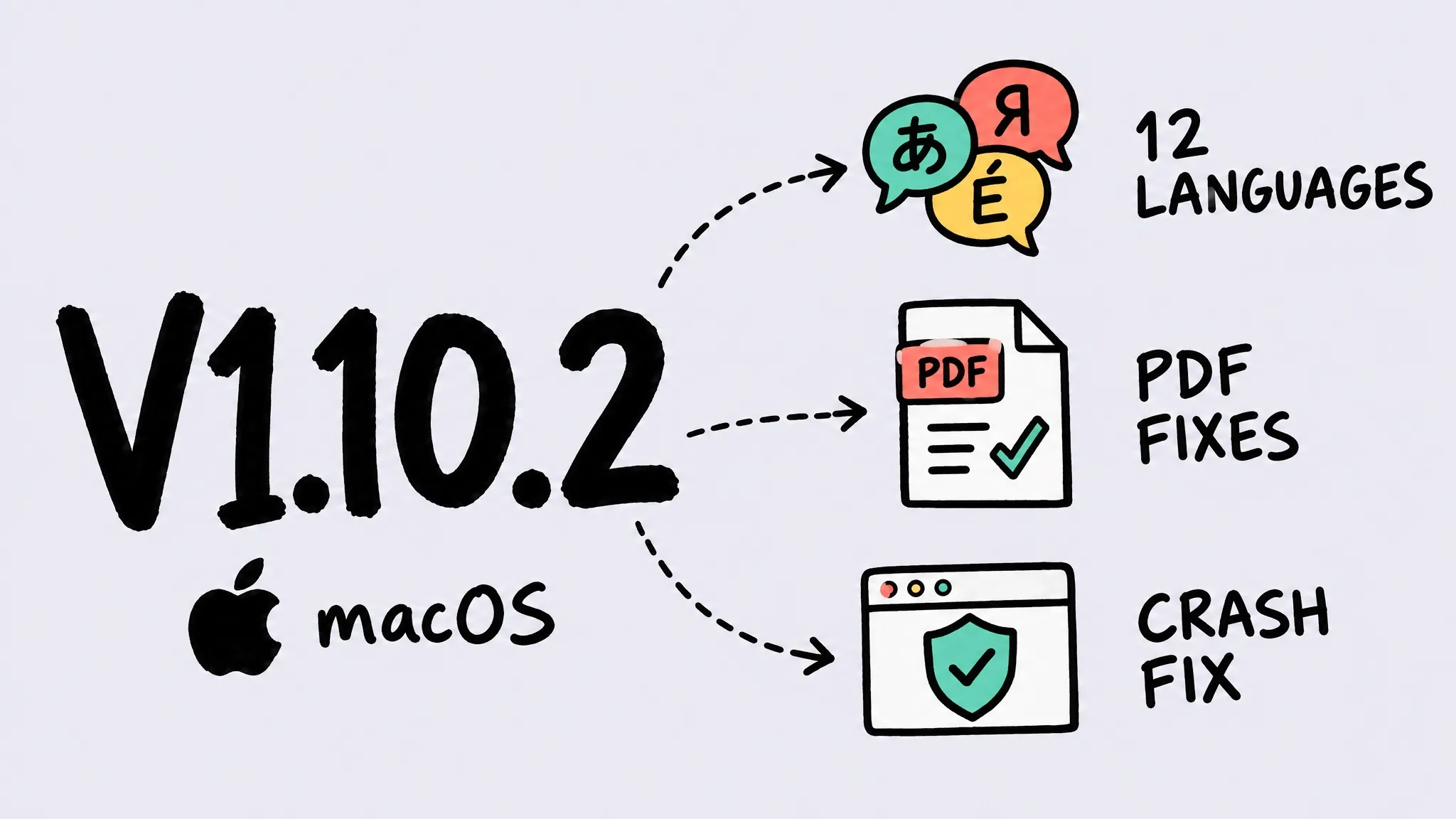
V1.10.2 (macOS)
Zipic v1.10.2 for macOS adds 12 interface languages — Japanese, Korean, German, French, Spanish (Spain and Latin America), Italian, Dutch, Polish, Portuguese (Brazil), Russian, and Turkish — and fixes a crash on some macOS 26 releases, inverted graphics and blank pages in some PDFs, overlapping rows when switching options, and truncated text. macOS and Windows share the same major.minor version; patch releases ship independently per platform, and the matching Windows release is v1.10.3.
Thanks to bunakov.jr (Russian interface request), 小姜 (macOS 26 crash report), and Gary Wilson (PDF compression) — several of the changes in this release grew out of your reports.
Zipic’s macOS and Windows versions share the same major.minor number (1.10), while patch versions ship independently at each platform’s own pace. This v1.10.2 is a patch release for the macOS version; the matching Windows release is v1.10.3 (Windows), rolling out via the Microsoft Store.
✨ New Features
- 12 new interface languages: Zipic now speaks Japanese, Korean, German, French, Spanish (Spain and Latin America), Italian, Dutch, Polish, Portuguese (Brazil), Russian, and Turkish, using the same terminology as macOS. The language setting is now a pop-up menu that shows each language in its own name.
🐛 Bug Fixes
- macOS 26 crash: fixed Zipic quitting unexpectedly on some macOS 26 releases when switching options such as “Save to” in the preset popover.
- PDF graphics: fixed colors in some PDFs coming out inverted after compression — for example, a solid black logo turning hollow.
- Blank PDF pages: fixed PDFs with permission restrictions (such as those exported from Preview) ending up with blank pages after compression.
- Smoother option switching: rows revealed by options like “Save to” now unfold in place instead of overlapping the controls above them.
- Text fits in every language: reworked the layout of the menu bar popover, main window, and About window so labels are no longer cut off.