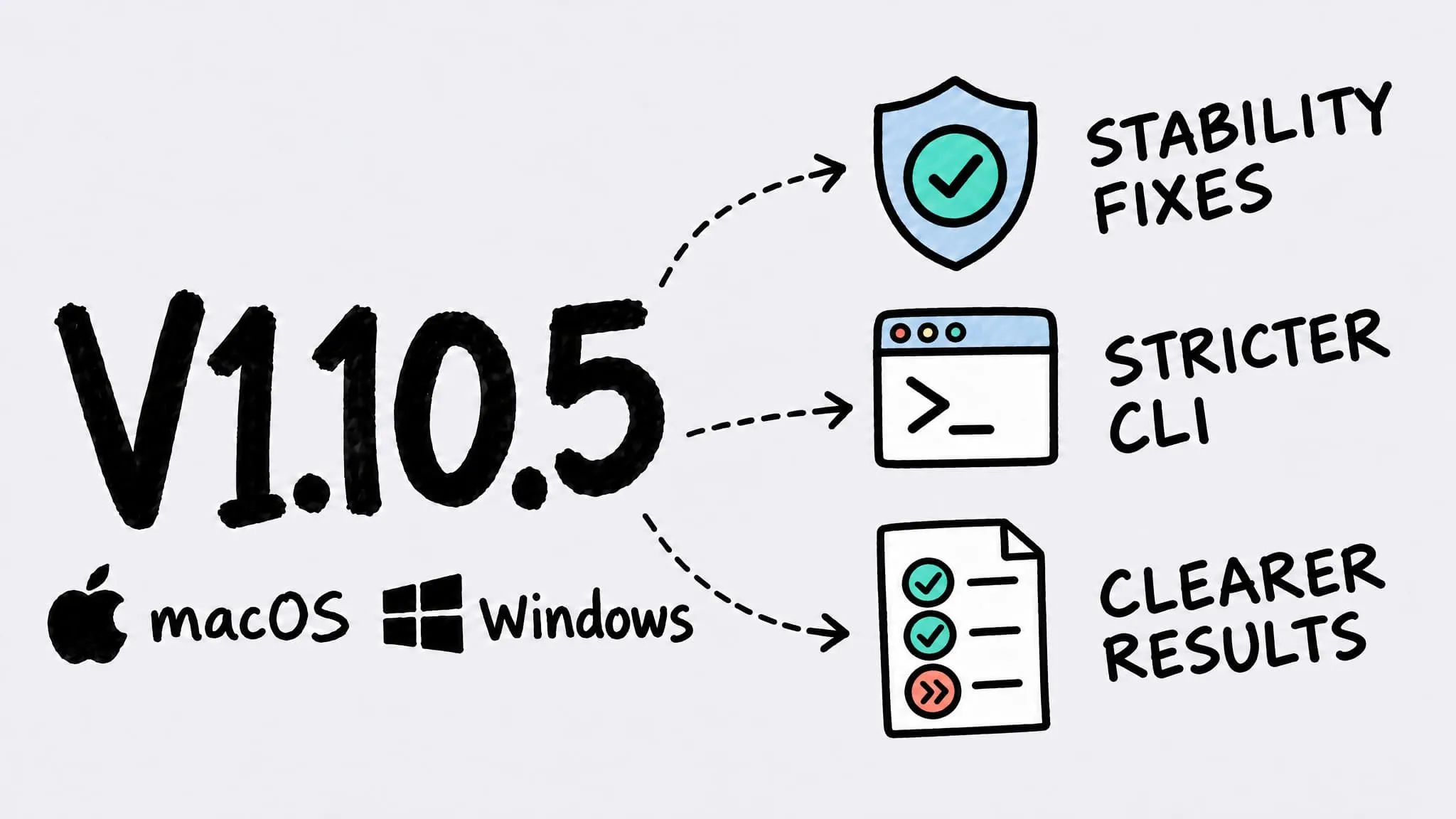
V1.10.5
Zipic v1.10.5 ships for both macOS and Windows (Beta) as a patch release focused on stability and the command line. On both platforms the CLI now validates options strictly, so a mistyped option stops with a clear error instead of being silently ignored, --help never runs the command by accident, and the CLI waits longer when it has to launch Zipic. macOS also fixes an occasional crash with clipboard monitoring and a menu bar count that lagged one compression behind; Windows no longer copies corrupt or empty files to the output unchanged or reports failed and skipped files as 100% saved.
Thanks to 奥赛 (clipboard monitoring crash) — this fix came straight from the crash report you sent.
macOS and Windows (Beta) share the same version number again: v1.10.5. Items without a platform tag apply to both; platform-specific items are marked in their title. The Windows version rolls out via the Microsoft Store.
🐛 Bug Fixes
- CLI typos no longer ignored: mistyped or unsupported options now stop with a clear error naming the option, instead of being silently accepted and sometimes dropping the file that followed.
- CLI help is safe to ask for: adding
--helpanywhere in a command only prints help and never starts compressing;--dry-runis only accepted by commands that support previews, so it can’t delete a preset by accident. - Clipboard monitoring crash (macOS): fixed an occasional crash when Zipic wrote a compressed image back to the clipboard with clipboard monitoring on.
- Menu bar count (macOS): the image count in the menu bar popover no longer lags one compression behind — for example, showing 0 after the first image finished.
- Corrupt and empty files (Windows): a corrupt PNG is now reported as failed and an empty file as skipped, instead of being copied to the output unchanged.
- Failed and skipped counts (Windows): failed or skipped files no longer show as “100% saved”, and the completed count only includes files that were actually compressed.
🚀 Other Improvements
- More patient CLI launch: when the CLI has to launch Zipic first, it now waits longer (up to 30 seconds), so a cold start is less likely to be reported as a connection failure.
- More complete CLI results (macOS): files skipped because they were already compressed with the same settings now show up as “skipped” instead of vanishing from the results, and files with no output no longer report the original path as their output.