V1.10.8
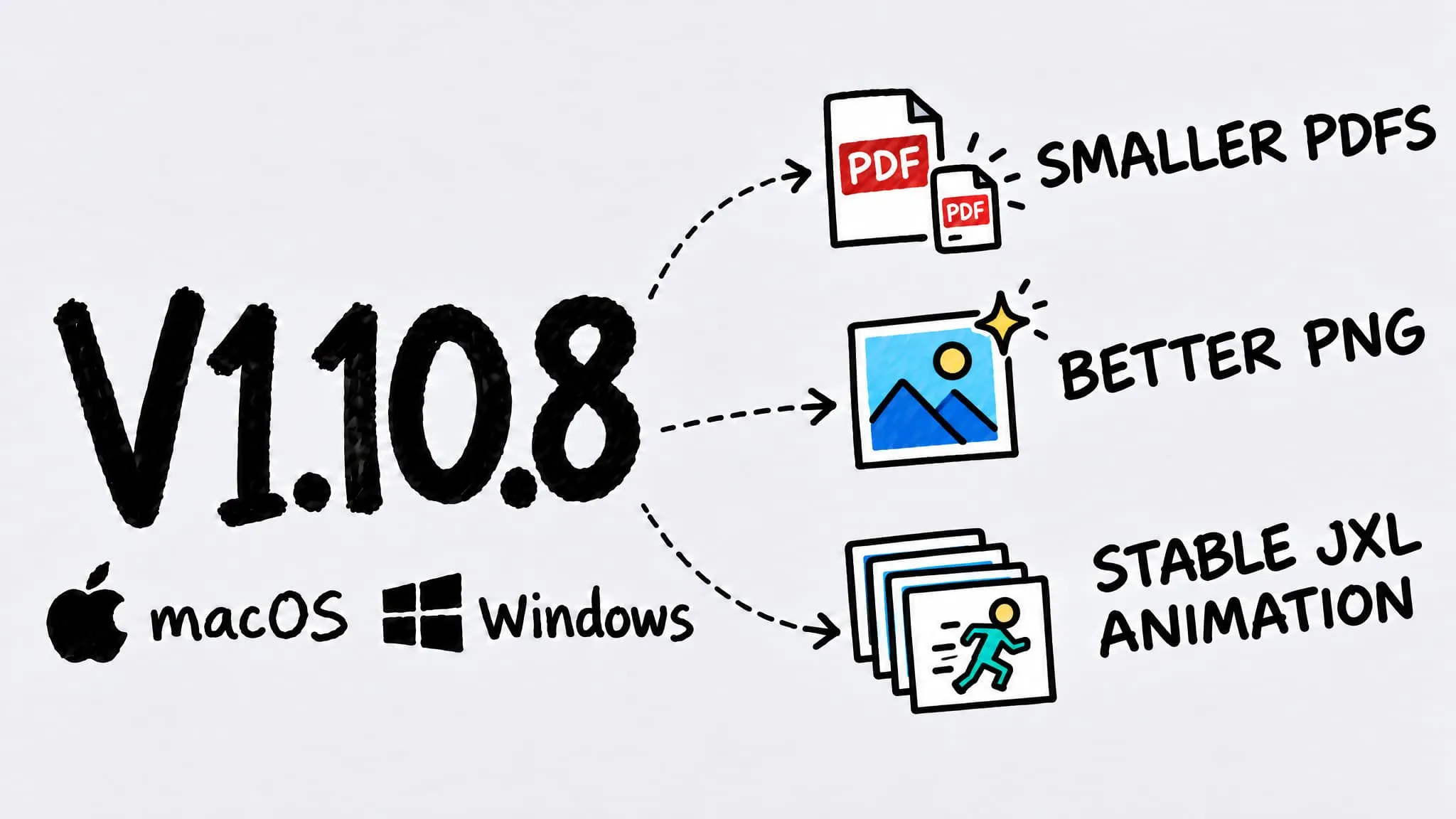
Zipic v1.10.8 ships for both macOS and Windows (Beta). The default PDF level now targets on-screen reading for noticeably smaller files, PNG and APNG compression improves, animated JPEG XL conversion is more reliable, and GIFs keep their final frame timing. macOS also adds Esc to close the comparison window, explains when a whole batch is not compressed, and fixes grayscale and semi-transparent images converting to WebP. Windows brings its animation conversions further in line with macOS.
Thanks to 奥赛 (closing the comparison window with Esc, folder drops that seemed to do nothing), Pipu (PDFs that wouldn’t shrink enough), and 馬腊咯稽 (grayscale images breaking in WebP) — these improvements came from your reports.
This time macOS and Windows (Beta) share the same version, v1.10.8. Items without a platform label apply to both; single-platform items name their platform in the title. The Windows version is delivered through the Microsoft Store.
✨ New Features
- Close Comparison with Esc (macOS): Press Esc to close the before-and-after comparison window.
- More Animations to WebP and JPEG XL (Windows): APNG, animated WebP, animated JPEG XL and AVIF, and GIFs with a changed extension can now convert to animated WebP or JPEG XL. Static targets use the first frame.
🐛 Bug Fixes
- More Reliable Animated JPEG XL: Animations with an opaque first frame and semi-transparent later frames no longer fail, and very long animations are no longer limited by frame count.
- GIF Final Frame Timing: Compressed GIFs keep the original hold time on the last frame.
- Clear Message When Nothing Compresses (macOS): If every image in a dropped folder is already optimized, or there is nothing to compress, Zipic now tells you why instead of flashing and going quiet. When everything is already optimized, Pro users can choose to compress again.
- Grayscale to WebP Fixed (macOS): Grayscale images no longer come out squeezed, with green lines and a black block on the right.
- Semi-Transparent Areas Stay True (macOS): Semi-transparent pixels no longer darken when images and animations convert to WebP.
- APNG Keeps Its Timing (macOS): APNG files converted to animated WebP or JPEG XL keep each frame’s duration instead of falling back to 100 ms.
- No Frame Limit for Animated WebP (Windows): Very long animations now convert to WebP without a frame limit and keep their color profile and metadata.
🚀 Other Improvements
- Smaller PDFs: The default level now targets on-screen reading quality, making email and upload limits easier to meet, while the highest-quality level keeps print resolution. PDFs exported from design tools also slim down further.
- Better PNG Compression: Static PNGs get smaller, APNGs shrink substantially, and icon edges stay crisp at low quality.