How to Choose the Right Image Format for Your Project
Not sure whether to use JPEG, PNG, WebP, or AVIF? This practical guide helps you pick the best image format based on your project type, platform, and priorities.
Picking an image format used to be simple — JPEG for photos, PNG for everything else. In 2026, you have at least six serious options: JPEG, PNG, WebP, AVIF, HEIC, and JPEG-XL. Each serves different needs, and the wrong choice can mean files that are 2–5x larger than necessary or images that won’t display on your users’ devices.
This guide won’t walk through every format’s history. Instead, it gives you a practical decision framework — start with your project, and arrive at the right format in under a minute.
If you want a deep dive into what each format is and how it works, see JPEG vs PNG vs WebP: Which Image Format Should You Use?.
Why Format Choice Matters More Than Ever
The gap between formats has widened dramatically. Here’s what a typical 1920×1080 image looks like across formats at equivalent visual quality:
| Format | File Size | Savings vs JPEG |
|---|---|---|
| PNG | ~1.8 MB | -650% (larger) |
| JPEG | ~240 KB | Baseline |
| WebP | ~160 KB | 33% smaller |
| AVIF | ~110 KB | 54% smaller |
Choosing AVIF over JPEG for a gallery of 50 images saves roughly 6.5 MB — that’s measurable page load improvement, lower CDN costs, and better Core Web Vitals scores.
Format choice also affects functionality. Need transparency? JPEG can’t help. Need animation? PNG won’t work. Need to serve Apple ecosystem users? HEIC makes sense. These constraints narrow your options quickly — which is exactly the framework this guide provides.
For the underlying theory on how compression types affect your choice, see Lossy vs Lossless Compression Explained.
The Three Questions to Ask Before Choosing a Format
Before comparing specs, answer these three questions:
1. What Type of Content Is It?
| Content Type | Characteristics | Formats That Work |
|---|---|---|
| Photographs | Continuous tones, gradients, millions of colors | JPEG, WebP, AVIF, HEIC |
| Screenshots / UI | Sharp edges, text, flat colors | PNG, WebP (lossless), AVIF |
| Logos / Icons | Few colors, needs transparency, must scale | SVG, PNG |
| Illustrations | Flat colors with some gradients | WebP, PNG, SVG (if vector) |
| Animations | Multiple frames, motion | WebP, AVIF, GIF (legacy) |
2. Where Will It Be Displayed?
| Platform | Constraint | Implication |
|---|---|---|
| Public website | Must work in all browsers | Use formats with 95%+ support (WebP, AVIF with fallback) |
| Many clients strip modern formats | Stick with JPEG or PNG | |
| Social media | Platforms re-encode uploads | Use JPEG — the platform handles optimization |
| Apple ecosystem only | macOS / iOS native apps | HEIC is optimal |
| Internal tools / archives | No browser constraint | Use the most efficient format (AVIF, JPEG-XL) |
3. What Matters Most?
| Priority | Best Format | Trade-off |
|---|---|---|
| Smallest file size | AVIF | Slower encoding; ~95% browser support |
| Maximum compatibility | JPEG | Larger files; no transparency |
| Pixel-perfect quality | PNG | Much larger files |
| Best balance (size + compatibility) | WebP | ~97% support; good compression |
| Future-proofing / archival | JPEG-XL | Very limited browser support today |
Quick Decision Table: Match Your Project to the Right Format
Here’s the practical shortcut — find your project type, get the recommended format:
| Project Type | Recommended Format | Fallback | Why |
|---|---|---|---|
| Blog / marketing site | WebP | JPEG | Best balance of compression and compatibility |
| High-traffic web app | AVIF | WebP → JPEG | Maximum savings at 95% browser support |
| E-commerce product photos | WebP | JPEG | Fast loading, transparency for cutouts |
| Photo portfolio | JPEG (Q1–Q2) | — | Universal viewing, maximum compatibility |
| Mobile app assets | WebP or AVIF | PNG | Both Android and iOS support WebP natively |
| macOS app icons | ICNS | PNG | Required format for macOS apps |
| Email attachments | JPEG | PNG (if transparency needed) | Maximum email client compatibility |
| Social media uploads | JPEG | PNG | Platforms re-encode; save encoding time |
| Design system / UI kit | SVG + PNG | WebP | Vectors for scalability, PNG for rasters |
| Photo archival | JPEG-XL | PNG (lossless) | Lossless JPEG transcoding, future-proof |
| Internal documentation | AVIF or WebP | PNG | No compatibility constraints |
| Screenshots for bug reports | PNG | — | Pixel-perfect, lossless |
Choosing Formats for Web Projects
Web projects benefit most from modern formats because the savings multiply across every page view.
The 2026 Browser Support Landscape
| Format | Global Support | Key Details |
|---|---|---|
| JPEG / PNG | ~100% | Universal baseline |
| WebP | ~97% | Baseline “Widely Available” since 2020 |
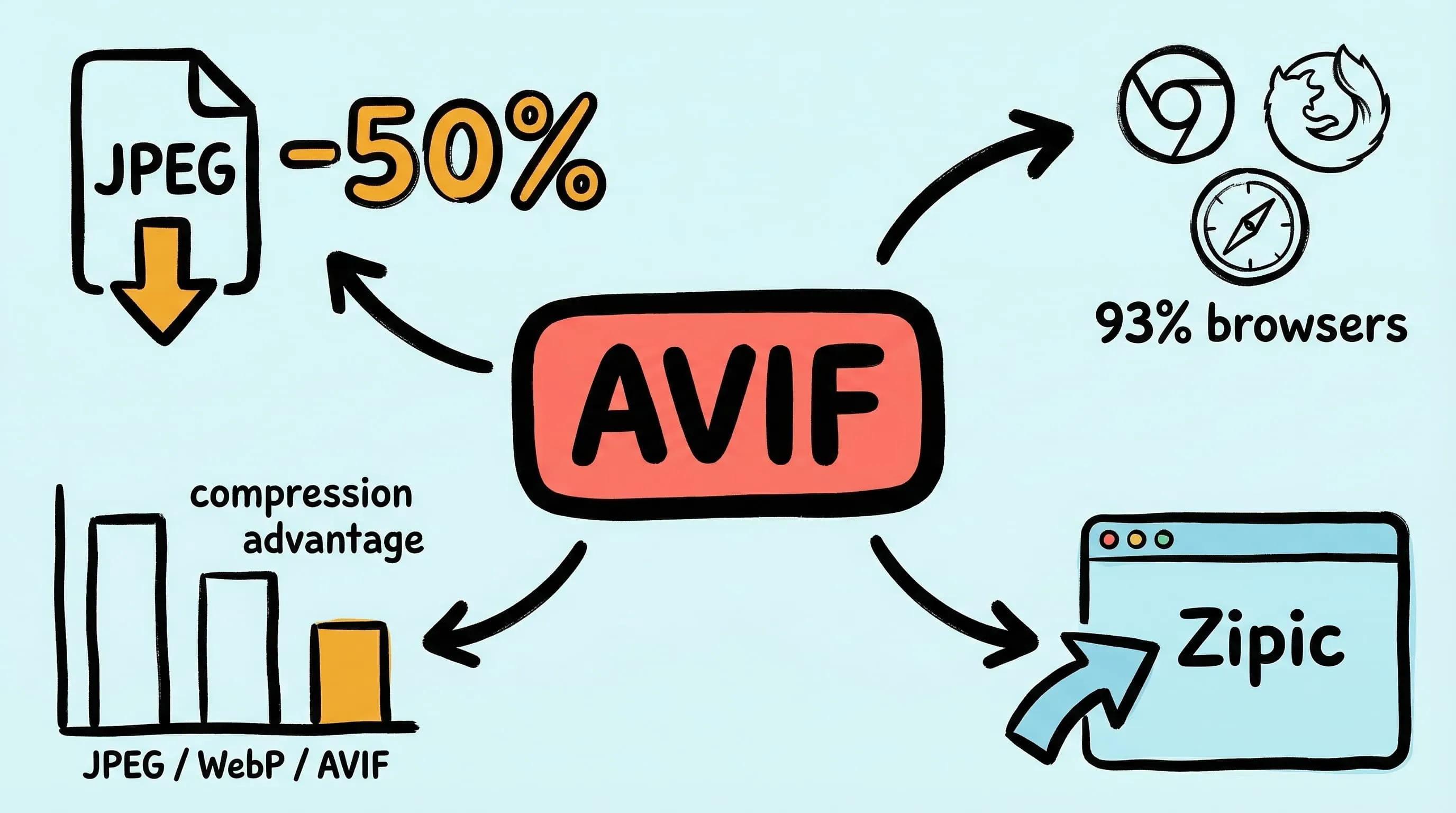
| AVIF | ~95% | All major browsers since 2024; baseline achieved |
| JPEG-XL | ~12% | Safari 17+ only; Chrome 145 behind flag (Feb 2026); Firefox 149 Nightly only (Mar 2026) |
| HEIC | ~15% | Safari only; no Chrome/Firefox/Edge plans due to HEVC patents |
Recommended Web Strategy
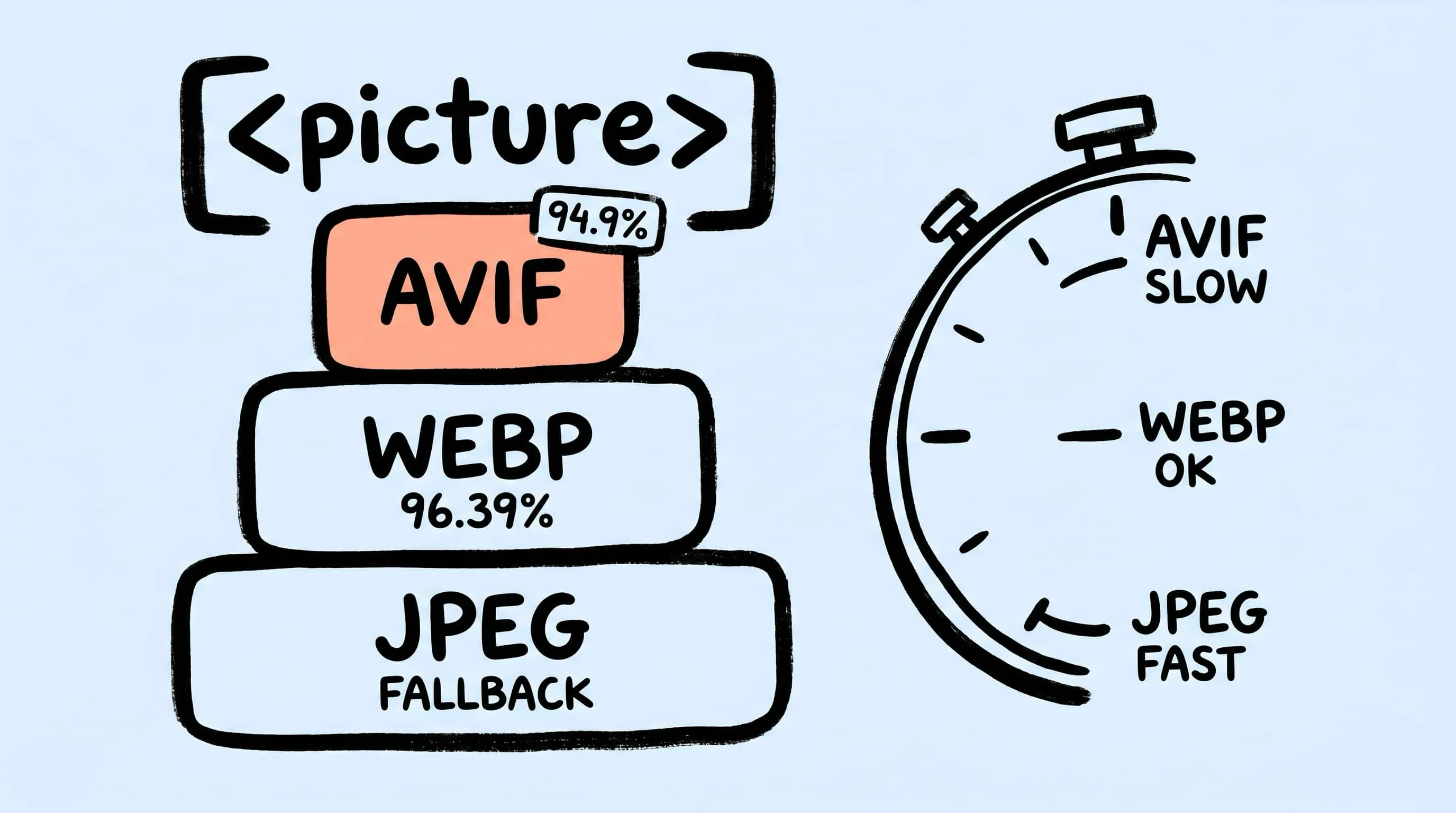
Use the HTML <picture> element to serve the best format each browser supports:
<picture>
  <source srcset="hero.avif" type="image/avif">
  <source srcset="hero.webp" type="image/webp">
  <img src="hero.jpg" alt="Hero image" width="1920" height="1080">
</picture>
This progressive enhancement serves AVIF to ~95% of users, WebP to the remaining ~2%, and JPEG to the last ~3%. If maintaining three versions per image is too much overhead, WebP alone covers 97% of browsers and is the single best default format for web in 2026.
A notable stat: despite 95% browser support, only 1.3% of websites currently serve AVIF images. This represents a significant optimization opportunity — if your competitors aren’t using AVIF yet, adopting it gives you a measurable speed advantage.
For a complete web optimization workflow, see Optimize Images for Web Performance.
JPEG-XL: Not Ready for Web, But Watch Closely
JPEG-XL deserves special attention. Chrome 145 (February 2026) reintroduced JXL support behind a flag using a new Rust decoder. Firefox 149 (March 2026) added a Rust-based decoder in Nightly builds. The format is an Interop 2026 investigation area, signaling cross-vendor intent to build comprehensive test suites.
However, with only ~12% effective global support (almost entirely Safari), JPEG-XL is not viable for web delivery in 2026. It excels in archival and professional workflows where browser support doesn’t matter — particularly its ability to losslessly transcode existing JPEG files with ~20% size reduction.
Choosing Formats for Photography and Archival
Photographers and archivists have different priorities than web developers — quality preservation and long-term compatibility matter more than file size.
| Scenario | Recommended Format | Rationale |
|---|---|---|
| Sharing with clients | JPEG (quality 90+) | Opens everywhere, prints correctly |
| Uploading to stock sites | JPEG | Industry standard for submissions |
| iCloud / Apple Photos storage | HEIC | 40–50% smaller than JPEG, native Apple support |
| Long-term archival | JPEG-XL (lossless) | Lossless JPEG transcoding saves ~20% with zero quality loss |
| Lossless master copies | PNG or TIFF | Pixel-perfect preservation |
| Web portfolio gallery | WebP or AVIF | Smaller files, faster gallery loading |
The key insight for photographers: use HEIC or JPEG-XL for storage, but always export to JPEG or WebP for sharing. HEIC’s poor cross-platform support and JPEG-XL’s limited browser adoption make them unsuitable for distribution.
For JPEG-specific optimization techniques, see How to Reduce JPEG File Size Without Losing Quality.
Choosing Formats for App Development and Design
App developers work with multiple image types simultaneously — each has a clear best format:
| Asset Type | Platform | Recommended | Notes |
|---|---|---|---|
| App icons | macOS | ICNS | Required by macOS; Zipic supports ICNS compression |
| App icons | iOS / Android | PNG | Platform requirement for app stores |
| In-app photos | iOS / Android | WebP | Supported natively since iOS 14+ and Android 4.0+ |
| In-app illustrations | Cross-platform | SVG | Resolution-independent, tiny file size |
| UI screenshots for docs | Any | PNG | Lossless, pixel-perfect for text and UI elements |
| Marketing assets | Web | AVIF + WebP fallback | Maximum compression for landing pages |
For macOS and iOS developers, Zipic can compress ICNS files directly and convert between formats as part of your build workflow. See the Workflow Integration documentation for automation options including URL Scheme and Apple Shortcuts integration.
Format Conversion Made Simple with Zipic
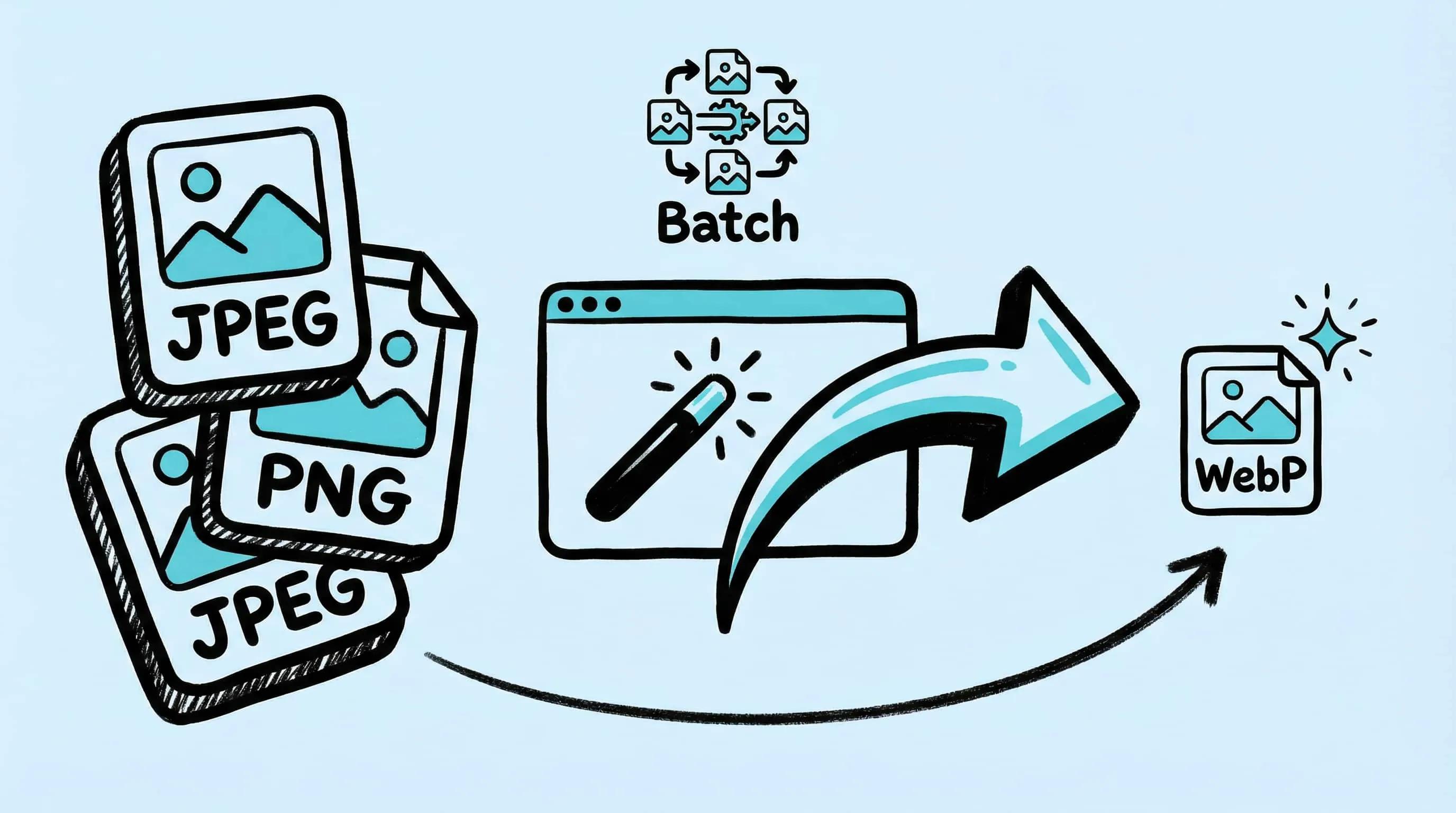
Once you’ve decided on the right format, Zipic handles the conversion. Set your target format in the compression preset — Zipic converts during compression automatically:
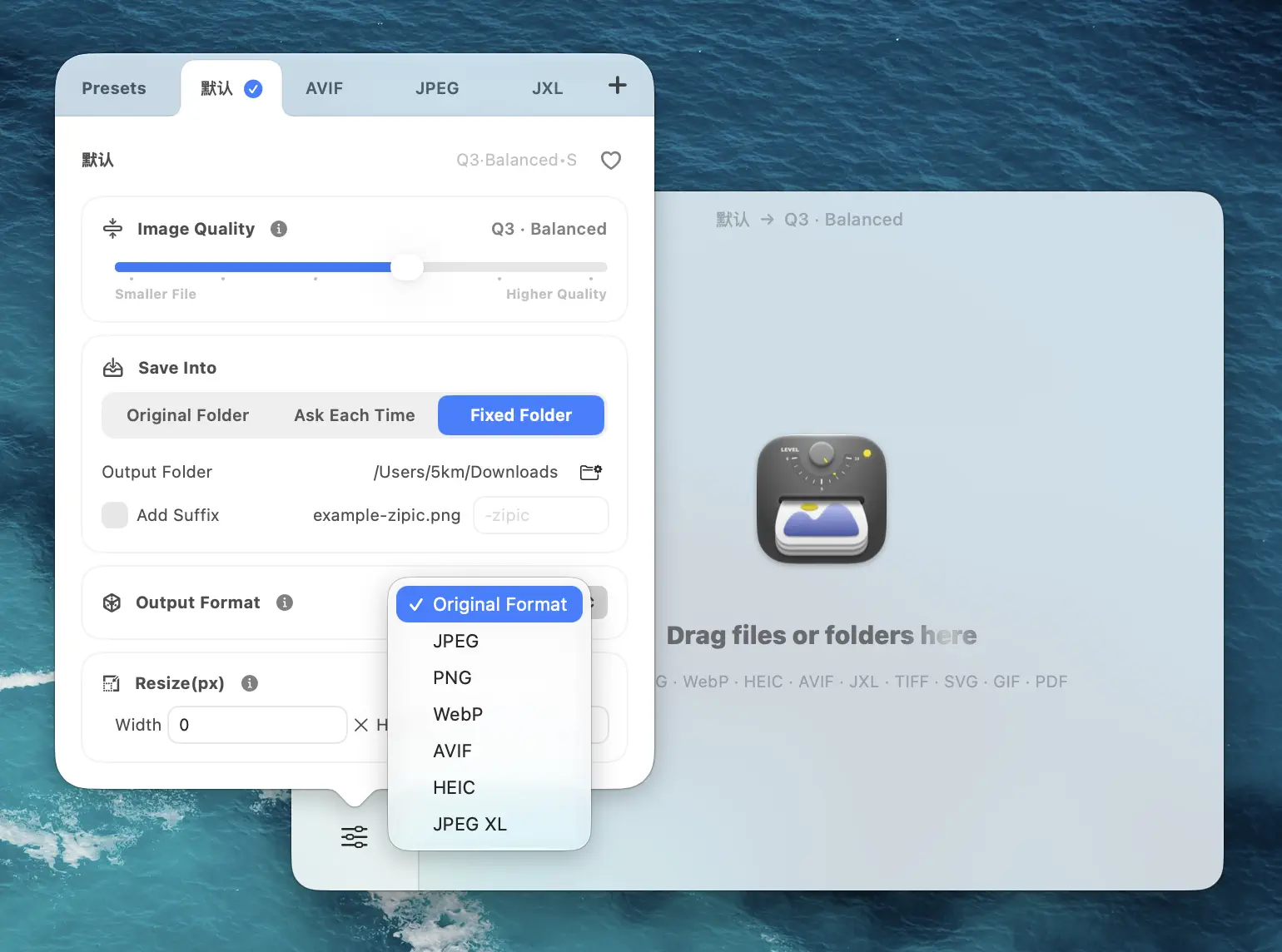
Create dedicated presets for different workflows — “Web Assets (AVIF)”, “Client Delivery (JPEG)”, “Archive (JPEG-XL)” — and switch between them instantly:
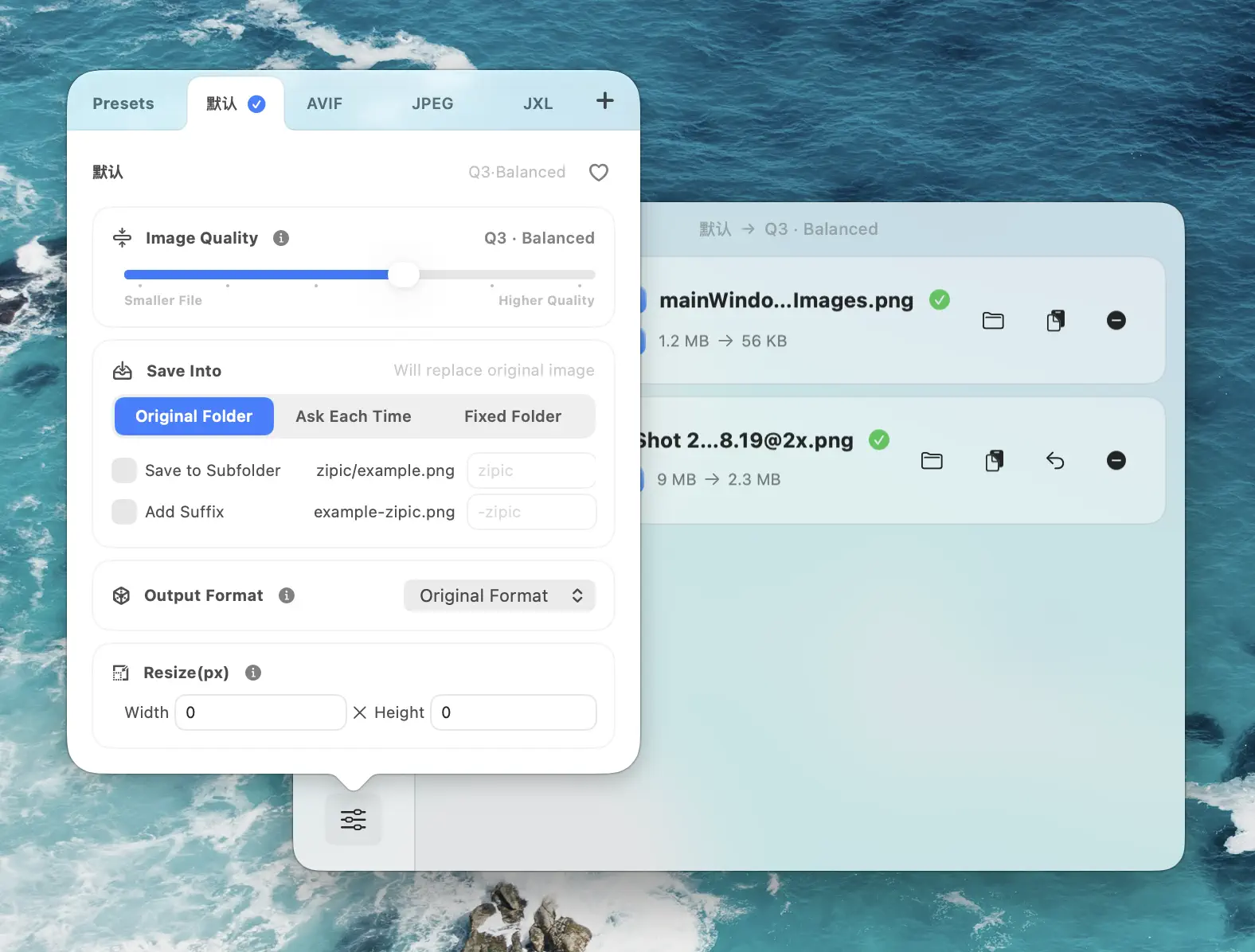
Drag files or folders into Zipic, and conversion happens alongside compression — no separate step needed:
Zipic preserves ICC color profiles for WebP, AVIF, and TIFF output, keeps Display P3 wide color gamut intact, and retains HDR data in supported formats — critical for photography and design workflows where color accuracy matters.
For the complete format conversion guide, see the Choosing Image Formats documentation.
Common Format Mistakes to Avoid
Using PNG for photographs. PNG is lossless, which sounds good — but photos don’t need lossless. A 12-megapixel photo saved as PNG can be 15–25 MB. The same image as WebP at quality 85 is under 500 KB with no visible difference.
Using JPEG for screenshots. JPEG compression creates visible artifacts around sharp text edges and UI elements. Screenshots should use PNG (lossless) or WebP (lossless mode) to preserve readability.
Ignoring WebP in 2026. Some teams still default to JPEG/PNG because “WebP support isn’t universal.” It’s been above 95% since 2022. At 97% support in 2026, there’s no reason to skip WebP unless your audience is on extremely legacy browsers.
Converting between lossy formats repeatedly. Each lossy re-encoding (JPEG → WebP → JPEG) degrades quality. Always convert from the highest-quality source. Zipic’s smart skip feature prevents accidental re-compression.
Using HEIC for web delivery. HEIC is excellent within the Apple ecosystem but has essentially zero web browser support outside Safari. Always convert HEIC to WebP or AVIF before publishing to the web.
Choosing format based on file extension habit. “We’ve always used JPEG” isn’t a strategy. Evaluate your actual needs using the decision framework above, and you may find that switching to WebP alone saves 25–40% bandwidth with zero compatibility issues.
Get Started
Zipic supports 12 image formats including JPEG, PNG, WebP, AVIF, HEIC, JPEG-XL, SVG, APNG, TIFF, ICNS, and PDF — with one-click format conversion during compression.
- Download Zipic
- Choose your target format in the preset
- Drop your images — compression and conversion happen automatically
Every download includes a full 7-day Pro trial. For comparison preview, folder monitoring, SVG/APNG/PDF compression, and unlimited presets, upgrade to Zipic Pro.
Related Articles
- JPEG vs PNG vs WebP: Which Image Format Should You Use?
- Best AVIF Compression Tool for Mac
- Optimize Images for Web Performance
- How to Reduce JPEG File Size Without Losing Quality
- Lossy vs Lossless Compression Explained
- JPEG XL Converter for Mac: Compress to the Next-Gen Format
For the complete format guide and conversion workflow, visit docs.zipic.app.
Related Reading
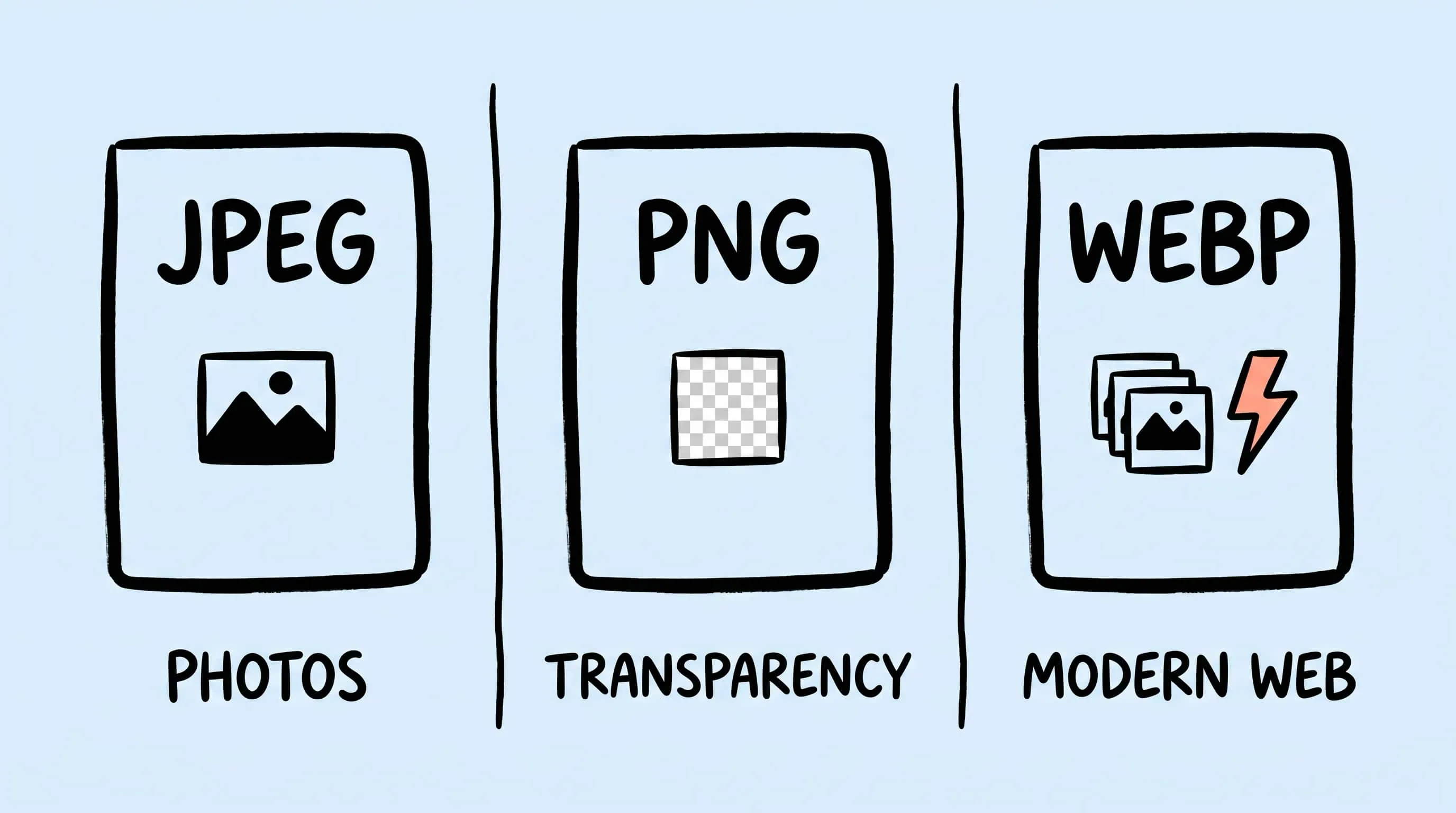
WebP vs PNG: Quality, File Size & Transparency Compared
WebP vs PNG: both support transparency. Compare file size, lossless quality and compatibility for photos, screenshots and logos, with JPEG as a fallback.
AVIF vs WebP vs JPEG: The Ultimate Format Comparison
AVIF vs WebP in 2026: browser support, compression ratios, encoding cost, transparency, and fallback strategy — with cited benchmarks and decision matrix.
WebP Image Optimizer for Mac: Convert and Compress to WebP
Looking for a WebP image optimizer on Mac? Zipic is a native WebP compression tool that converts JPEG, PNG, and HEIC to WebP with batch processing and quality control.
Best AVIF Compression Tool for Mac: Convert and Optimize AVIF Images
Looking for an AVIF compression tool on Mac? Learn how to compress and convert images to AVIF format with Zipic — batch processing, quality control, and 12 format support.