AVIF vs WebP vs JPEG: The Ultimate Format Comparison
AVIF vs WebP in 2026: browser support, compression ratios, encoding cost, transparency, and fallback strategy — with cited benchmarks and decision matrix.
JPEG is older than most of the web. Joint Photographic Experts Group finalized it in 1992, and thirty-plus years later it still ships more image bytes than anything else. WebP arrived from Google in 2010, built on VP8 video technology. AVIF is the newcomer — released in 2019 and based on the royalty-free AV1 video codec from the Alliance for Open Media. By 2026, all three are practical options on the open web, but the tradeoffs between them are not symmetric. This is a avif vs webp comparison that picks them apart on the dimensions that actually matter when you ship images: file size at matched quality, encoding cost, decoder coverage, and what happens when transparency or animation enters the picture.
Browser Support Reality in 2026
Every next-gen-image-format article leans on browser support numbers, so let us pin them down once and use them as the foundation for everything below. These figures are from Can I Use based on StatCounter GlobalStats for March 2026, checked on 2026-04-23:
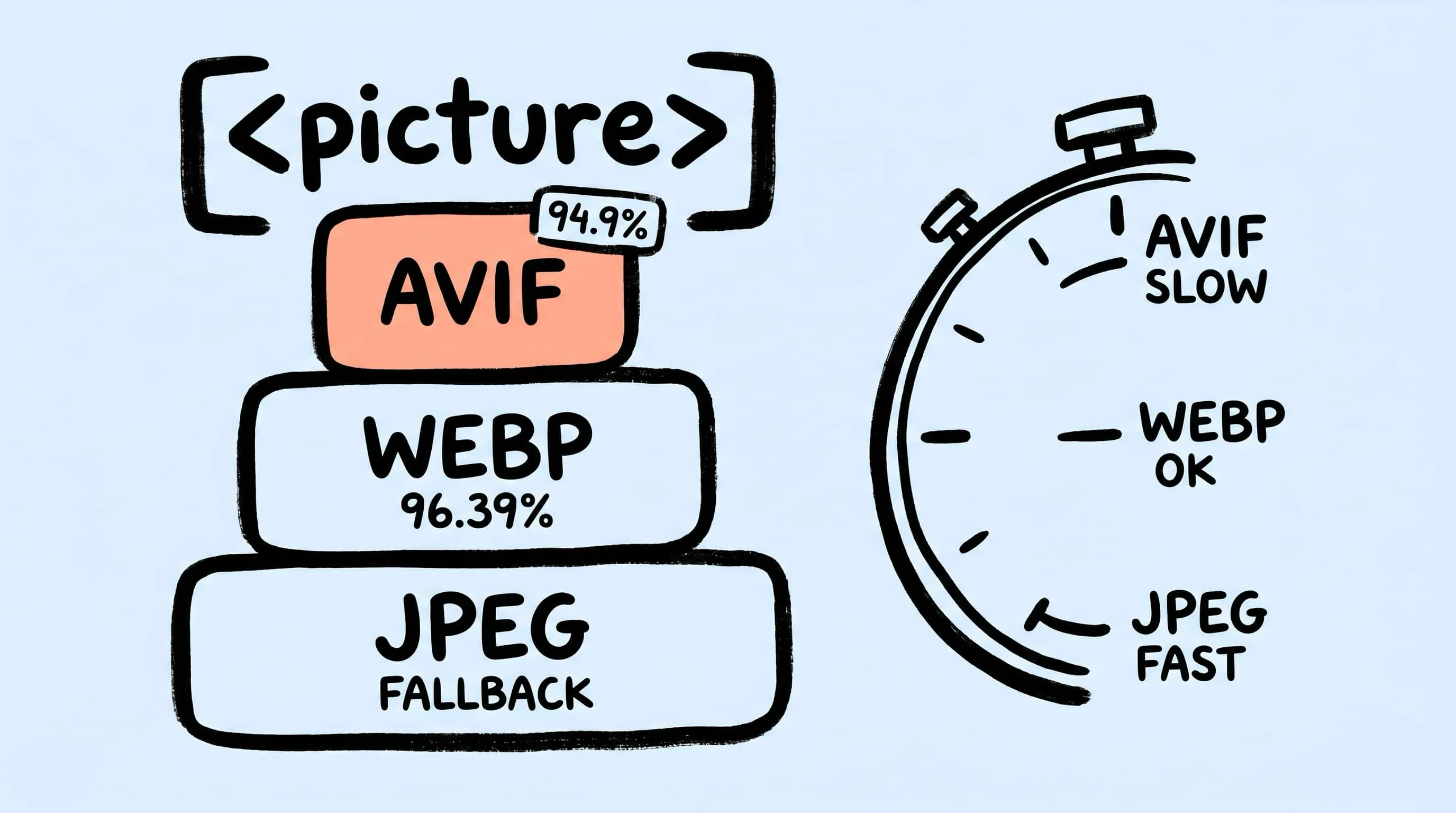
- WebP: 96.39% global full support. Every modern browser — Chrome, Edge, Firefox, Safari, Opera — decodes WebP natively without flags. Only pre-2020 browser versions and Internet Explorer miss it.
- AVIF: 94.9% global full support. Chrome 85+, Firefox 93+, Safari 16.1+, Edge 121+, and Opera 71+ all ship native decoders. Safari added AVIF in macOS Ventura / iOS 16.1 in late 2022; Firefox and Chrome had it earlier.
- JPEG XL: 16.15% partial only. Safari 17+ is the one major browser with native support. Chrome and Firefox still keep it behind flags or have rejected it outright. For public-web delivery in 2026, treat JPEG XL as “Apple-ecosystem interesting, not a default.”
The 1.5-percentage-point gap between WebP and AVIF is real but no longer a blocker. What changes the math is the <picture> element with type attribute fallback, which lets the browser pick the best format it understands without you writing any JavaScript:
<picture>
  <source srcset="photo.avif" type="image/avif" />
  <source srcset="photo.webp" type="image/webp" />
  <img src="photo.jpg" alt="photo" />
</picture>
Browsers evaluate sources in order and skip any type they do not support. You serve AVIF to the 94.9% that decode it, WebP to the next tier, and JPEG to the stragglers — one markup block, zero feature detection.
File-Size Tradeoffs at Matched Quality
Every comparison you read will quote slightly different reduction percentages because the answer depends entirely on the test image. Photographs, flat illustrations, and screenshots behave differently. Here is what the most-cited sources converge on:
- AVIF vs JPEG: Roughly 50% smaller at visually similar quality. MDN’s image format guide puts it at “about half the file size of JPEG images of visually similar compression levels.”
- WebP vs JPEG: 25–35% smaller for lossy, per MDN, and 26% smaller than PNG for lossless.
- AVIF vs WebP: 20–30% smaller at matched perceptual quality on photographs, per independent 2026 benchmarks summarized in Pixotter’s WebP vs AVIF review and Crystallize’s format comparison.
The pattern that matters: AVIF’s lead over WebP is largest on noisy, high-frequency photographs — skin texture, foliage, sky gradients — because AV1’s block-partitioning is genuinely better at preserving detail inside a tight bitrate. On flat UI screenshots, gradients, or logo exports, the gap narrows. WebP is often close enough that the encoding-cost tradeoff (see below) flips the practical answer.
One more test condition: these numbers assume you are comparing at visually similar quality, not at the same numeric quality slider. A JPEG Q=80 and an AVIF Q=80 are not the same thing — AVIF’s quality scale maps different internal decisions. Use SSIM or a side-by-side check, not the slider number.
Encoding and Decoding Cost
This is the tradeoff that trips up teams moving to AVIF without measuring first. Decoding cost is small — all three formats decode in microseconds on any browser shipped in the last three years, and AVIF native decoders shipped in Chrome (2020), Firefox (2021), and Safari (2022), so there is no practical decoding penalty on modern devices.
Encoding is a different story. Independent benchmarks consistently show:
- JPEG encodes in single-digit milliseconds per megapixel. Decades of libjpeg optimization.
- WebP is within a small multiple of JPEG — fast enough that build-time conversion of thousands of images feels instant.
- AVIF encodes roughly 5–10× slower than JPEG, and at default encoder speed settings can be up to 47× slower than WebP on equivalent hardware, per the encoding-speed analysis aggregated in this 2026 AVIF guide.
The practical Zipic implication: a batch of 500 photos converted to WebP at the same quality target will finish in a fraction of the time it takes the same batch to convert to AVIF. For a one-off hero image that ships to a million visitors, AVIF’s 20–30% smaller payload easily justifies the extra encode seconds. For thumbnails regenerated on every deploy, WebP is often the smarter default. This is why we suggest pairing formats rather than treating the choice as binary.
Transparency and Animation
JPEG has no alpha channel and no animation support. That is the single most consequential limitation of the format in 2026 — it is why product photography on transparent backgrounds, icon exports, and composited UI assets still reach for PNG or WebP.
Both WebP and AVIF support:
- Alpha transparency. Full 8-bit alpha, not just the 1-bit GIF-style cutout. This means you can replace PNG for photographic assets that need transparent backgrounds — product shots, cutouts, stickers — and keep the file-size advantage.
- Animation. WebP animations use a VP8 bitstream with frame support; AVIF animations use AV1 video frames inside the HEIF container. Both compress dramatically better than animated GIF for the same length and resolution.
Practical takeaway: if your image needs transparency or motion, you are choosing between WebP and AVIF, with PNG/GIF as the universal-compatibility fallback. JPEG is out of the conversation. For static UI transparency where the alpha matters more than the bitrate, WebP is usually enough and encodes fast. For a hero-level transparent composite where every kilobyte counts, AVIF wins.
When to Choose Each Format in 2026
A decision matrix keyed to destination rather than to abstract “quality” arguments:
- Hero image on a modern public site. AVIF with WebP and JPEG fallbacks via
<picture>. The encoding cost is a one-time build step, and the 20–50% file-size win pays off on every visit. - Thumbnail grid regenerated on every content update. WebP. The encoding cost of AVIF for hundreds of thumbnails adds up, and the per-image size savings are smaller in absolute bytes.
- Email attachment. JPEG. Email clients are the last frontier of format compatibility and the receiving end is unpredictable.
- Marketplace upload (Shopify, Amazon, Etsy). JPEG or PNG — whatever the platform’s help doc says. Most marketplaces re-encode on ingest anyway, so you are optimizing for their uploader, not for the final display.
- Design mockup export for client review. PNG if the client opens it in Preview or Quick Look; WebP if it goes through a browser-based review tool. Avoid AVIF here because non-browser tools are less consistent.
- Transparent UI asset (badge, sticker, cutout product shot). WebP for the common case, AVIF if the file ships on a high-traffic public page and encoding time is not a constraint.
- Animated explainer or product loop. WebP animation for broad compatibility; AVIF animation if your audience is on modern browsers and payload size is critical.
The honest version of this list: there is no single winner. JPEG is the universal-delivery format, WebP is the fast modern default, and AVIF is the high-compression option you reach for when the saved bytes matter more than the encode seconds.
Zipic Conversion Flow
Zipic’s preset-first design fits this matrix well. The app supports output to JPEG, PNG (including APNG), WebP, GIF, HEIC, AVIF, TIFF, ICNS, SVG, PDF, and JPEG-XL, per the Zipic compression basics documentation.
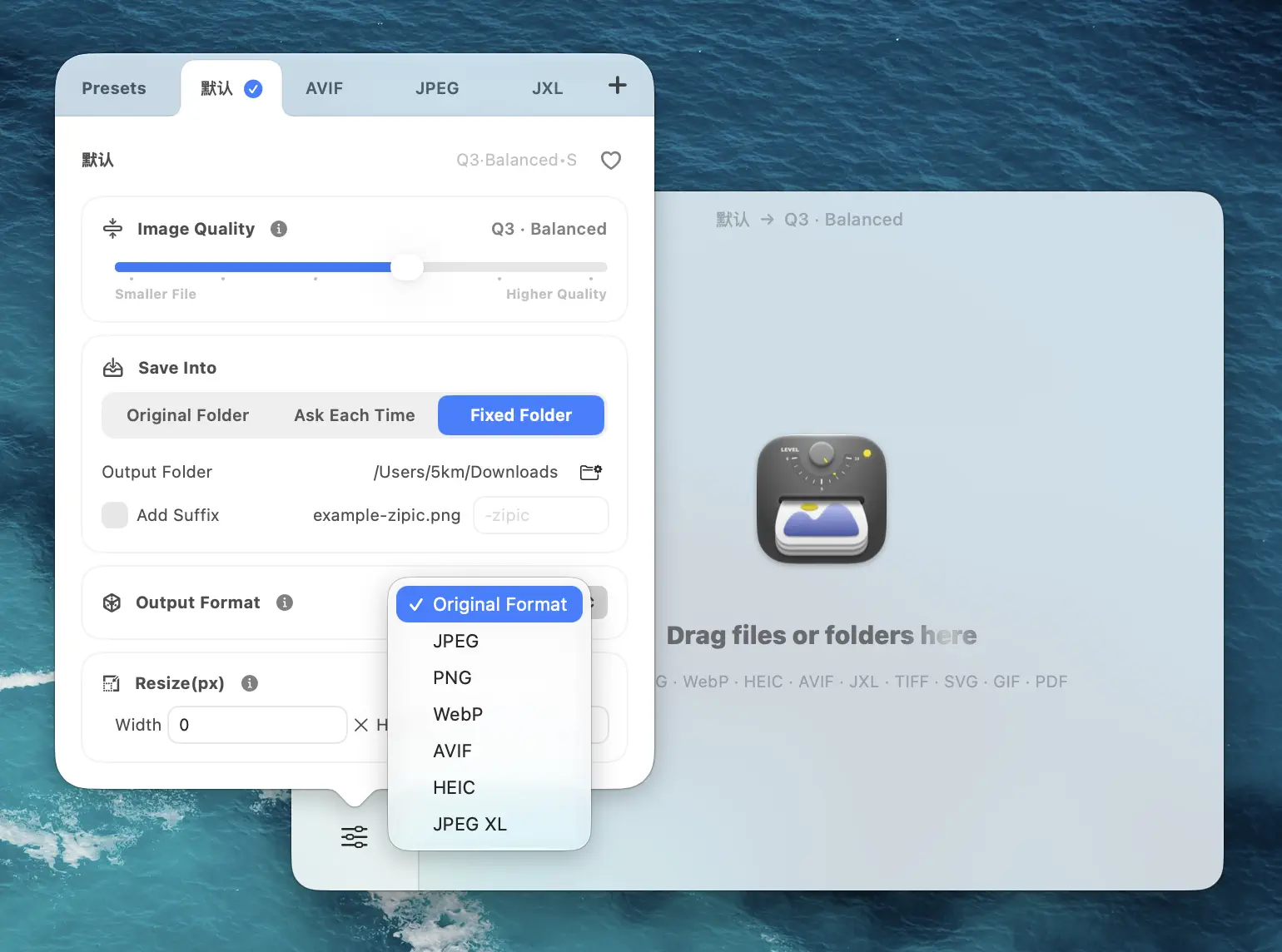
Typical workflow for a multi-format delivery:
- Create one preset for AVIF at a conservative quality level — for hero images and top-of-page visuals.
- Create a second preset for WebP at a similar quality — for thumbnails, blog body images, and anything that regenerates often.
- Keep a JPEG preset around for marketplace uploads and email-ready exports.
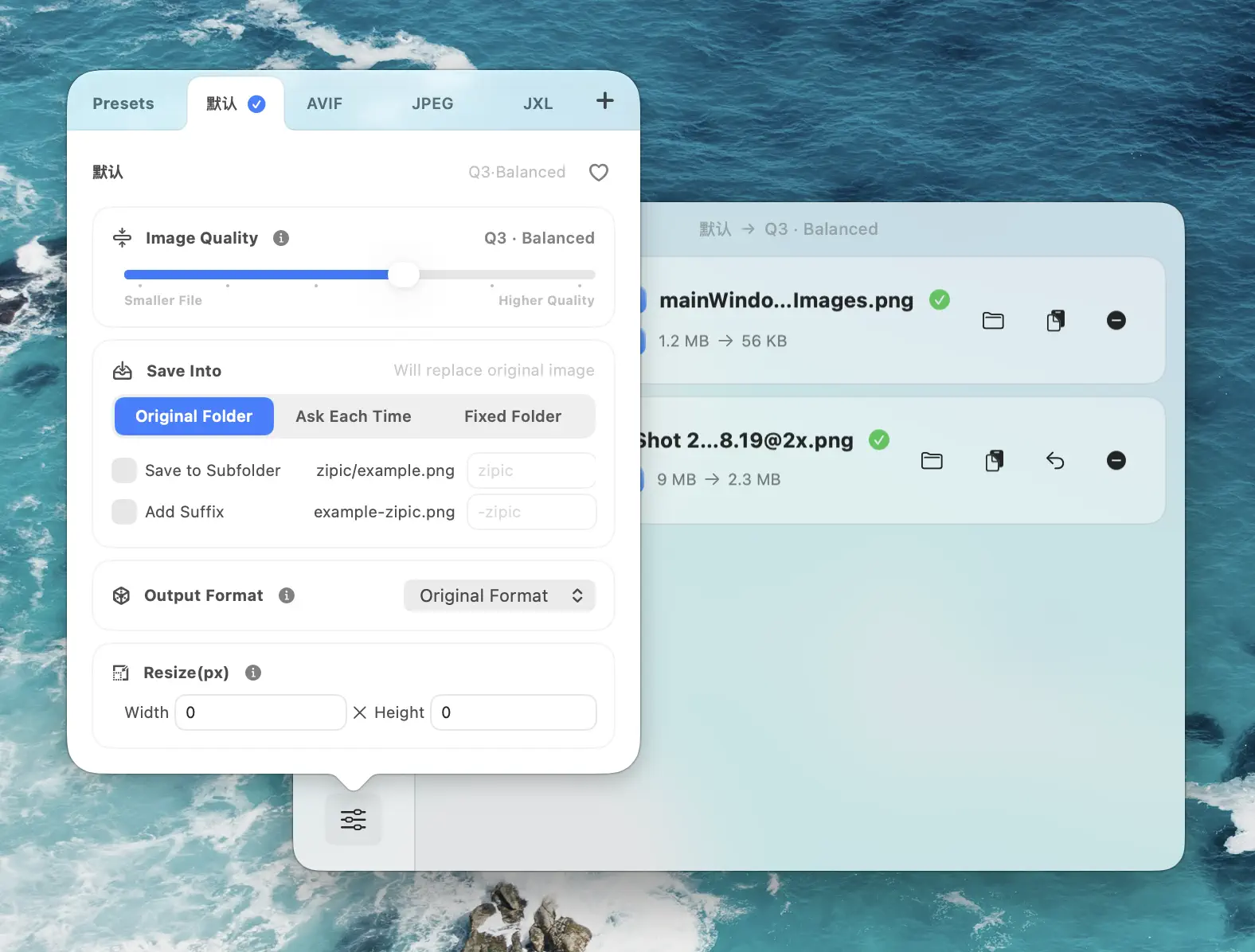
Zipic starts compressing the moment files land in the window — no separate Start button. Hold ⌥ (Option) while dragging to switch presets on the fly without changing the default. For teams processing many hero images, the AVIF preset can run in the background via folder monitoring while WebP handles the fast-turnaround volume.
Research Notes
All figures in this article are dated and sourced:
- Can I Use WebP: 96.39% global full support, March 2026 StatCounter data, verified 2026-04-23. Source: caniuse.com/webp.
- Can I Use AVIF: 94.9% global full support, March 2026 StatCounter data, verified 2026-04-23. Source: caniuse.com/avif.
- Can I Use JPEG XL: 16.15% partial only (Safari 17+ native; other browsers disabled or not supported), March 2026 StatCounter data, verified 2026-04-23. Source: caniuse.com/jpegxl.
- AVIF ~50% smaller than JPEG at visually similar quality; WebP 25–35% smaller than JPEG lossy; WebP 26% smaller than PNG lossless. Source: MDN Image file type and format guide, verified 2026-04-23.
- AVIF 20–30% smaller than WebP at matched perceptual quality on photographs. Sources: Pixotter WebP vs AVIF benchmarks and Crystallize AVIF vs WebP, both accessed 2026-04-23.
- AVIF encodes 5–10× slower than JPEG and up to ~47× slower than WebP at default encoder settings. Source: AVIF in 2026 complete guide, accessed 2026-04-23.
<picture>element withtypeattribute fallback syntax. Source: MDN<picture>reference, verified 2026-04-23.- Zipic supported output formats. Source: Zipic Image Compression Basics.
Treat the StatCounter percentages as a monthly-moving figure; a re-check against caniuse.com before major format migrations is cheap insurance.
Related Articles
- JPEG vs PNG vs WebP
- Best AVIF Compression Tool for Mac
- How to Choose the Right Image Format
- WebP Image Optimizer for Mac
- JPEG XL Converter for Mac: Compress to the Next-Gen Format
Full documentation: Choosing Image Formats · Image Compression Basics
Ready to ship images in the right format? Download Zipic and start with the free daily allowance. Every download includes a full 7-day Pro trial. Zipic Pro unlocks unlimited compression, advanced formats, folder monitoring, URL Scheme automation, and workflow features for serious batches.
Related Reading
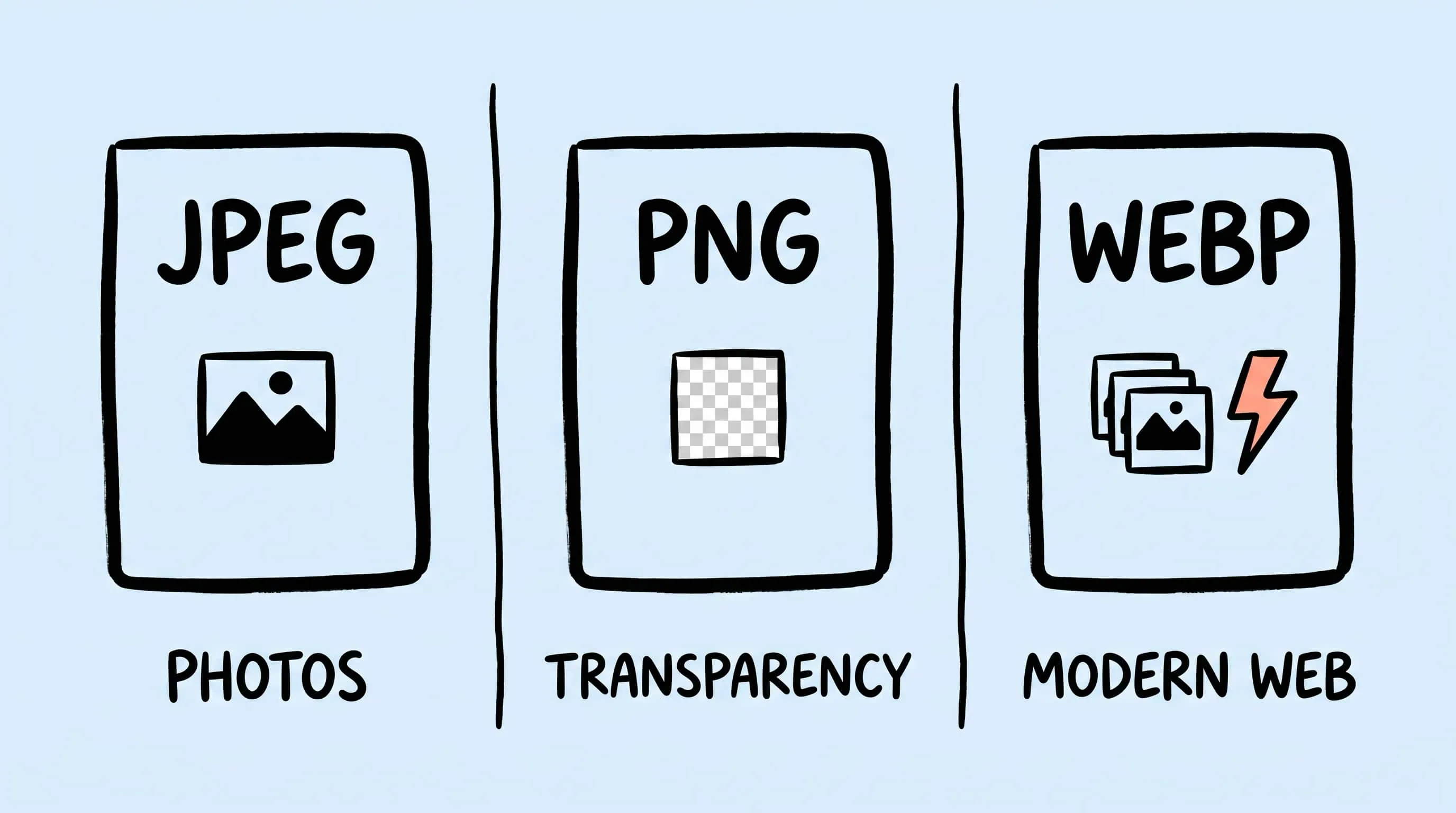
WebP vs PNG: Quality, File Size & Transparency Compared
WebP vs PNG: both support transparency. Compare file size, lossless quality and compatibility for photos, screenshots and logos, with JPEG as a fallback.
How to Choose the Right Image Format for Your Project
Not sure whether to use JPEG, PNG, WebP, or AVIF? This practical guide helps you pick the best image format based on your project type, platform, and priorities.
WebP Image Optimizer for Mac: Convert and Compress to WebP
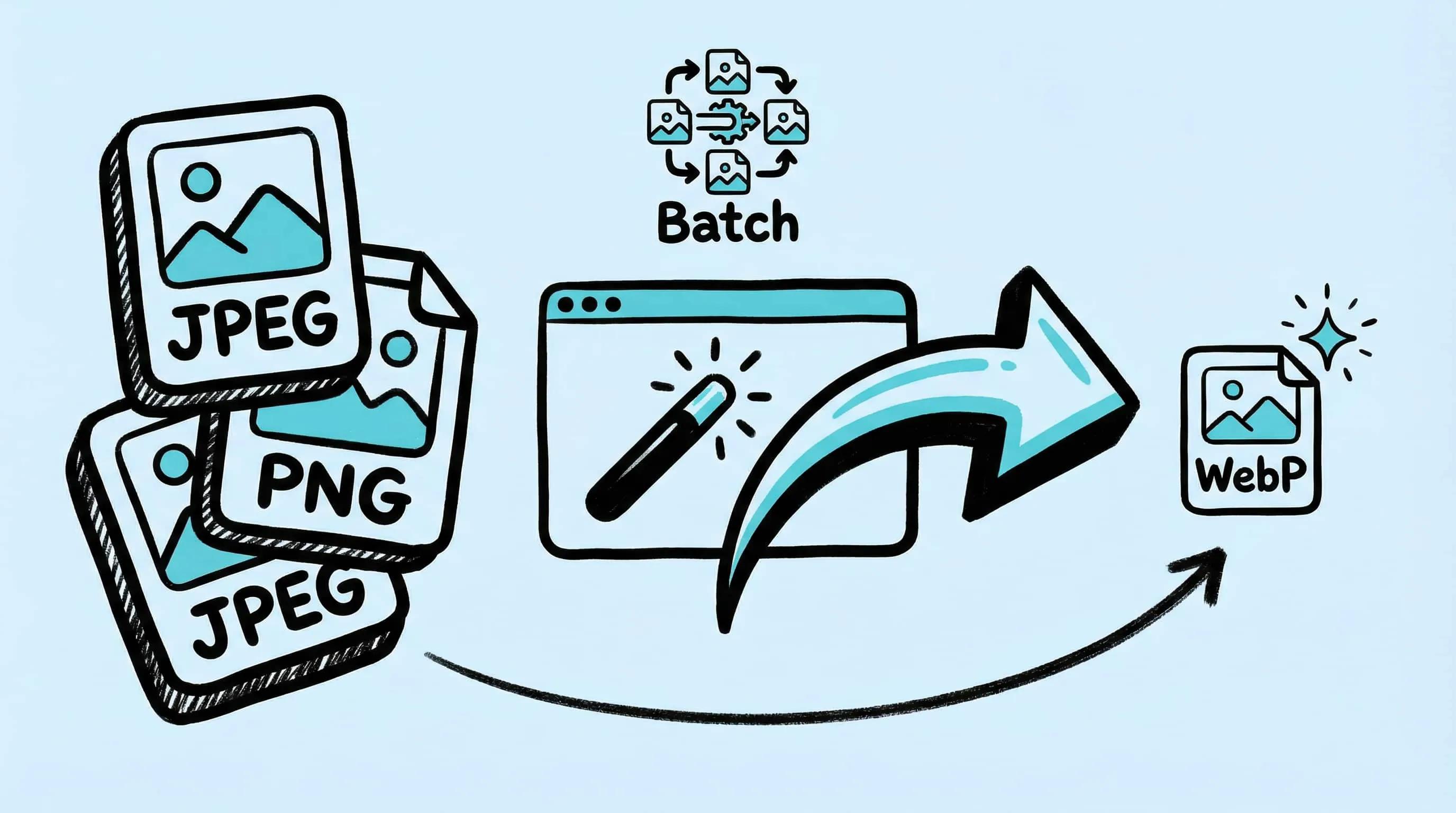
Looking for a WebP image optimizer on Mac? Zipic is a native WebP compression tool that converts JPEG, PNG, and HEIC to WebP with batch processing and quality control.
Best AVIF Compression Tool for Mac: Convert and Optimize AVIF Images
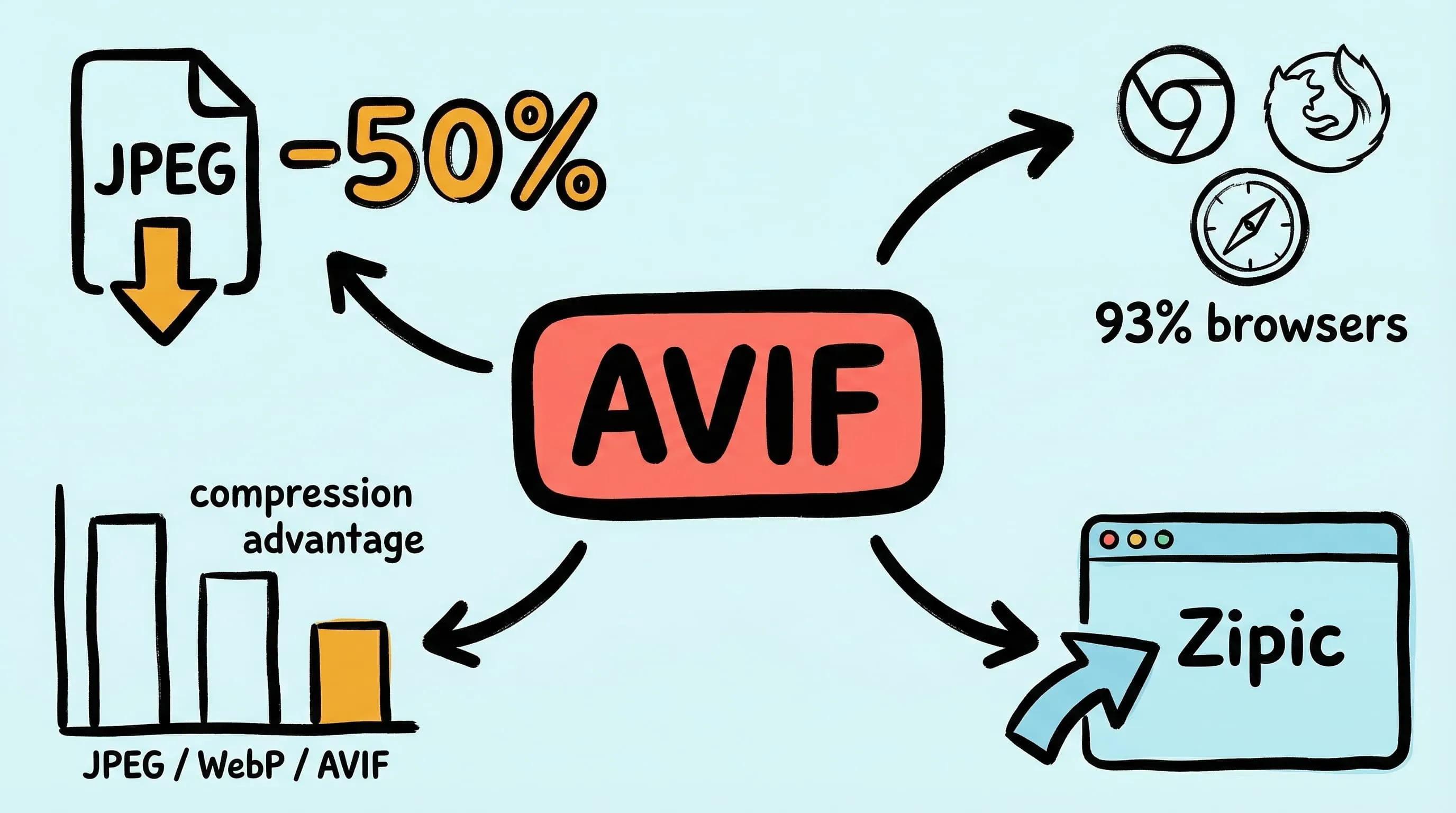
Looking for an AVIF compression tool on Mac? Learn how to compress and convert images to AVIF format with Zipic — batch processing, quality control, and 12 format support.