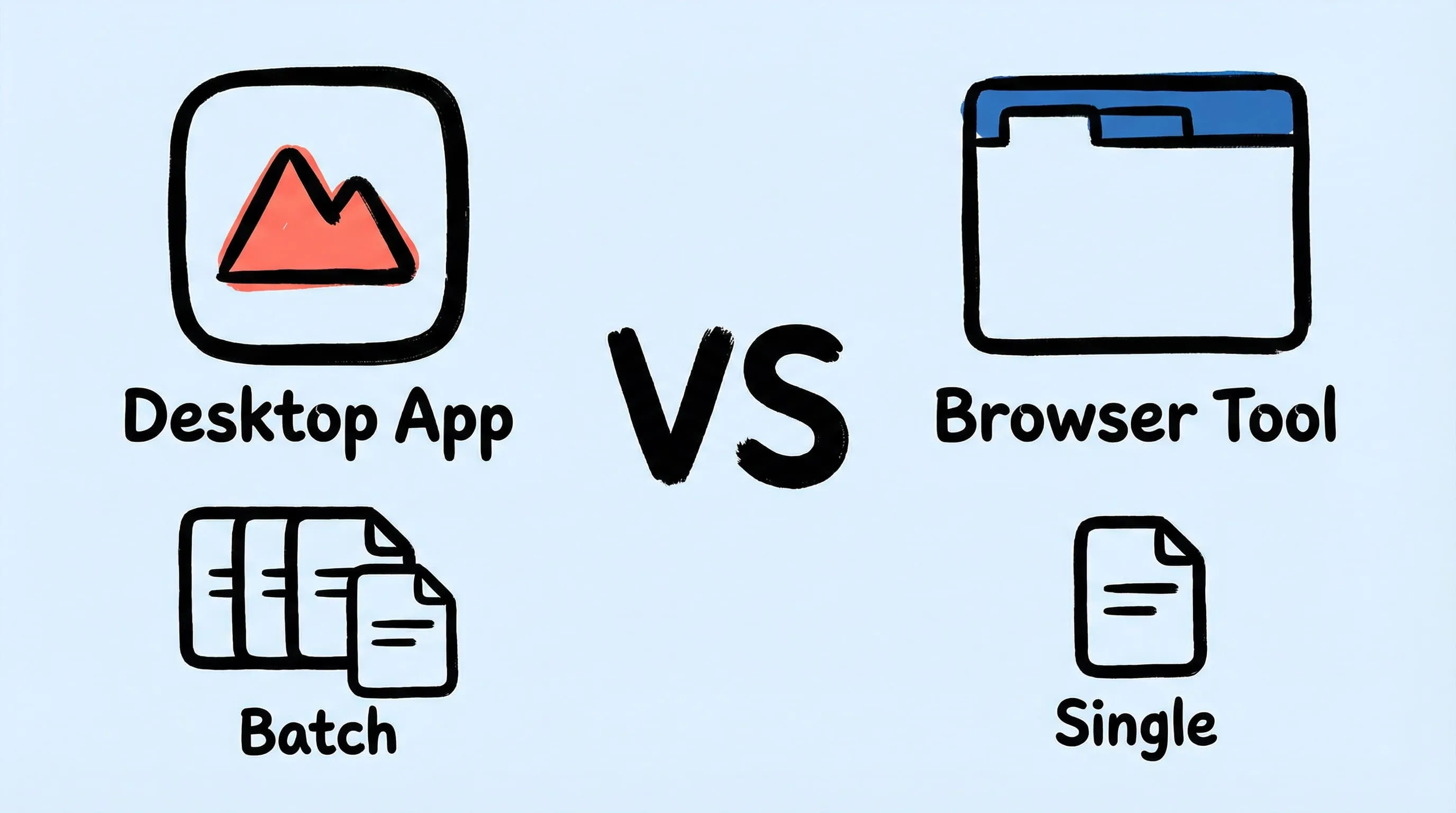
Best Squoosh Alternative for Mac: Desktop Batch Compression
Looking for a Squoosh desktop alternative on Mac? Compare Zipic vs Squoosh for batch processing, offline use, automation, and multi-file workflows.
Updated:
Squoosh is a free, open-source image compression tool built by Google Chrome Labs. It runs entirely in your browser using WebAssembly codecs, giving you real-time quality previews and fine-grained encoder controls — all without uploading files to any server. If you’re looking for a Squoosh alternative desktop app for Mac, Zipic offers everything Squoosh does and much more: batch processing, workflow automation, offline reliability, and 12 format support.
Here’s how these two tools compare.
At-a-Glance Comparison
| Feature | Zipic | Squoosh |
|---|---|---|
| Type | Native macOS app | Browser-based web app |
| Processing | 100% local on your Mac | Local in browser (WebAssembly) |
| Supported formats | JPEG, PNG, WebP, HEIC, GIF, AVIF, TIFF, ICNS, PDF, JPEG-XL, SVG, APNG | MozJPEG, OxiPNG, WebP, AVIF, JPEG XL, browser-native codecs |
| Batch processing | Unlimited files and folders (Pro) | Single image only |
| Compression control | six quality steps + presets | Full encoder settings per codec |
| Format conversion | Yes — convert between any supported format | Yes — output to different codec |
| Resize | Yes — width/height with aspect ratio | Yes — resize options available |
| Real-time preview | Side-by-side before/after (Pro) | Split-view slider comparison |
| Folder monitoring | Yes (Pro) | No |
| Notch Drop | Yes (Pro) | No |
| Raycast / Shortcuts | Yes (Pro) | No |
| CLI | URL Scheme + Apple Shortcuts | Squoosh CLI (npm package) |
| Offline usage | Always — compression needs no internet | PWA with limitations |
| Price | Free (25/day) / Pro $19.99 one-time | Completely free |
Need batch compression outside the browser? Download Zipic as a Squoosh desktop alternative for Mac — free daily allowance plus a full 7-day Pro trial.
Privacy and Processing
Both Zipic and Squoosh process images locally — your files never leave your device. This is a significant advantage over cloud-based tools like TinyPNG that require uploading to remote servers.
The difference is how they achieve local processing:
- Squoosh runs WebAssembly codecs inside your browser tab. Processing is tied to the browser — if the tab crashes, your work is gone. Performance depends on browser memory limits and tab resources.
- Zipic is a native macOS app. It runs as a standalone process with direct access to system resources, Apple Silicon optimization, and no browser overhead.
For privacy, both are excellent. For reliability and performance, a native app has clear advantages.
Format Support
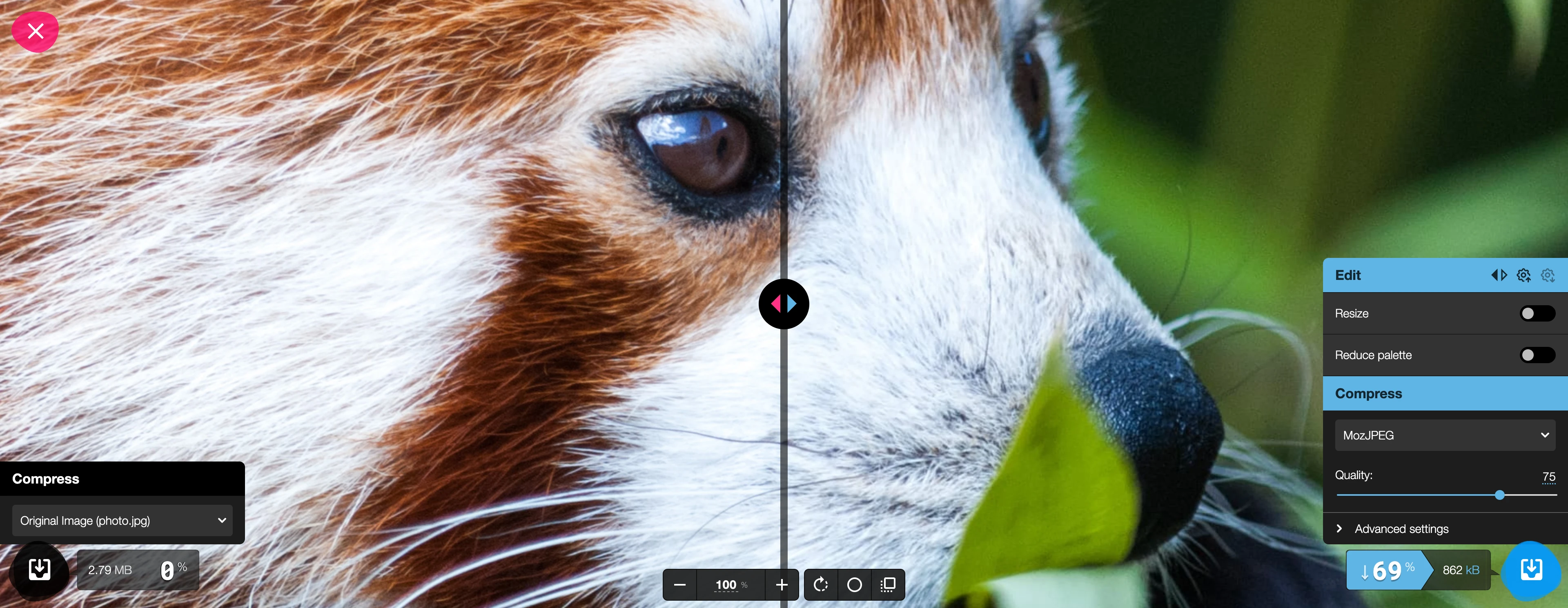
Squoosh offers strong codec options through its WebAssembly modules:
| Format / Codec | Zipic | Squoosh |
|---|---|---|
| JPEG (MozJPEG) | ✅ | ✅ |
| PNG (OxiPNG) | ✅ | ✅ |
| WebP | ✅ | ✅ |
| AVIF | ✅ (Pro) | ✅ |
| JPEG XL | ✅ (Pro) | ✅ |
| HEIC | ✅ | ❌ |
| TIFF | ✅ (Pro) | ❌ |
| ICNS | ✅ (Pro) | ❌ |
| ✅ (Pro) | ❌ | |
| GIF | ✅ | ❌ |
| SVG | ✅ (Pro) | ❌ |
| APNG | ✅ (Pro) | ❌ |
Squoosh covers the major web-oriented codecs well. Zipic goes further with system and professional formats — HEIC (iPhone photos), TIFF (print workflows), ICNS (macOS app icons), PDF, and GIF.
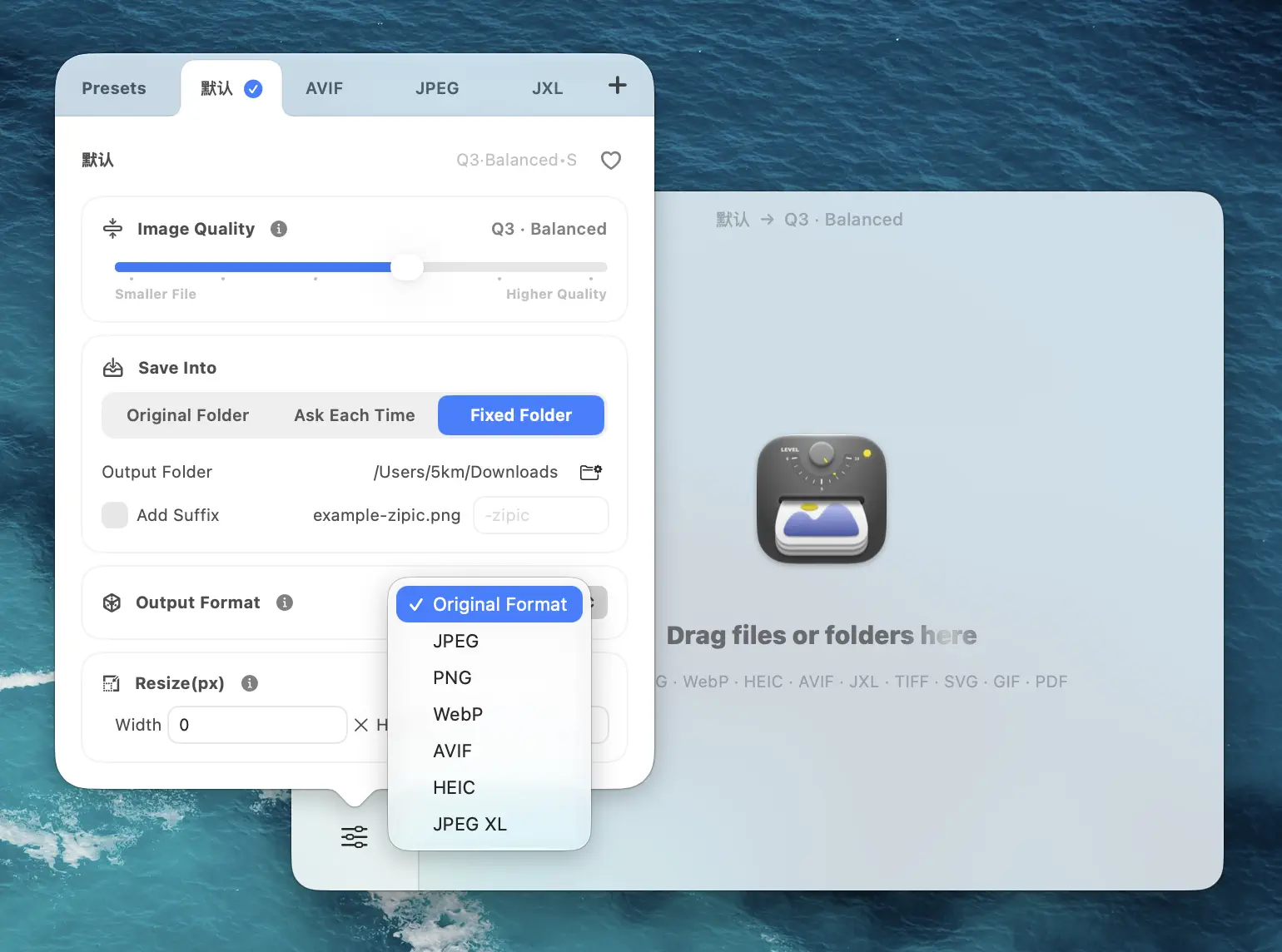
Both tools can convert between their supported formats during compression. For a deeper look at when to use each format, see the format selection guide.
Compression Quality and Control
This is one area where Squoosh genuinely shines. It exposes the full encoder settings for each codec — quality sliders, effort levels, chroma subsampling, and more. For users who want to fine-tune compression parameters for a single image, Squoosh gives exceptional control.
Zipic takes a different approach with six quality steps (Q1–Q6) and a preset system:
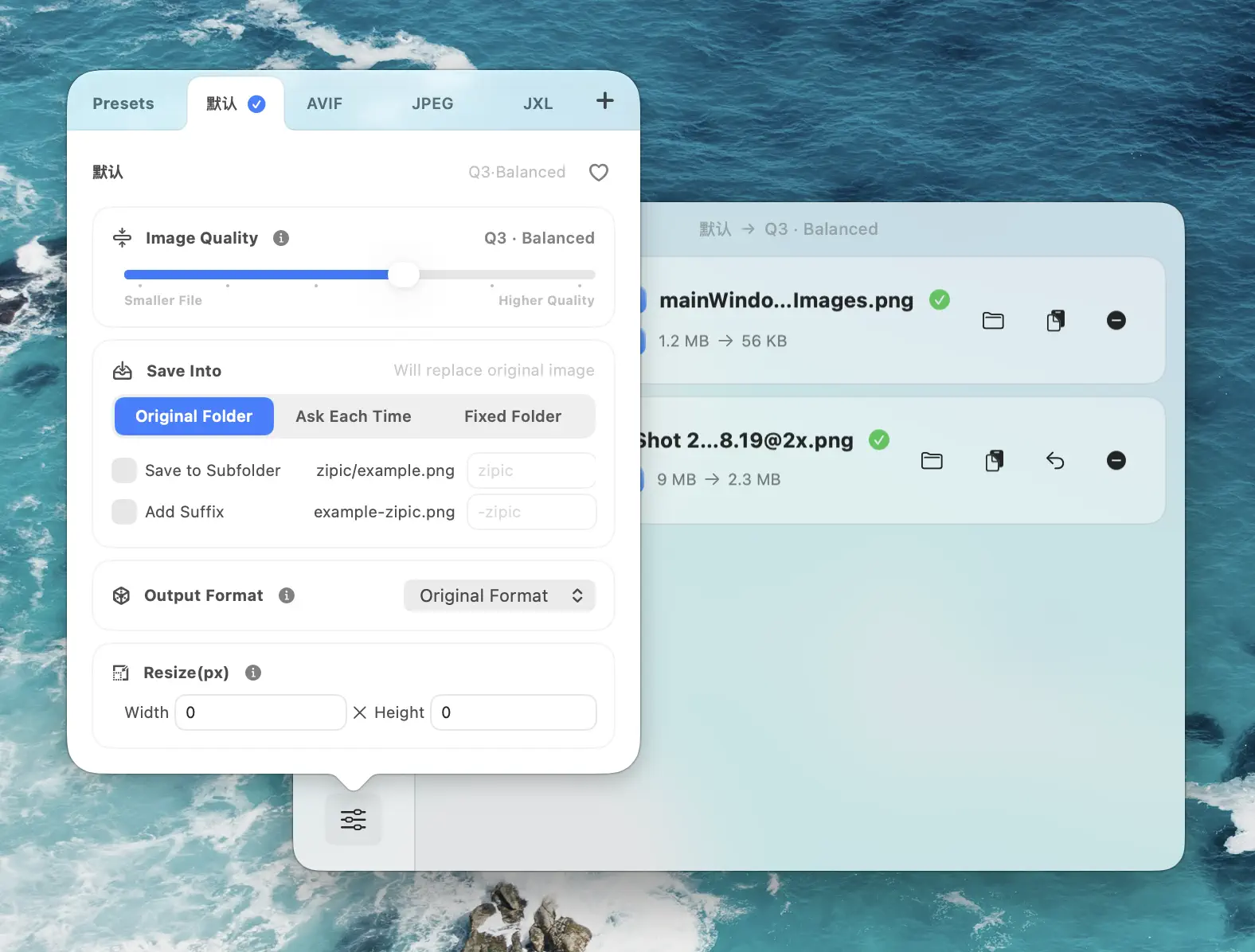
- Q1–Q2 — near-lossless, ideal for archival and print
- Q2–Q3 — balanced quality-to-size ratio (recommended for most users)
- Q4–Q6 — aggressive compression for web thumbnails and email
Squoosh gives more granular control per image. Zipic gives faster, repeatable results across hundreds or thousands of images. The right choice depends on whether you optimize one image at a time or need to process batches consistently. Learn more about compression settings.
Batch Processing — The Biggest Difference
This is where the comparison tips decisively.
Squoosh processes exactly one image at a time. There’s no way to select multiple files, drag a folder, or queue images. Every image requires the full manual workflow: open, adjust settings, download, repeat. Compressing 50 product photos means doing this 50 times.

Zipic handles batch processing natively:
- Drag and drop entire folders
- Select hundreds of files at once
- Process them all with your chosen preset
- No per-file interaction required
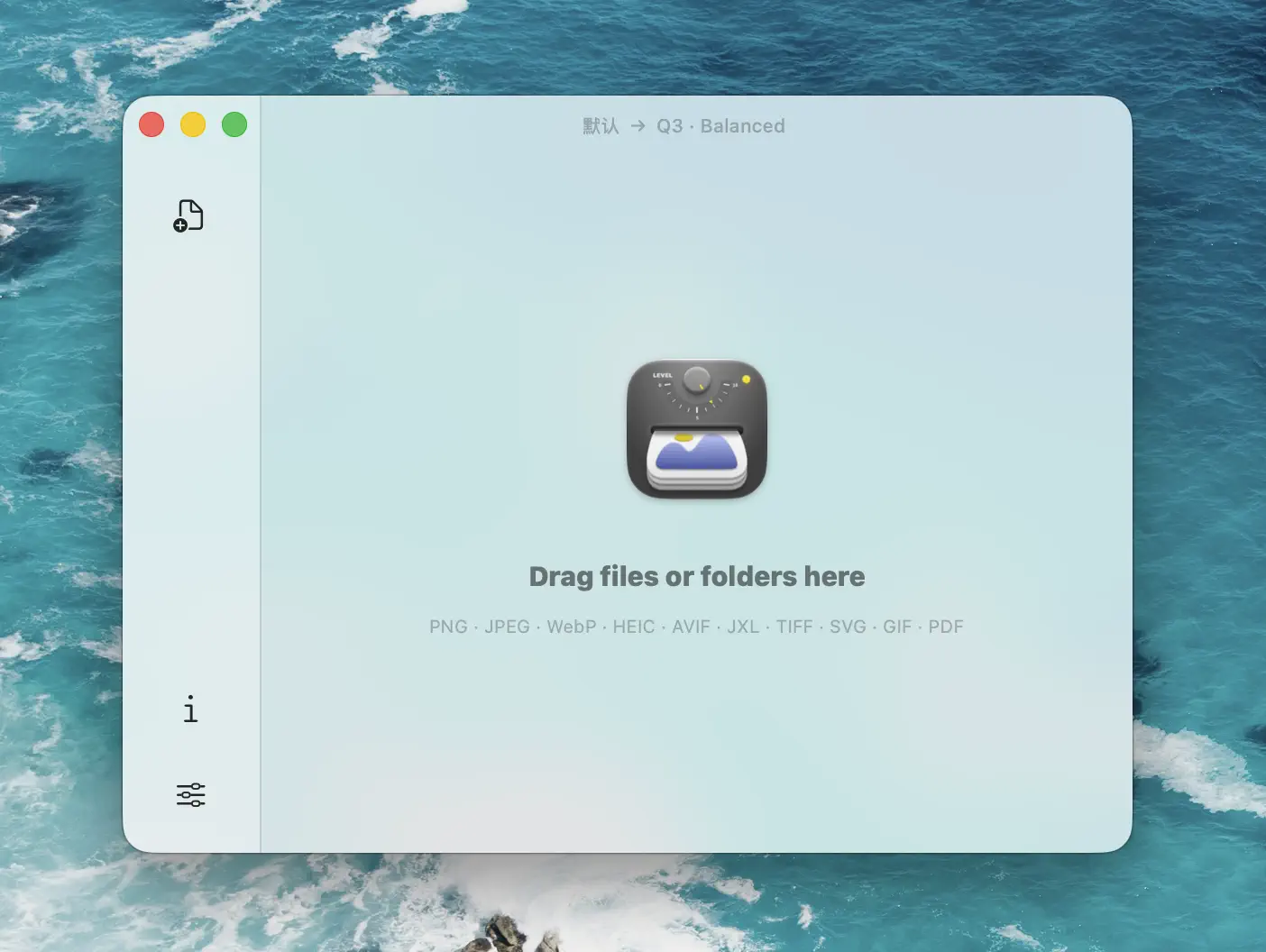
Zipic Free allows 25 images per day. Zipic Pro removes all limits — unlimited files, unlimited folders, no daily cap. If you regularly compress images in batches, this alone justifies choosing a desktop app.
Workflow and Automation
Squoosh has no automation features in the browser app. The Squoosh CLI (an npm package) can process multiple images programmatically, but it’s a developer tool — not something most users will set up.
Zipic offers deep macOS integration:
- Folder monitoring (Pro) — auto-compress new images added to watched directories. Set it on your Screenshots folder or Downloads and never think about compression again. See the folder monitoring guide.
- Notch Drop (Pro) — drag files toward the screen notch for instant compression without opening the app
- Clipboard auto-compress (Pro) — copy an image and it’s compressed automatically
- Raycast extension — compress from the Raycast command palette
- URL Scheme + Apple Shortcuts (Pro) — build custom automation workflows with full parameter control
For anyone who compresses images as part of a regular workflow — designers, developers, content creators — these automation features save significant time over manual browser-based compression.
Offline Capability
Squoosh is a Progressive Web App (PWA), which means it can work offline after the initial page load. But there are caveats:
- You need to load squoosh.app at least once with internet to cache it
- Browser cache clearing removes offline access
- Some codecs may not be available offline
- PWA reliability varies across browsers and OS versions
Zipic compresses completely offline from the moment you install it. Image processing never needs an internet connection — install once, compress anywhere, regardless of network status. (The app only goes online for things like updates, license activation, and optional anonymous usage statistics.)
Pricing
Squoosh is completely free. No limits, no premium tier, no account needed. It’s an open-source project maintained by Google Chrome Labs.
Zipic has a free tier with 25 compressions per day (5 basic formats). Zipic Pro is a one-time purchase of $19.99 — no subscription — unlocking unlimited compressions, all 12 formats, and full automation features.
| Squoosh | Zipic Free | Zipic Pro | |
|---|---|---|---|
| Price | Free | Free | $19.99 (one-time) |
| Daily limit | Unlimited (one at a time) | 25 images | Unlimited |
| Formats | 5–6 codecs | 5 | 12 |
| Batch processing | No | Yes (25/day) | Yes (unlimited) |
| Automation | No (CLI for developers) | Basic | Full |
Competitor details were last checked on 2026-03-07.
When to Choose Squoosh
- Fine-tuning a single image — you want to experiment with codec settings and see real-time results
- Cross-platform use — you need compression on Windows, Linux, or ChromeOS (not just Mac)
- Zero cost — budget is zero and you don’t need batch processing
- Quick one-off task — compress one screenshot without installing anything
- Developer exploration — you want to compare codec outputs side by side
When to Choose Zipic
- Batch processing — you compress more than one image at a time, regularly
- Workflow automation — folder monitoring, Notch Drop, Shortcuts, Raycast
- More formats — HEIC, TIFF, ICNS, PDF, GIF, SVG, APNG alongside JPEG, PNG, WebP, AVIF, JPEG XL
- Offline reliability — compression works truly offline, no browser dependency
- Performance — native Apple Silicon app vs. browser-based WebAssembly
- Professional workflows — consistent presets across large batches of files
Final Verdict
Squoosh is an excellent tool for what it does — single-image compression with deep codec controls, completely free, running locally in your browser. Google Chrome Labs built something genuinely useful, and the real-time preview slider is one of the best in any compression tool.
Zipic is the right choice when you need to move beyond single-image workflows. Batch processing, folder monitoring, format conversion across 12 formats, Notch Drop, Shortcuts integration, and offline compression make it a complete image compression solution for macOS. At $19.99 one-time, it’s a modest investment for dramatically increased productivity.
Both tools keep your images local and private. The question is whether you compress one image at a time in a browser, or need a professional-grade tool integrated into your Mac workflow.
Ready to leave single-image browser compression? Download Zipic free for local batch work on Mac. Free daily allowance plus a full 7-day Pro trial. Upgrade to Zipic Pro for unlimited batch processing, all 12 formats, and automation.
Related Articles
- Best ImageOptim Alternatives for Mac in 2026
- Zipic vs TinyPNG: Desktop App vs Online Tool Compared
- JPEG vs PNG vs WebP: Which Image Format Should You Use?
- Batch Compress Images on Mac: Complete Tutorial
- How to Compress Images on Mac — The Complete Guide
Explore all features in the Zipic documentation.
Related Reading
Zipic vs Optimage: Mac Image Compressors Compared
Zipic vs Optimage compared for Mac users: format support, compression workflow, automation, metadata handling, pricing model, and who should pick which app.
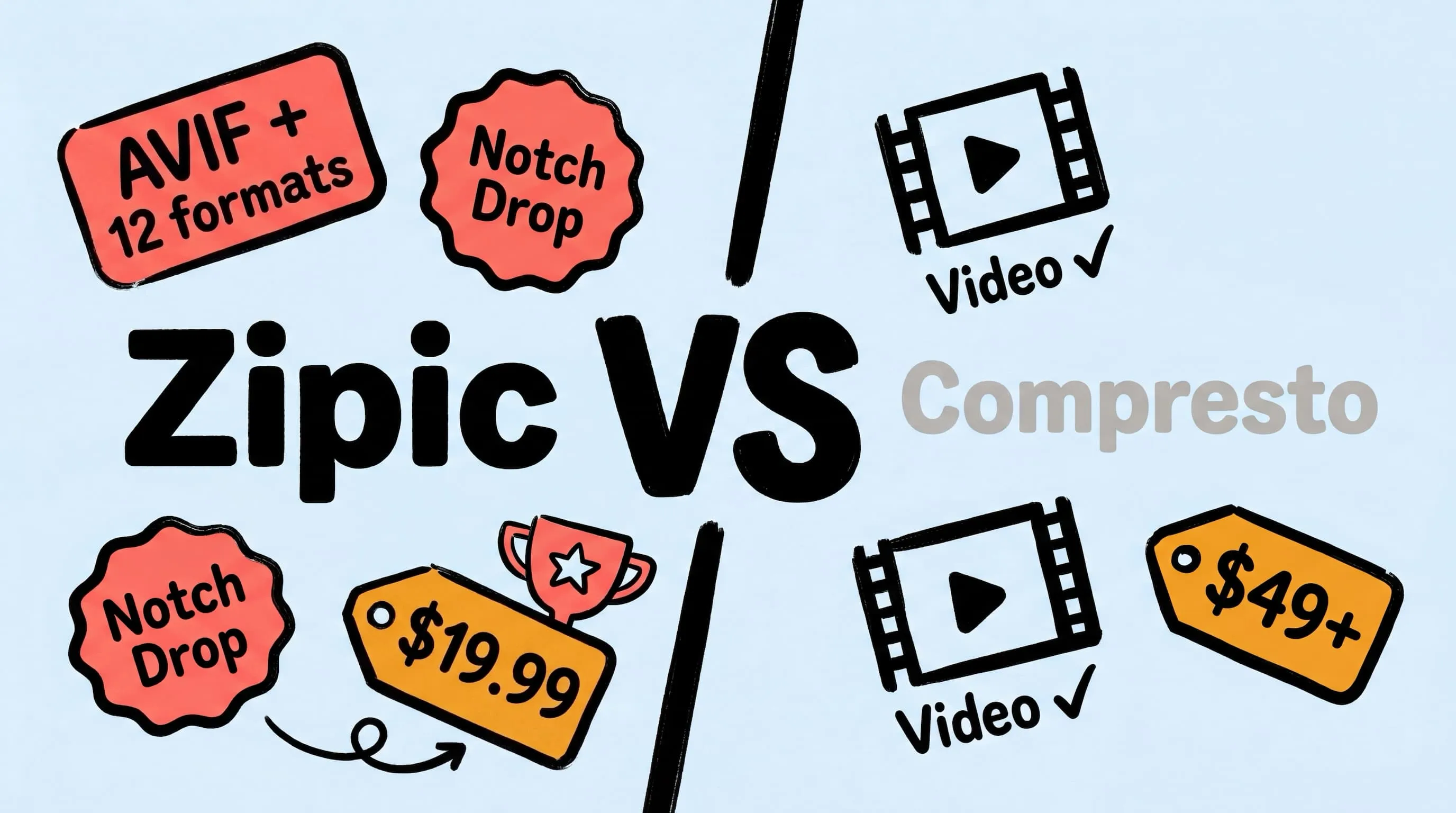
Zipic vs Compresto: Mac Image Compression Tools Compared
Looking for a Compresto alternative? Compare Zipic and Compresto on image format support, compression control, automation, pricing, and video capabilities for Mac.

Zipic vs TinyPNG: Desktop App vs Online Tool Compared
Zipic vs TinyPNG — compare privacy, file limits, format support, and pricing. See why a native Mac app beats an online uploader for image compression.

Zipic vs ImageOptim: Which Mac Image Compressor Wins?
Compare Zipic and ImageOptim side by side. See how they differ on format support, compression control, automation, and pricing for Mac image compression.