Zipic vs Optimage: Mac Image Compressors Compared
Zipic vs Optimage compared for Mac users: format support, compression workflow, automation, metadata handling, pricing model, and who should pick which app.
A good Optimage alternative has to do more than shrink a file once. Mac users comparing Zipic vs Optimage usually care about repeatable batches, format support, automation, privacy, and whether the app fits daily work instead of becoming another tiny utility you forget to open.
Both apps are local Mac tools. That already makes them different from online upload compressors: private client images do not need to leave your machine just to become smaller.
Quick Comparison
| Need | Zipic | Optimage |
|---|---|---|
| Local Mac compression | Yes | Yes |
| Preset-based workflow | Strong focus | Simpler drop-and-optimize flow |
| Format conversion | JPEG, WebP, PNG, AVIF, HEIC, JXL | Broad conversion features listed by Optimage |
| Automation | Folder monitoring, URL Scheme, Shortcuts, Raycast | CLI and batch features listed by Optimage |
| Best fit | Repeatable workflows and format presets | Minimal local optimization with broad media handling |
Optimage’s official site lists broad media coverage — JPEG, PNG, APNG, GIF, SVG, WebP, HEIC, PDF, ICO, ICNS, JPEG2000, TIFF, RAW, plus video formats such as MP4, WebM, and AV1 — along with CLI integration and a one-time paid license ($15) on top of a free daily allowance. Zipic’s advantage is workflow depth: presets, quick switching, folder monitoring, Raycast, Apple Shortcuts, and URL Scheme integration are designed around repeated compression pipelines.
Where Zipic Feels Better
Zipic is strongest when you have recurring patterns: blog images to WebP, product photos to JPEG, screenshots to a watched folder, or developer assets compressed from a script.
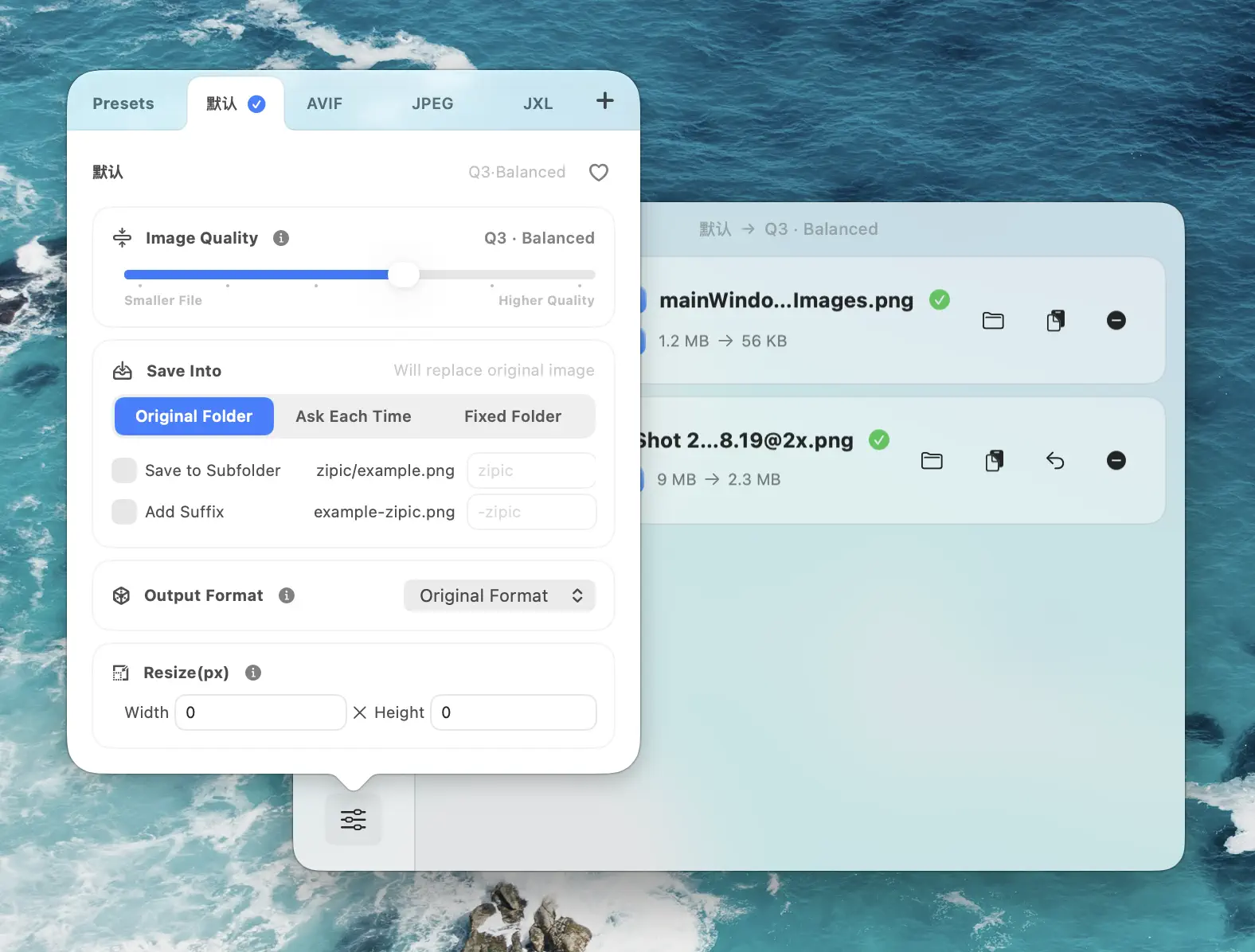
A preset keeps the decision out of your head. Choose the preset, add files, and Zipic compresses automatically. That matters when the task happens every day.
Where Optimage May Fit
Optimage is still a serious Mac compressor, especially for users who want broad local optimization in a compact interface. If your workflow is mostly occasional drag-and-drop and you do not need Zipic’s automation stack, it can be a reasonable option.
Recommendation
Choose Zipic if you want a native Mac image compression workflow with presets, modern format conversion, folder monitoring, Raycast, Shortcuts, and URL Scheme automation. Choose Optimage if you want a small local optimizer and its feature set maps better to your media mix.
Research Notes
Competitor details were checked against Optimage official site, ImageOptim usage guide, TinyPNG, Tinify API pricing, and JPEGmini pricing and Zipic’s Image Compression Basic documentation on 2026-04-23.
Related Articles
- Best ImageOptim Alternatives for Mac
- Lossy vs Lossless Compression Explained
- Batch Compress Images on Mac
- Best Image Compression Software for Mac
Full documentation: Image Compression Basic · Choosing Image Formats · Resizing Images
Ready to make image compression less manual? Download Zipic and start with the free daily allowance. Every download includes a full 7-day Pro trial. Zipic Pro unlocks unlimited compression, advanced formats, folder monitoring, URL Scheme automation, and workflow features for serious batches.
Related Reading
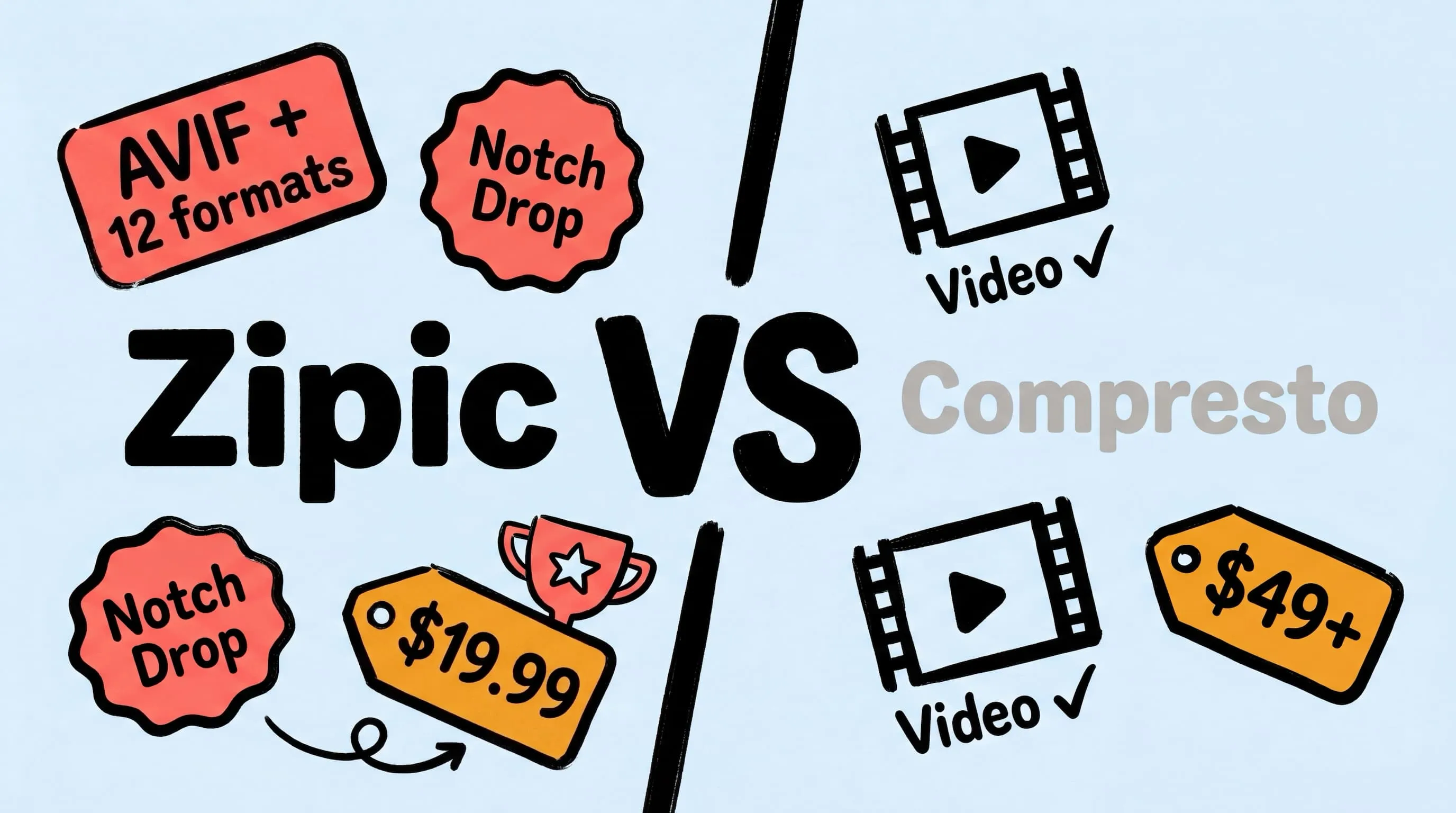
Zipic vs Compresto: Mac Image Compression Tools Compared
Looking for a Compresto alternative? Compare Zipic and Compresto on image format support, compression control, automation, pricing, and video capabilities for Mac.
Best Squoosh Alternative for Mac: Desktop Batch Compression
Looking for a Squoosh desktop alternative on Mac? Compare Zipic vs Squoosh for batch processing, offline use, automation, and multi-file workflows.

Zipic vs TinyPNG: Desktop App vs Online Tool Compared
Zipic vs TinyPNG — compare privacy, file limits, format support, and pricing. See why a native Mac app beats an online uploader for image compression.
Zipic vs ImageOptim: Which Mac Image Compressor Wins?
Compare Zipic and ImageOptim side by side. See how they differ on format support, compression control, automation, and pricing for Mac image compression.