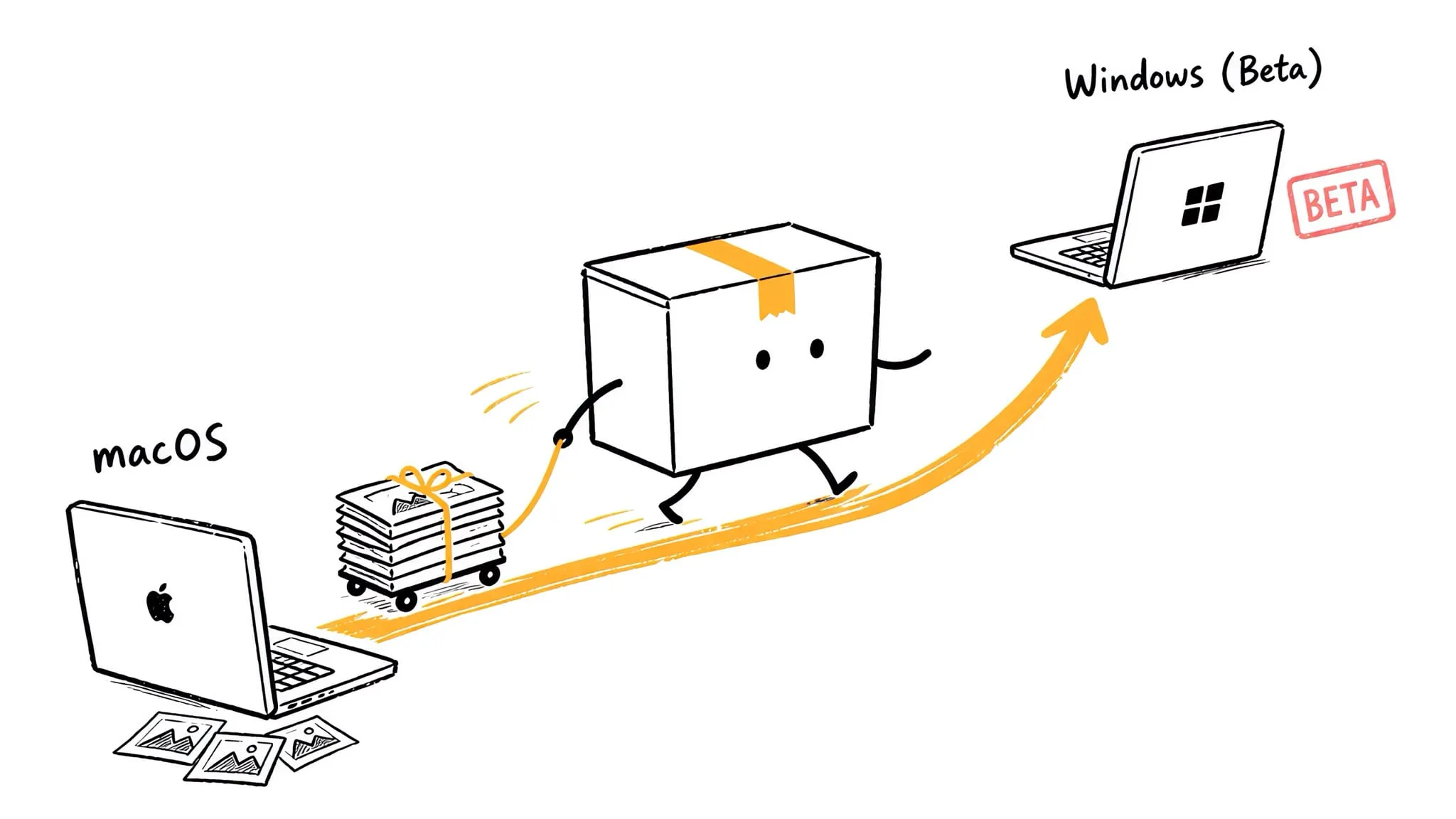
Zipic for Windows — Native Image Compression in Public Beta
Zipic comes to Windows: public beta on the Microsoft Store, Windows 10+, every existing macOS feature on board, and one license that activates both platforms.
Zipic is no longer a Mac-only app. As of this week, Zipic for Windows is in public beta on the Microsoft Store — three years, almost to the day, after the first public beta invitation for the Mac version went out on August 18, 2023.
The short version:
- Where: Microsoft Store, Windows 10 or later.
- What: the full macOS feature set, 1.10.0 additions included — batch compression, format conversion, resizing, folder monitoring, clipboard auto-compress, presets, multi-output, HDR preservation.
- One format difference: Windows compresses ICO icons where macOS compresses ICNS.
- Licensing: your existing Zipic Pro license activates the Windows version too. macOS and Windows devices draw from the same device count — no second purchase, no upgrade fee.
- Pricing: one-time purchase, as always. No subscription on either platform.
If that’s all you needed to know, go grab it. If you’re curious how a one-person Mac utility ended up shipping a Windows version, read on.
Three years of Zipic
When Zipic’s first public beta went out in August 2023, it was a simple JPEG and PNG compressor. Three years later it handles twelve formats — JPEG, PNG, WebP, HEIC, AVIF, JPEG XL, TIFF, GIF, ICNS, PDF, SVG, APNG — and has grown into something closer to an image-processing workflow tool: folder monitoring, clipboard auto-compression, a CLI that returns structured JSON for scripts and AI agents, Shortcuts and Raycast integrations.
The biggest shift happened under the hood. Over the past year, nearly the entire compression pipeline was replaced with engines we built in-house — pngoptim, avifoptim, pdfoptim, gifoptim, and a custom JPEG build. That rewrite is what made the harder details possible, like preserving HDR gain maps through compression instead of silently flattening them — something an HDR photographer in Iceland spent more than half a year helping us get right, sample by sample, over email.
None of this was built alone. If you’ve ever read our release notes, you’ve seen the names — users who reported the bugs, pushed for the features, and tested the fixes. Zipic stopped being a solo project a long time ago; it’s a product shaped by the people who use it.
Why Windows, and why now
“Windows version” sat on the to-do list for more than two years, and it was the single most requested item from users the entire time.
There’s also a genuine gap on the Windows side. The established free compressors on Windows are solid at what they do, but most stop at the classic formats — the current generation of formats like AVIF, HEIC, and JPEG XL is usually missing, partially supported, or hidden behind plugins. Zipic brings its full twelve-format pipeline, modern encoders included, in one app with one drag-and-drop workflow.
And because the compression engines are now our own, they were never tied to macOS frameworks in the first place. Porting them was real work, but it was possible work — which is exactly why the in-house rewrite mattered.
What “beta” means here
We’re calling this a public beta, and we mean it honestly: the core works, we use it daily, and it ships the full macOS feature set — but Windows hardware and setups are far more varied than Macs, and some rough edges will only surface in the wild.
Two things you should know going in:
- Platform differences are minor. Windows compresses ICO where macOS compresses ICNS; beyond that, the feature set — 1.10.0 additions included — matches the Mac version.
- Feedback goes straight to the developer. If something breaks or feels off, email support@5km.tech — reports during beta are read especially carefully.
The beta is free to try, with the same free tier as macOS: up to 25 images per day, no account required.
One license, both platforms
This part is worth spelling out, because it’s unusual:
If you already own Zipic Pro, you own it on Windows too. Licenses are counted per device, not per platform. A Solo license ($19.99) covers 1 device — Mac or PC, your choice. Personal ($29.99) covers 2, Team ($129.99) covers 10, in any combination. If you have a spare activation slot, just enter your existing key on Windows and you’re done.
And to state the obvious: Zipic remains a one-time purchase with lifetime updates on both platforms. That was the promise on day one, and shipping a second platform doesn’t change it.
FAQ
Is Zipic for Windows free? The free tier is identical to macOS: up to 25 images per day, standard formats included. Pro unlocks unlimited compression and advanced formats.
Does my Mac license work on Windows? Yes. One license activates both platforms; devices are counted across platforms. No separate Windows license exists — or is needed.
Which Windows versions are supported? Windows 10 and later.
Where do I download it? Only from the Microsoft Store. (And a note for Mac users: Zipic is not on the Mac App Store — the similarly named app there is unrelated. The macOS version comes from zipic.app or Homebrew.)
Is the Windows version feature-complete? Essentially yes — the beta ships the full macOS feature set, including 1.10.0 additions like multi-output and HDR preservation. Only minor platform differences remain, such as ICO taking the place of ICNS.
When will it leave beta? When it’s stable across enough real-world machines. Beta updates will ship continuously through the Microsoft Store.
This is just the start
Three years ago Zipic was a weekend-sized JPEG compressor for one platform. Today it’s a twelve-format, self-engineered compression pipeline running natively on two. The Windows beta is the newest chapter, not the last one — from here, the roadmap moves forward on both platforms in parallel.
If you work on a PC — or your team is half Mac, half Windows — give the beta a try and tell us what you find: support@5km.tech.
Here’s to the next three years.
Related Reading
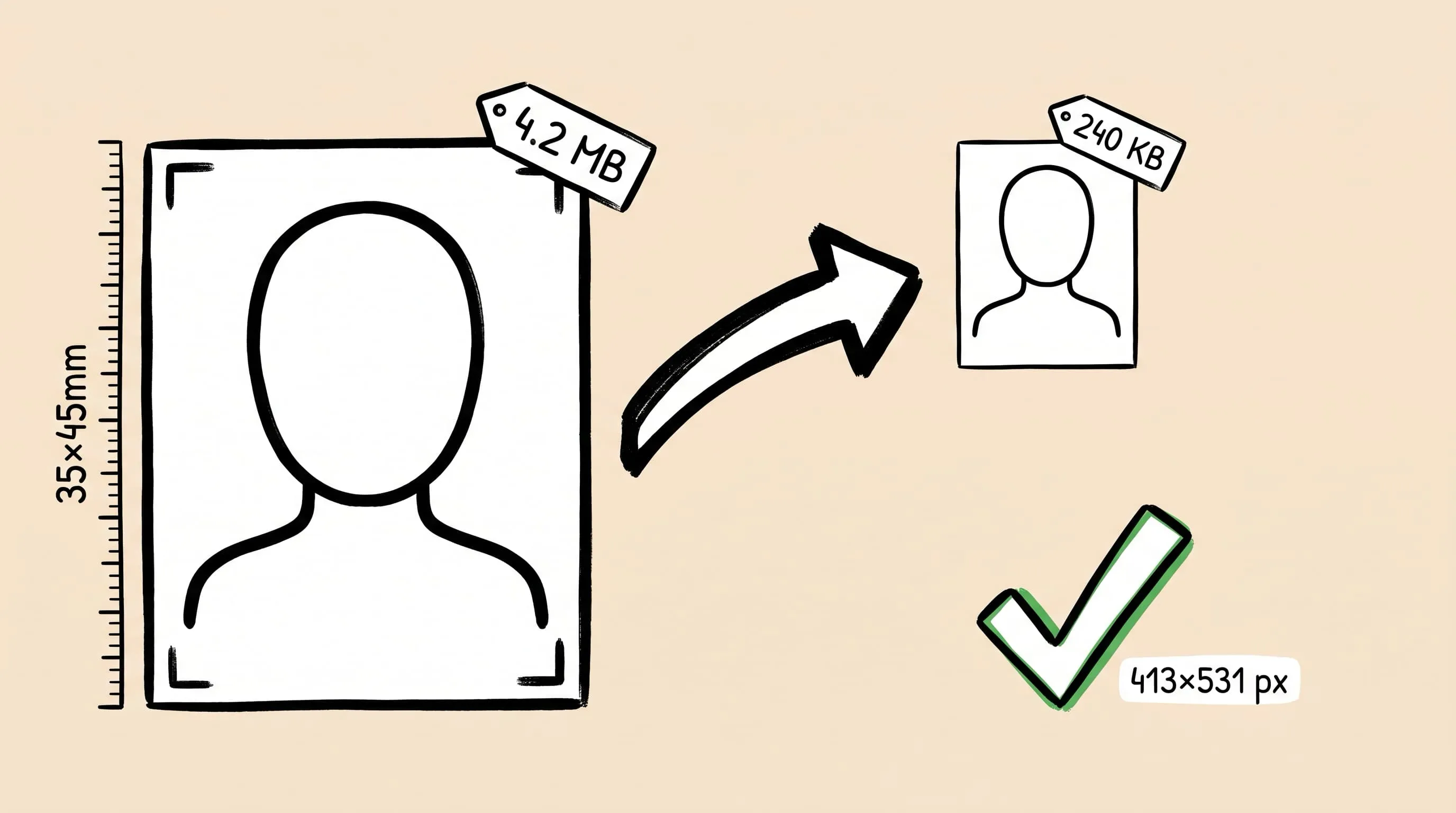
Compress Passport and ID Photos on Mac and Windows: A Guide
Resize and compress ID photos on Mac or Windows. Check official upload limits, crop with built-in tools, export JPEG, and verify file size and detail.

Best Image Compression Software for Mac: 7 Apps (2026)
Compare 7 image compressor apps for Mac by format support, batch workflow, privacy, automation, and price, then choose the right tool for your images.
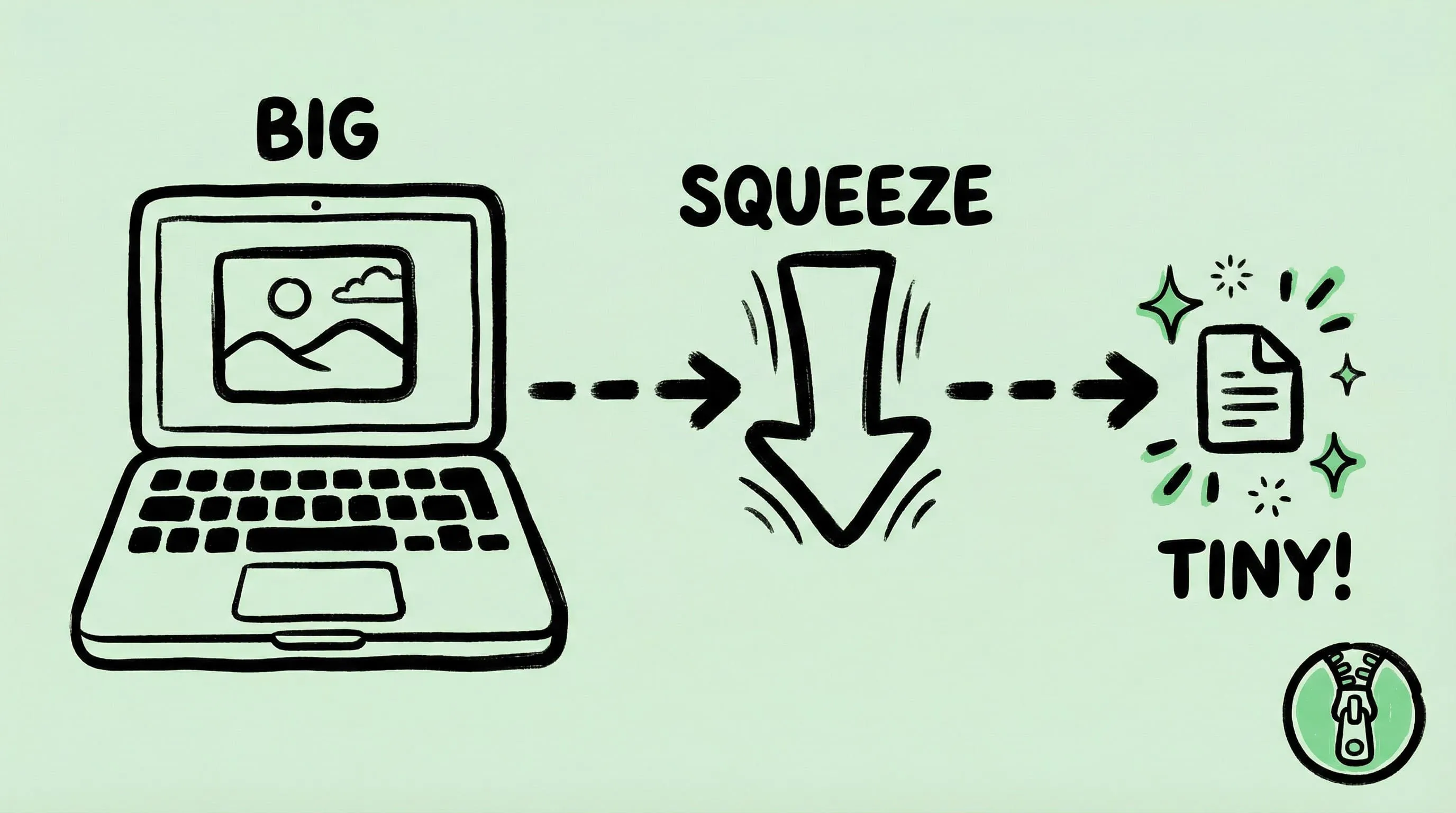
How to Compress Images on Mac Fast (Without Ruining Quality)
Compress images on Mac with drag-and-drop, Finder, presets, and batch automation — protect originals, check quality at 100%, then scale the workflow.
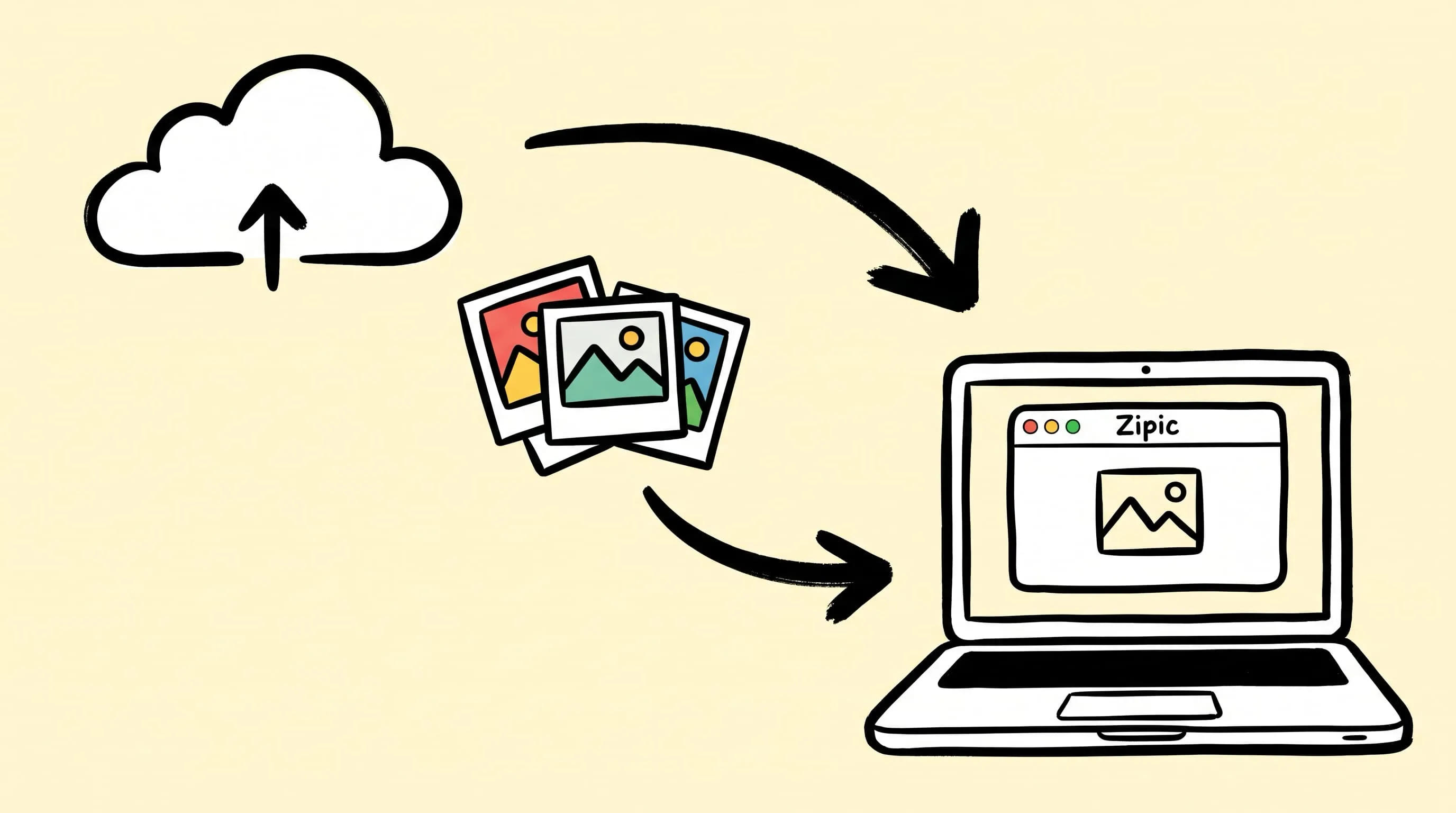
Best TinyPNG Alternatives for Mac in 2026 (Desktop Apps)
Hit TinyPNG's 20-image limit or don't want to upload client files? Five desktop TinyPNG alternatives for Mac that compress locally — compared with prices.