pngoptim Deep Dive: Zipic's PNG Compression Engine for Mac
See how Zipic uses pngoptim for Mac PNG compression: stable presets, APNG handling, ICNS workflow, and predictable batch results for teams.
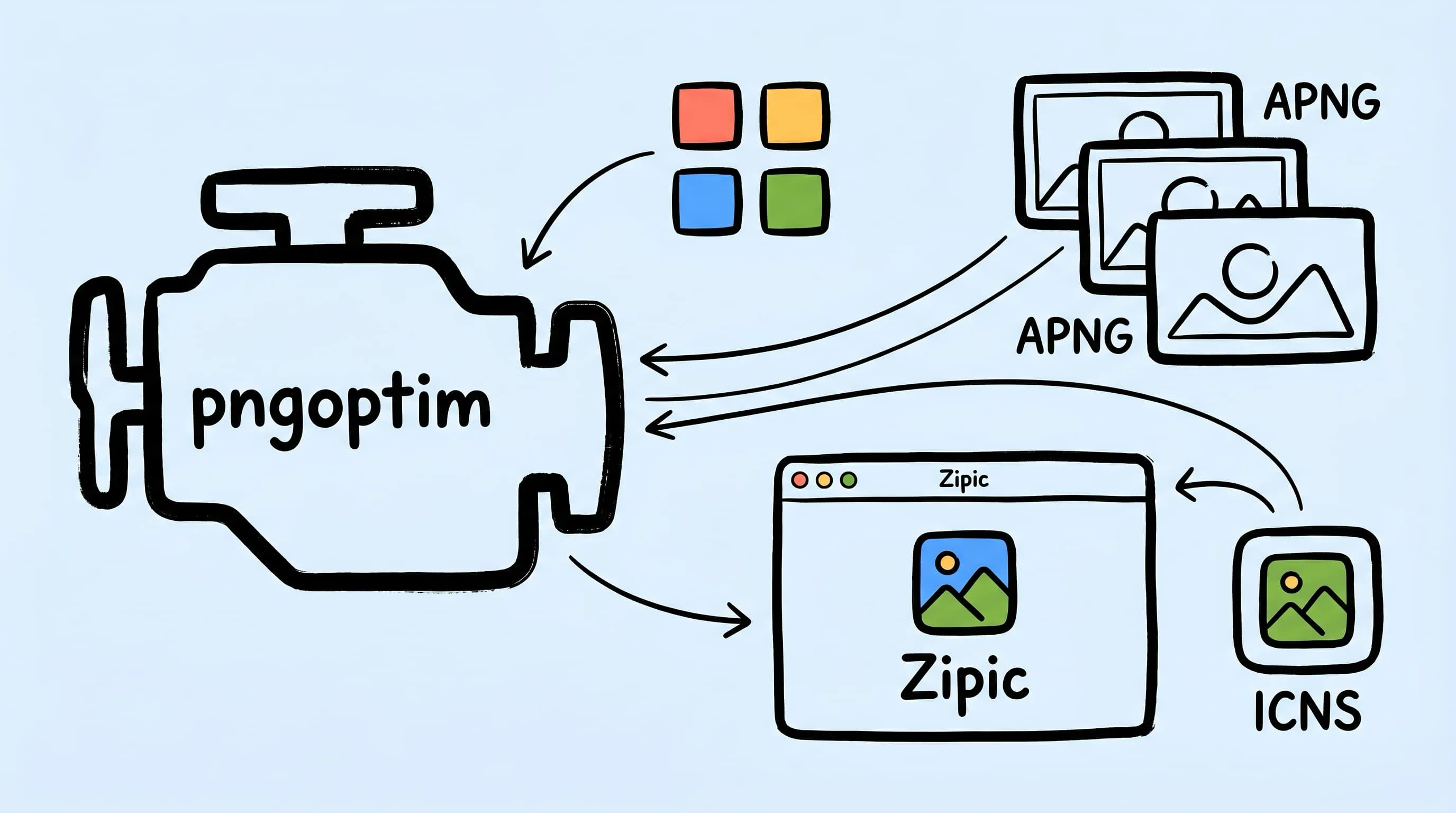
pngoptim is Zipic’s in-house PNG compression engine for Mac. Zipic built it because PNG compression is no longer one narrow job. Static PNGs need alpha edges and small text to stay clean. APNG files need their animation behavior preserved. ICNS files need their internal PNG slices optimized without breaking the macOS icon container. A generic PNG optimizer can cover part of that surface; Zipic needed an engine that could handle PNG/APNG compression inside a native Mac batch workflow.
This is the third article in the pngoptim series. The first covered APNG compression on Mac. The second covered ICNS file compression. This one explains the product layer: why Zipic needs its own PNG engine, where common tools stop, and how Zipic turns those decisions into presets instead of low-level controls.
Why pngoptim Exists for PNG Compression on Mac
PNG is lossless at the format level, but real-world PNG compression on the web often uses a lossy step before writing the final file. The common strategy is palette quantization: reduce a 24-bit or 32-bit RGBA image to an indexed PNG with 256 colors or fewer, then encode that smaller pixel stream. The output is still a standards-compliant PNG, but the color space has been simplified.
pngquant has been the reference tool for that job for years. Its official page describes a command-line utility and library for lossy PNG compression, often cutting files by as much as 70% while preserving alpha transparency. It remains excellent for static images.
Zipic needed a broader engine:
- PNG screenshots, diagrams, and UI assets need predictable quality across a batch.
- APNG files need frame timing, disposal, blending, and loop counts preserved.
- ICNS compression needs PNG slice optimization after
iconutilunpacks the container. - A Mac app needs the engine bundled into the app without asking users to install Node, Python, or a Homebrew dependency chain.
That is why pngoptim exists inside Zipic: it gives the app one consistent PNG/APNG compression path that can be controlled through presets.
pngoptim vs pngquant, OxiPNG, and pngcrush
These tools solve overlapping but different problems. Treating them as interchangeable is how PNG workflows get messy.
| Tool | Main job | Best at | APNG behavior |
|---|---|---|---|
| pngoptim | Lossy PNG/APNG compression | Static PNG, APNG, Zipic integration | Handles APNG as animation, not as isolated still frames |
| pngquant | Lossy static PNG quantization | Mature static PNG color reduction | Public docs focus on static PNG; no animation-aware path is described |
| OxiPNG | Lossless PNG recompression | Refiltering, zopfli-style recompression, metadata stripping | Official README says APNG optimization is limited |
| pngcrush | Lossless PNG IDAT optimization | Trying compression levels and filter methods | Can preserve APNG chunks in narrow cases, but does not recompress APNG animation data |
The important split is lossy color reduction vs lossless recompression. pngquant and pngoptim can reduce the amount of color data before writing the PNG. OxiPNG and pngcrush keep the pixels and search for a smaller PNG encoding. These can be complementary for static PNGs, but APNG makes the decision harder because frame rectangles, disposal modes, blend modes, and palette consistency affect playback.
The product point is simple: Zipic needs a PNG engine that is fast enough for drag-and-drop batches, careful enough for UI screenshots, and aware enough to avoid breaking animation or icon containers.
How Zipic Keeps PNG Compression Predictable
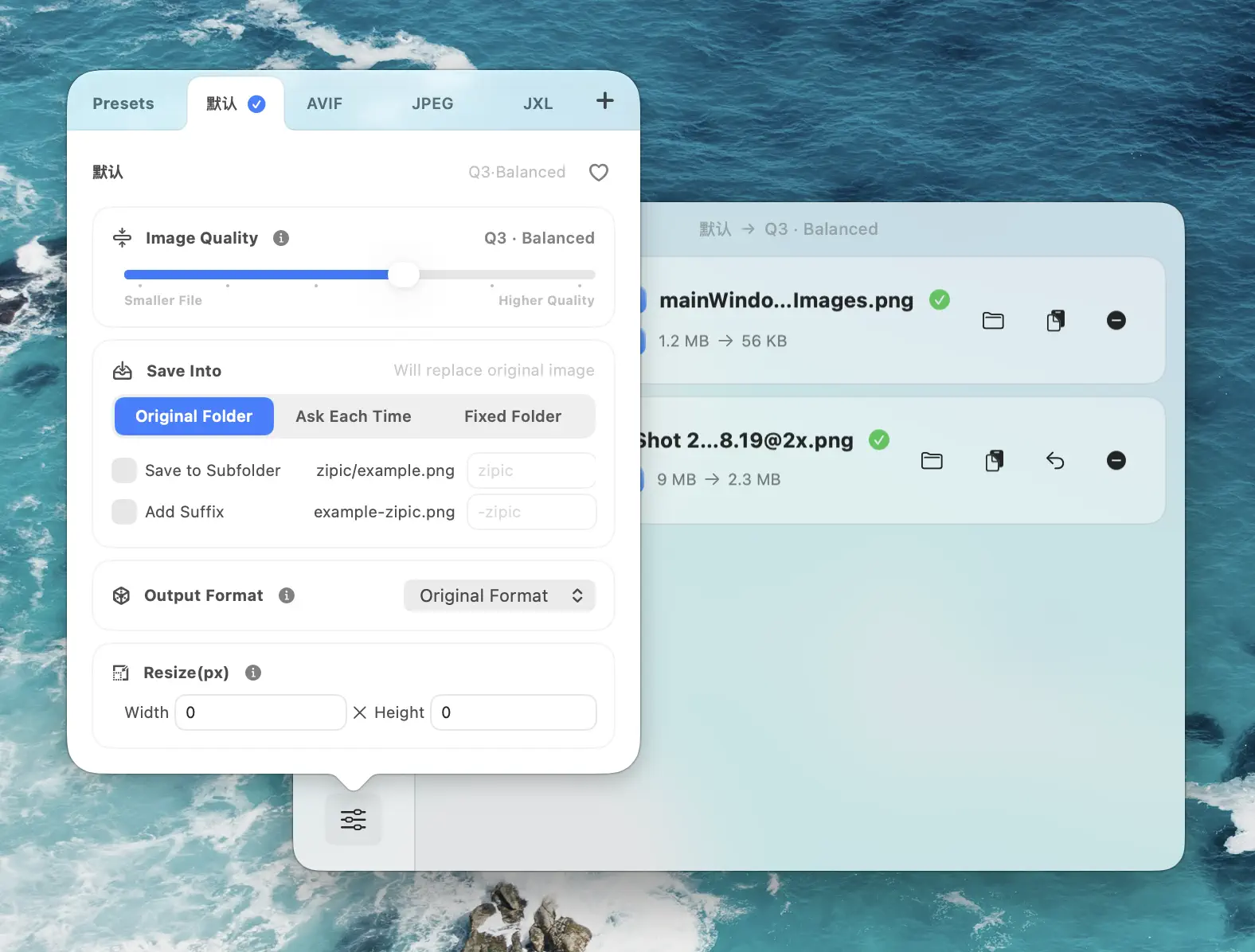
Zipic does not expose pngoptim as a list of algorithm switches. Most people do not want to manage low-level compression decisions. They want to choose a compression level, add files, and know what kind of trade-off they are making.
| Zipic concern | What pngoptim helps with | User-facing result |
|---|---|---|
| Visual stability | Keeps edges, transparency, gradients, and small text in view | Screenshots and UI assets stay readable |
| Batch consistency | Applies one preset across many PNG files | A folder does not need per-file tuning |
| Animation safety | Treats APNG as an animation | Frame timing and playback are preserved |
| Container safety | Lets Zipic optimize PNG slices inside ICNS | App icons stay valid on macOS |
| Quality guardrails | Avoids keeping outputs that miss the selected quality target | A smaller file should not mean a visibly broken image |
This is lossy compression. That should be said plainly. pngoptim is not a lossless recompressor that keeps every original color. It makes a controlled size-vs-quality trade-off and avoids keeping results that miss the selected quality target.
That is also why Zipic exposes it as compression levels rather than every low-level switch.
In Zipic, pngoptim is controlled through presets:
- Q2–Q3 for UI screenshots, product images, docs diagrams, and app icons
- Q4–Q5 when file size matters more than exact color stability
- Original format when compressing PNG/APNG/ICNS inputs
- Comparison preview when a batch includes gradients, transparent edges, or small text
The workflow remains preset-first: choose or edit the preset, then add the files. Adding files triggers compression automatically.
Why APNG Compression Needs Animation Logic
APNG is now part of the W3C PNG Third Edition specification. The spec defines animation chunks acTL, fcTL, and fdAT, and APNG keeps backward compatibility by remaining a normal PNG stream for decoders that do not animate it. Can I use lists 95.46% global APNG browser support as of the current table, with Chrome 59+, Safari 8+, Firefox 3+, and Edge 79+ supported.
That does not make APNG easy to optimize.
A naive approach would decode every frame, run a static PNG quantizer on each frame, and stitch the frames back together. That breaks the format’s real constraints:
- An indexed APNG needs one palette that works across the animation, not a different palette per frame.
- The visual result of a frame depends on the previous canvas state, the disposal mode, and the blend mode.
- Unchanged pixels should not be remapped into new visible noise just because a quantizer saw the frame in isolation.
- Aggressive rectangle trimming can save bytes, but it must not change playback.
pngoptim handles APNG as an animation. It keeps the compression strategy consistent across the animation, preserves frame timing and playback behavior, and only keeps structural changes after validation.
This is the real difference from older static-PNG optimizers. OxiPNG can refilter and recompress APNG frames, but its own README calls that support limited. pngcrush can preserve APNG chunks under specific conditions, but its changelog describes saving those chunks rather than recompressing the animation data. For APNG, “does not destroy the animation” and “optimizes the animation” are not the same claim.
That is why Day 31’s APNG article could say Zipic preserves animation while reducing size. The engine is not compressing “many PNGs.” It is compressing one animated PNG with APNG semantics intact.
How ICNS Uses pngoptim Without Becoming a pngoptim Format
ICNS needs precise wording. pngoptim does not natively read and write ICNS files. Zipic handles the container.
The product workflow is:
- Use Apple’s
iconutilto unpack the.icnsinto an.iconset. - Find the PNG slices inside that iconset.
- Run each PNG slice through pngoptim.
- Use
iconutilagain to repack the optimized slices into a valid.icns.
That distinction matters. ICNS is a macOS container format, and its slices can include older representations that are not PNG. Zipic’s pngoptim benefit applies to the PNG slices inside modern ICNS files. That is still the part that usually dominates size, especially the 512×512 and 1024×1024 Retina slices, but it is not the same as saying “pngoptim supports ICNS.”
For the full container breakdown, see ICNS File Compression on Mac.
How Zipic Exposes pngoptim in a Mac Workflow
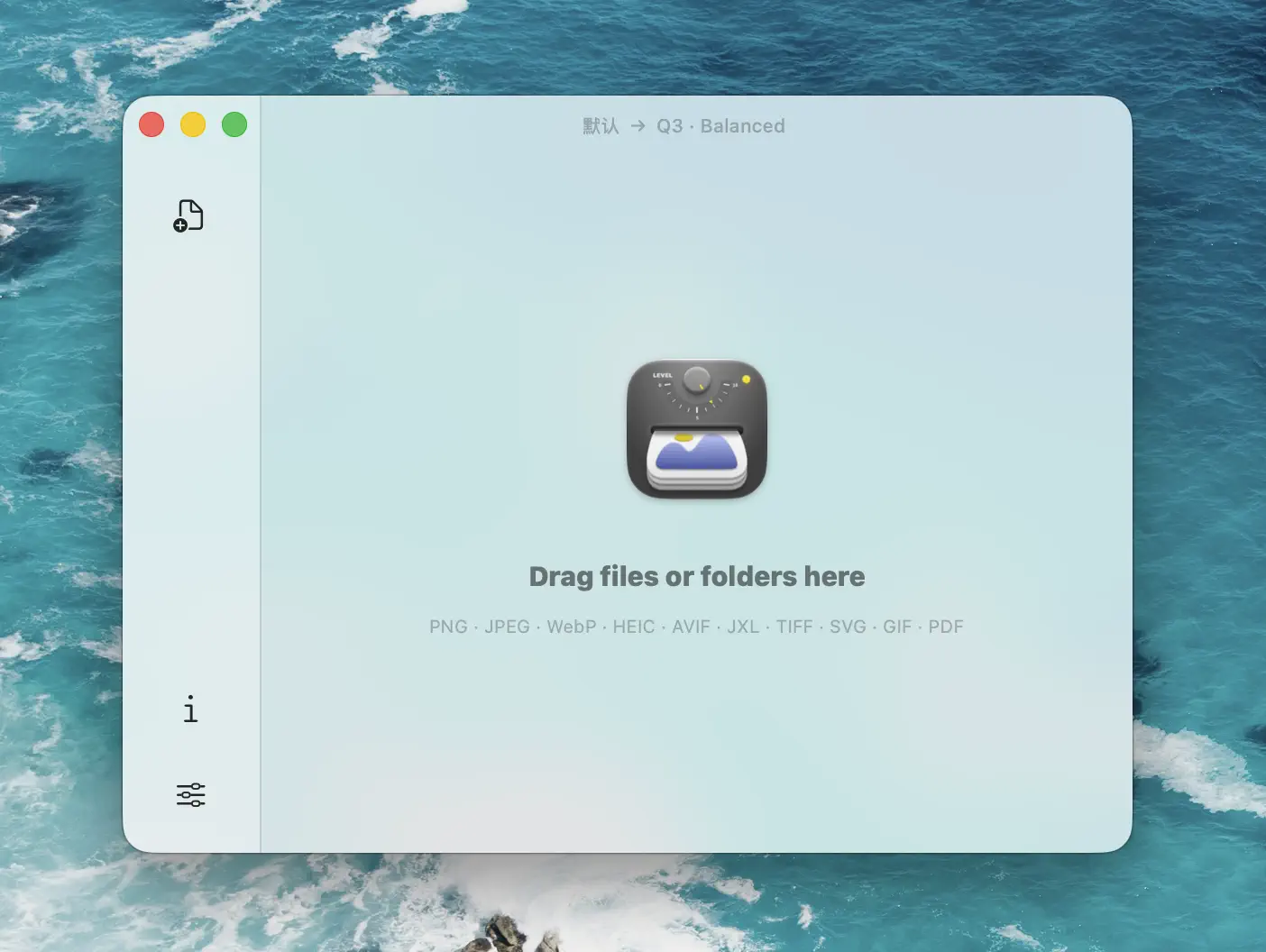
Most people should not need to know the engine name. The Zipic workflow is simple on purpose:
- Open Compression Settings.
- Pick a preset or edit one.
- Add PNG, APNG, ICNS, or a mixed folder.
- Inspect the result in the history list and comparison preview.
The engine selection happens behind the scenes:
- Static PNG routes to pngoptim’s static quantization path.
- APNG routes to pngoptim’s animation-aware path.
- ICNS routes through Zipic’s unpack-compress-repack path.
- Other formats route to their own engines or libraries.
That routing is one reason Zipic can mix PNG, GIF, JPEG, WebP, SVG, PDF, and ICNS in one folder. You choose the preset once; Zipic applies the right engine per file.
What This Means When You Use Zipic
The point of pngoptim in Zipic is not to make users manage another command-line tool. It is to make PNG compression feel like the rest of the app: preset-driven, visual, and format-aware.
Use Zipic when the job is visual, repetitive, or mixed-format:
- Design exports where you want to preview quality before shipping
- Documentation assets with PNG screenshots and APNG loops in the same folder
- App icon builds where ICNS needs container-safe optimization
- Team workflows where a shared preset is easier to explain than engine settings
- AI agent or script workflows that need Zipic’s broader CLI, JSON output, and format routing
The engine stays behind the workflow. You choose the preset once; Zipic decides how to route each file.
Sources
- pngquant official site
- OxiPNG README — APNG support
- pngcrush SourceForge releases
- W3C PNG Third Edition specification
- APNG browser support — caniuse.com
- Zipic image compression basics
Related Articles
- How to Compress PNG Files on Mac With Visually Lossless Results
- APNG and Animated WebP on Mac: Compress Modern Animated Formats
- ICNS File Compression on Mac: Inside the Format and How to Optimize It
- Lossy vs Lossless Compression Explained
- Image Compression CLI on Mac: Zipic for AI Agents and Scripts
- Zipic Updates 2026: The Year of Self-Built Compression Engines
Try Zipic
If PNG compression on your Mac has grown from one file into folders of screenshots, APNG loops, and app icons, let Zipic route the job through pngoptim for you. Download Zipic, set a PNG preset at Q3, and drop the folder in. Every download includes a full 7-day Pro trial. See pricing.
Related Reading
APNG and Animated WebP on Mac: Compress Modern Animated Formats
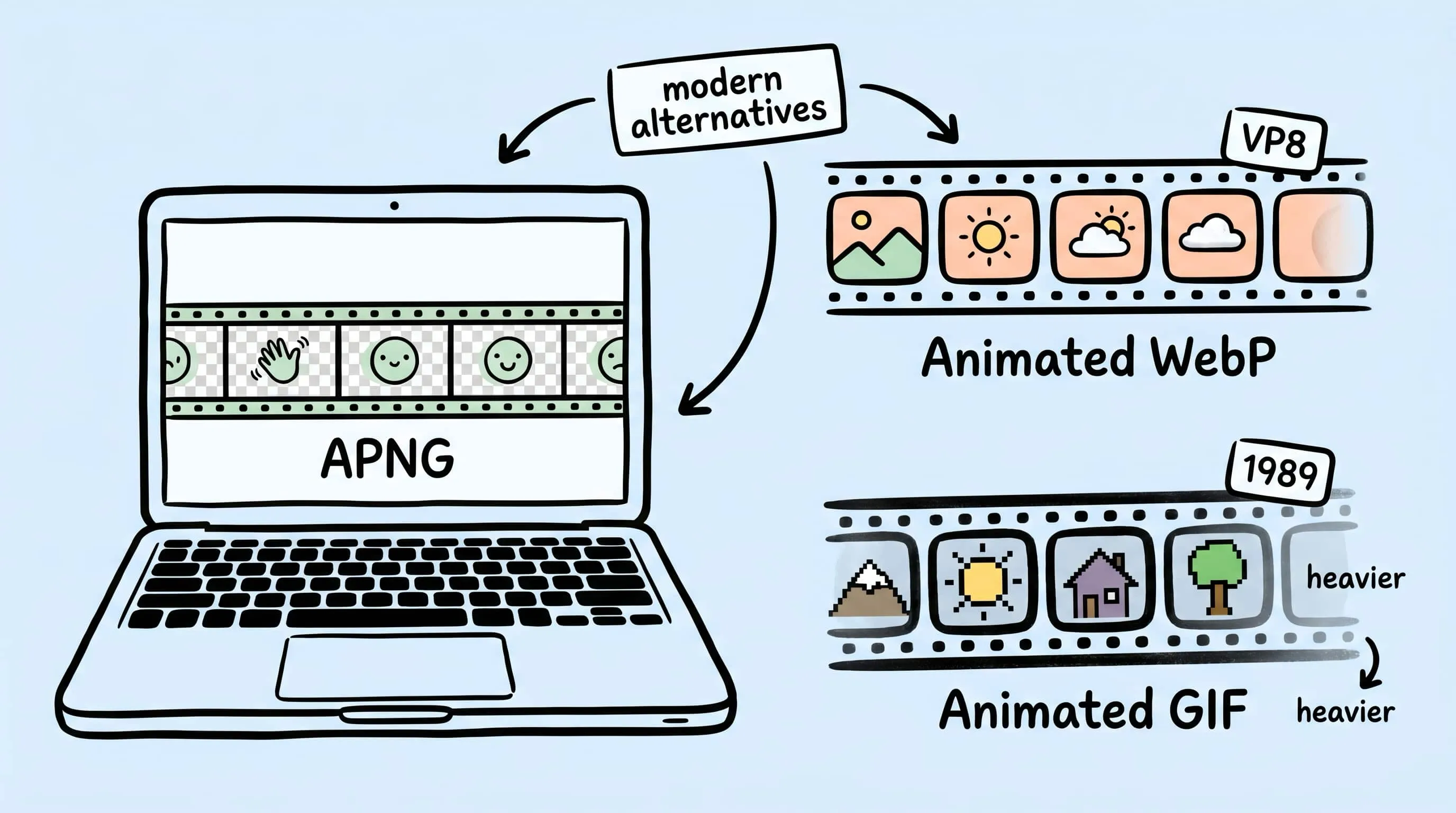
Compress APNG and animated WebP on Mac in 2026. Inside the formats, when each beats GIF, and how Zipic optimizes them with the in-house pngoptim engine.
Batch Compress Images on Mac: Folders, Samples, and Automation
Batch compress images on Mac safely: sample first, protect originals, then scale with folders, Raycast, monitoring, or Shortcuts.
How to Compress Images on Mac Fast (Without Ruining Quality)
Compress images on Mac with drag-and-drop, Finder, presets, and batch automation — protect originals, check quality at 100%, then scale the workflow.
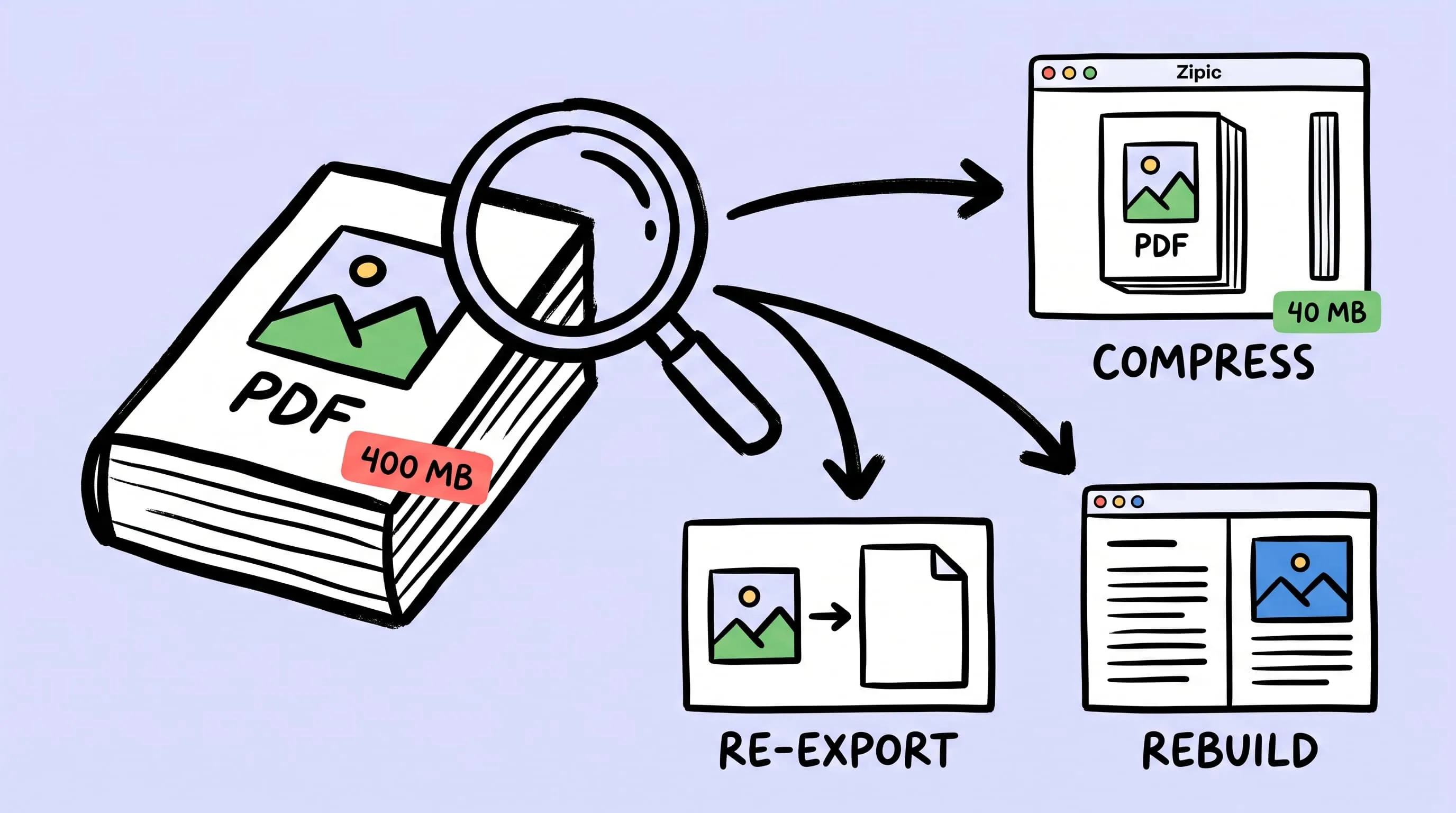
Compress a PDF Without Losing Quality: Diagnose It First
Learn how to compress a PDF without losing quality by diagnosing oversized images, export settings, and layout problems before choosing a compression level.