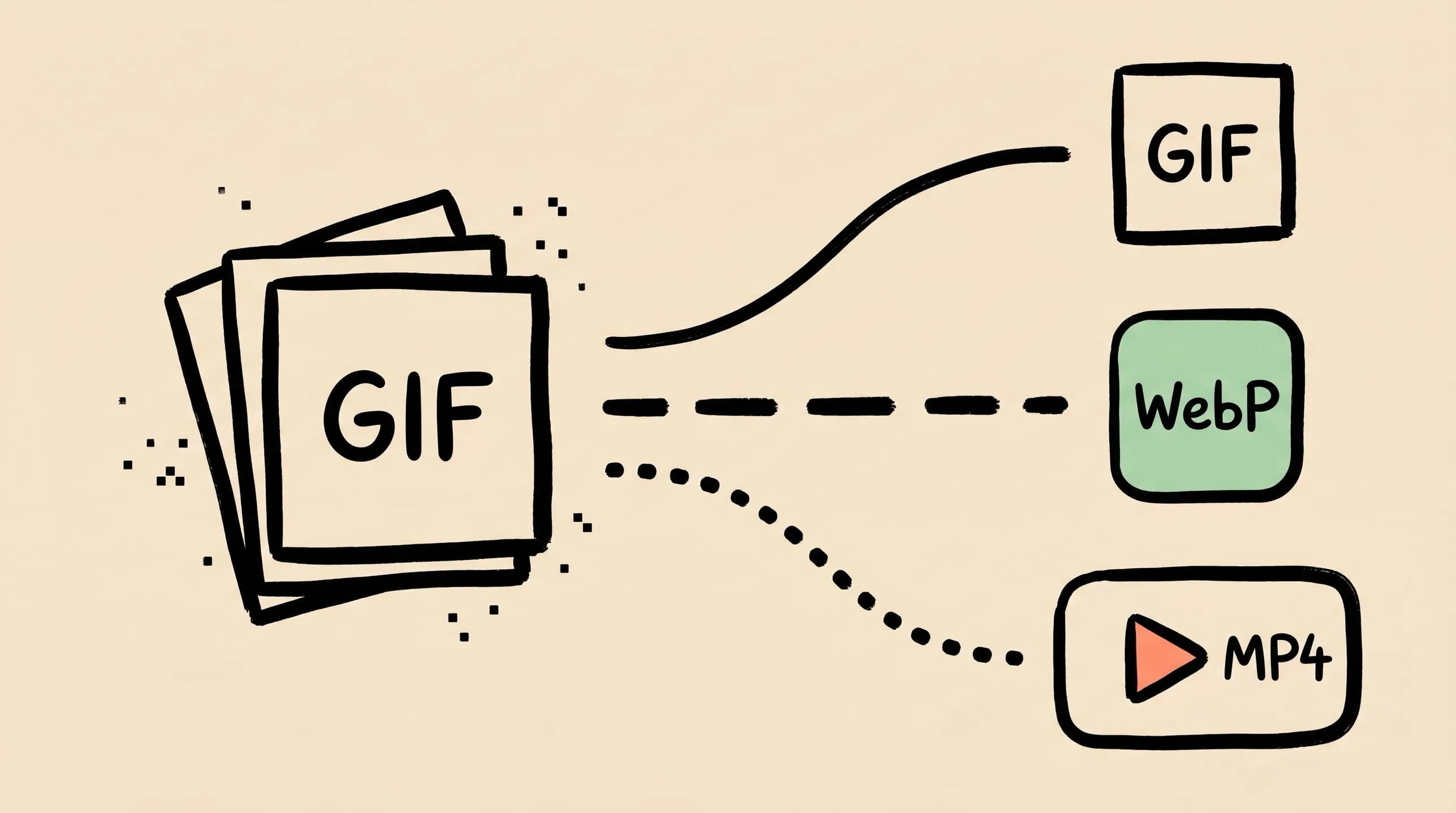
GIF Compression on Mac: Reduce Size and Keep Animation
Animated GIFs are often 10x larger than they need to be. Learn why, when to keep GIF vs convert to WebP/MP4, and how to compress GIFs on Mac in 2026.
A 4-second product demo loop that ships as a 6 MB GIF is not a compression problem — it is a format problem. The GIF89a specification was published in 1989. It uses a per-frame palette of at most 256 indexed colors, stores every animation frame as an LZW-compressed bitmap, and has no temporal (frame-to-frame) compression. That is why your 800×450 GIF screencast routinely outweighs the entire HTML page that wraps it.
This guide is about taking back control of GIF size on a Mac. You’ll see what GIF can and cannot do, when to compress in place vs convert to WebP or MP4, and how to set up a Zipic preset that handles animated GIFs cleanly — including the stronger default GIF compression shipped in Zipic v1.9.4.
Why GIFs Get So Large
Three properties of the format combine to make even short animations heavy:
- 256-color palette ceiling. Each frame is quantized to at most 256 indexed colors (a global palette plus optional per-frame local palettes). Photographic content (skin tones, gradients, video stills) dithers heavily and produces visible noise that does not compress well downstream.
- Per-frame bitmaps with no inter-frame compression. Unlike video codecs that store the difference between frames (motion vectors plus residuals), GIF stores each frame as an LZW-compressed bitmap with only simple frame-disposal hints. A 30-frame loop is roughly the size of 30 separate stills.
- No alpha channel — only 1-bit transparency. Smooth edges against arbitrary backgrounds are impossible without dithering, which again hurts compression.
The practical consequence: a typical multi-second screen recording exported as GIF often lands in the multi-megabyte range, while the same recording as muted MP4/H.264 commonly lands well under 1 MB. That is not a tuning gap — it is the format ceiling.
GIF, WebP, MP4: The Honest Numbers for 2026
Concrete file-size comparisons reported by Google and web.dev:
| Source format | Replacement | Typical savings |
|---|---|---|
| Animated GIF | Animated WebP (lossy) | ~64% smaller on average |
| Animated GIF | Animated WebP (lossless) | ~19% smaller on average |
| Animated GIF | MP4 / H.264 | ~85% smaller (single example) |
| Animated GIF | WebM / VP9 | ~91% smaller (single example) |
The WebP figures come from Google’s libwebp study of about 7,000 random web GIFs converted with gif2webp at default settings (WebP FAQ). The MP4 / WebM numbers are derived from web.dev’s worked example: a 3.7 MB GIF that became a 551 KB MP4 and a 341 KB WebM (web.dev). Treat them as ballpark — your mileage varies with motion complexity, palette, and source bitrate.
A reasonable default for 2026 is: if it can be a video, make it a video. Google explicitly recommends replacing animated GIFs with <video autoplay loop muted playsinline> for web pages, because Lighthouse penalizes “Use video formats for animated content” and oversized media hurts LCP. WebP sits in the middle — convenient because it still drops into an <img> tag, but with much smaller files than GIF.
When GIF Is Still the Right Format
There are exactly three cases where keeping a GIF is the correct call in 2026:
- Email. Most email clients strip
<video>entirely but render animated GIFs inline. Newsletter product loops, demo headers, and animated CTAs still ship as GIF for this reason. - Chat platforms and reaction libraries. Slack, iMessage, Telegram, Discord, and most reaction-GIF keyboards expect
.gif. Some accept WebP, but GIF is the lowest common denominator. - Legacy systems. Internal wikis, ticket trackers, and forums that don’t accept video uploads or strip non-image MIME types.
For everything else — landing pages, product docs, marketing sites, SaaS dashboards — convert to a video format and treat GIF as the fallback you no longer need.
How to Compress a GIF on Mac With Zipic
Zipic supports GIF compression directly in its main pipeline. As of v1.9.4 (April 2026), the default level reliably shrinks files and higher levels can reach 30%+ size reduction while preserving the animation (release notes).
Behind that pipeline, GIF compression in Zipic runs through gifoptim — our in-house GIF compression engine. We built our own because the existing macOS options (gifsicle, gifski) each only solved half of what we needed: one focuses on lossless re-encoding, the other on quality-first one-file-at-a-time conversion. gifoptim is the path that lets Zipic apply preset-driven batch compression to animated GIFs the same way it does to PNG or JPEG. For the full story and how it compares to gifski, see Best gifski Alternative on Mac: When One Video at a Time Isn’t Enough.
The Zipic workflow is preset-first: configure compression settings, then add files. There is no separate “Start” button — adding files triggers the job.
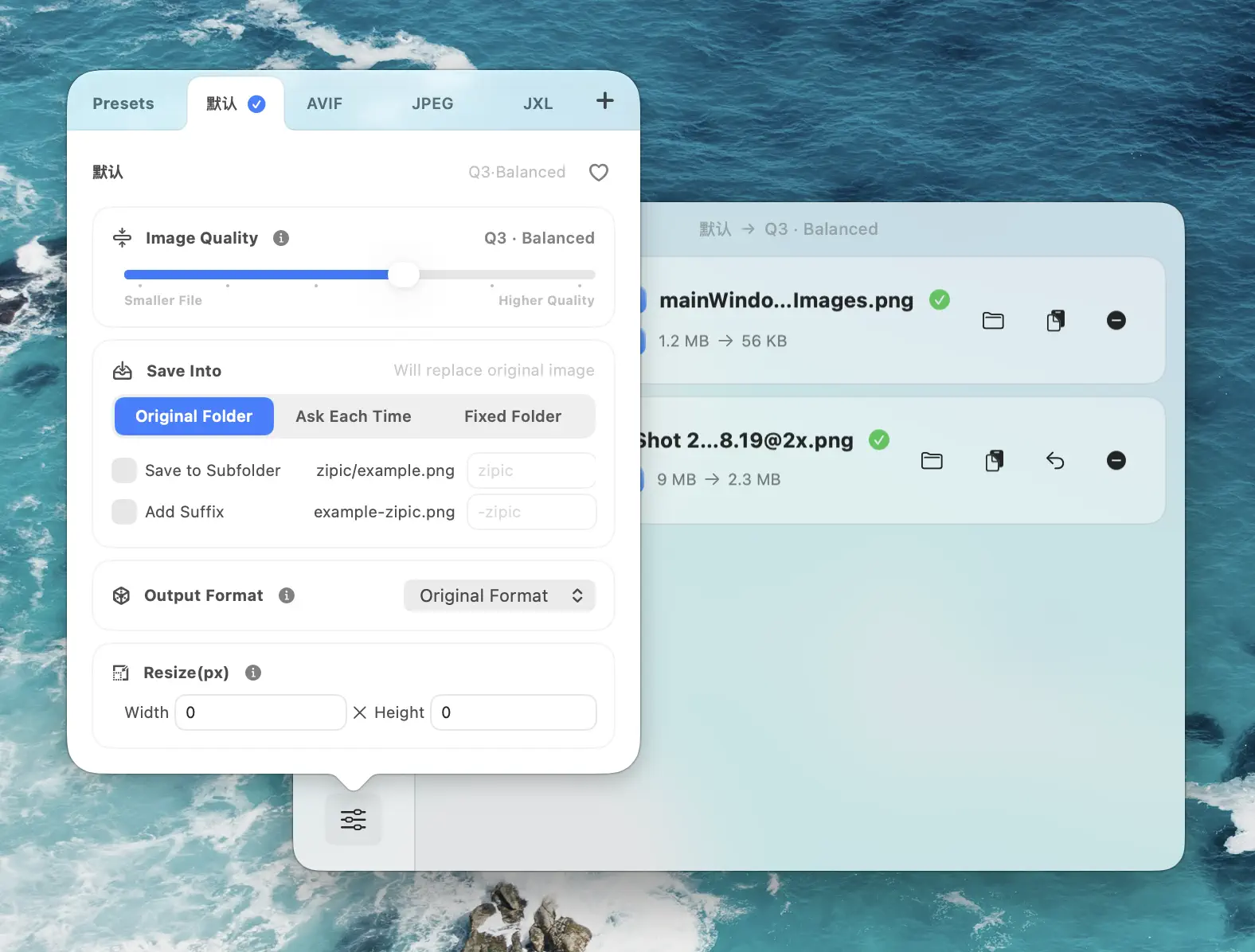
Open Compression Settings at the bottom-left of the main window and either edit the default preset or create a new one for GIF work:
- Image Quality: 3 for general use, 4–5 for aggressive shrinking (web demos, internal docs)
- Save Format: Leave as GIF — Zipic compresses GIFs in place but does not convert animated GIFs to other animated formats (see the next section for the right tool)
- Resize: Long edge 800–1280 px is plenty for documentation; bigger is rarely needed for a looping demo
- Save Location: A dedicated
~/Desktop/GIFs/folder so the originals stay untouched
Drag a folder of GIFs into the main window; Zipic processes them in batch, preserves the animation, and writes the optimized output to your chosen location. Click any thumbnail to open the comparison preview and verify motion is intact.
For a deeper look at the preset system see Batch Compress Images on Mac, or the official Zipic image compression guide.
Resizing Is the Single Biggest Win
Because GIF is bitmap-per-frame, the file size scales roughly with width × height × frame count. Halving the dimensions cuts file size to about a quarter — before any other compression step.
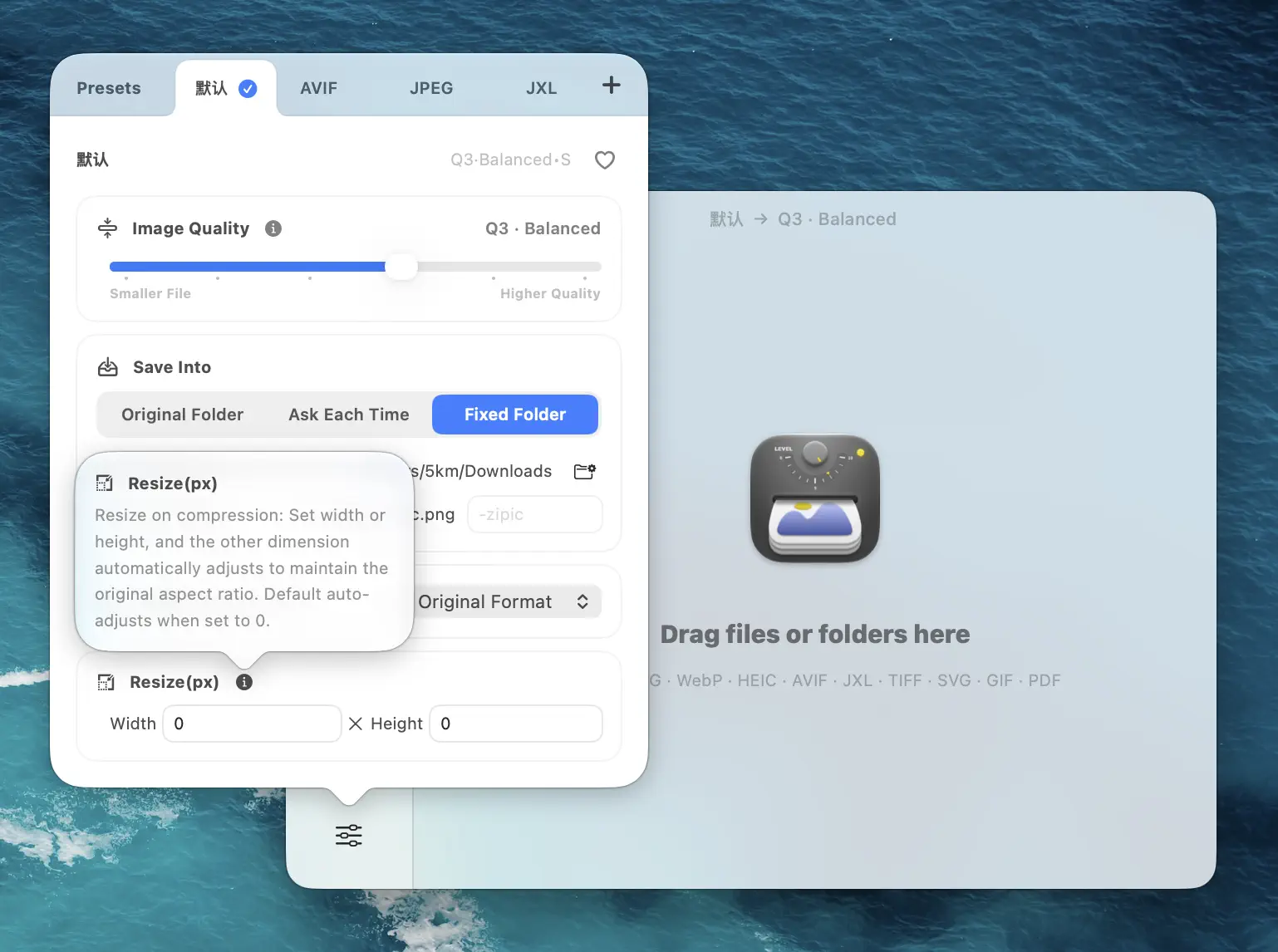
Sensible long-edge targets:
- Inline documentation GIF: 800 px
- Email or Slack reaction: 480–640 px
- Tutorial / hero on a landing page: 1280 px (and seriously consider MP4 instead)
- Thumbnail loop in a product grid: 320–480 px
If you started from a screen recording, resize first; if the original is already small (e.g. 400 px Slack sticker), skip resize and rely on level + palette work.
Converting GIF to Animated WebP, MP4, or WebM (Outside Zipic)
A note on scope: as of this writing, Zipic compresses GIFs in place but does not convert between animated formats — no GIF → animated WebP / AVIF, no animated WebP / AVIF → GIF, and no PNG image sequence support. Format conversion in Zipic applies to static images only. For animated conversion you reach for the right command-line tool.
GIF → Animated WebP
The official Google tool is gif2webp, shipped with libwebp:
brew install webp                       # one-time install
gif2webp -q 75 input.gif -o output.webp # convert with quality 75
gif2webp -lossy -q 60 input.gif -o output.webp  # smaller, lossy
Animated WebP averages ~64% smaller than GIF on Google’s own corpus and drops directly into an <img> tag.
GIF → MP4 / WebM (for web pages you control)
# GIF → MP4 (H.264, broadly compatible)
ffmpeg -i input.gif -movflags faststart -pix_fmt yuv420p \
  -vf "scale=trunc(iw/2)*2:trunc(ih/2)*2" output.mp4

# GIF → WebM (VP9, even smaller)
ffmpeg -i input.gif -c:v libvpx-vp9 -b:v 0 -crf 30 output.webm
Embed with a self-looping <video>:
<video autoplay loop muted playsinline>
  <source src="demo.webm" type="video/webm">
  <source src="demo.mp4" type="video/mp4">
</video>
Choosing a target
- Documentation, in-app help, modern web: animated WebP via
gif2webp— ~97% global browser support, drops into<img>, ~64% smaller than GIF on average - Landing pages, marketing, product docs you control: MP4 + WebM via
<video>— biggest savings (often 80–90%+) and what Lighthouse explicitly recommends - Animated AVIF: tooling is still rough compared to gif2webp / ffmpeg — global browser support is around 95% in 2026, but animated AVIF arrived later than animated WebP and Firefox still has open issues with image-sequence playback. If you go this route, use it inside a
<picture>with a WebP fallback. - Universal compatibility (email, chat, legacy CMS): stay on GIF and lean on Zipic’s level + resize
For format-by-format depth see JPEG vs PNG vs WebP and How to Choose the Right Image Format.
For volume work — a docs site with dozens of demo GIFs — script the conversion in a folder watcher (gif2webp or ffmpeg) and pair it with a Zipic preset that handles any GIFs that genuinely need to stay GIFs.
A Decision Flow for Your Next GIF
When a GIF crosses your desk, ask in this order:
- Does the destination accept video? → Convert to MP4/WebM with
ffmpeg. Stop. - Does the destination accept animated WebP? → Convert with
gif2webp. Stop. - Must it stay GIF? → Zipic preset: Q3–Q4, resize long edge to 800 px, batch the folder.
- Still too large? → Drop frame count (re-export from source), or split the loop into a static cover image plus a single transition frame.
The only wrong move is uploading the source GIF unchanged.
FAQ
Does Zipic preserve animation when compressing a GIF? Yes. GIF compression keeps every frame and the original timing; only the palette and per-frame encoding are re-optimized. v1.9.4 specifically tuned this path so the default level reliably shrinks files instead of returning them unchanged.
Why does my GIF look noisier after compression?
GIF’s 256-color palette is the hard limit. Aggressive compression often re-quantizes the palette more tightly, which surfaces dithering on photographic content. Either back off one level in Zipic, or convert to animated WebP with gif2webp — WebP is not palette-bound.
How much can I expect to save on a typical screen-recording GIF? At Zipic’s default level, low single-digit to ~20% on already-tight files; at higher levels, 30%+ is realistic on previously-uncompressed GIFs (per Zipic v1.9.4 release notes). Pair compression with a resize and total savings of 50–70% are achievable without converting format.
Should I worry about losing the loop count?
No — animated GIF loop count metadata is preserved through Zipic’s compression and through ffmpeg’s default GIF→video conversion (when paired with loop in the <video> tag).
What about GIFs in Slack, Discord, or iMessage?
- Slack broadly supports GIF inline; the animated custom-emoji upload is capped at 128 KB. Animated WebP support is inconsistent — uploads may be accepted but converted internally.
- Discord has modernized its image pipeline: animated WebP and AVIF are accepted in attachments and embeds, and all animated emojis are now served as animated WebP. GIF still works but is a legacy format. Animated avatars remain GIF and Nitro-only.
- iMessage stickers accept PNG, APNG, GIF, JPEG, HEIC, and HEICS; Apple’s tooling prefers APNG (or HEICS) over GIF for animated stickers.
For ad-hoc reaction-style sharing, GIF remains the safest universal choice. For platform-native emoji/sticker workflows, follow each platform’s preferred animated format.
Sources
- WebP FAQ — Google Developers (animated WebP vs GIF: 64% / 19%)
- Replace animated GIFs with video for faster page loads — web.dev (3.7 MB GIF → 551 KB MP4 / 341 KB WebM)
- Use video formats for animated content — Lighthouse / Chrome for Developers
- Modern Image Formats at Discord: Supporting WebP and AVIF — Discord
- Manage animated images and emoji — Slack Help
- AVIF browser support — caniuse.com
- Zipic image compression basics
- Zipic v1.9.4 release notes
Related Articles
- Best gifski Alternative on Mac: When One Video at a Time Isn’t Enough
- How to Compress Images on Mac — The Complete Guide
- Batch Compress Images on Mac
- JPEG vs PNG vs WebP: Which Image Format Should You Use?
- How to Choose the Right Image Format
Try Zipic
Stop shipping 6 MB demo GIFs. Download Zipic, set a GIF preset to Q3 with an 800 px long edge, and let it batch a folder while you keep working. Every download includes a full 7-day Pro trial. See pricing.
Related Reading
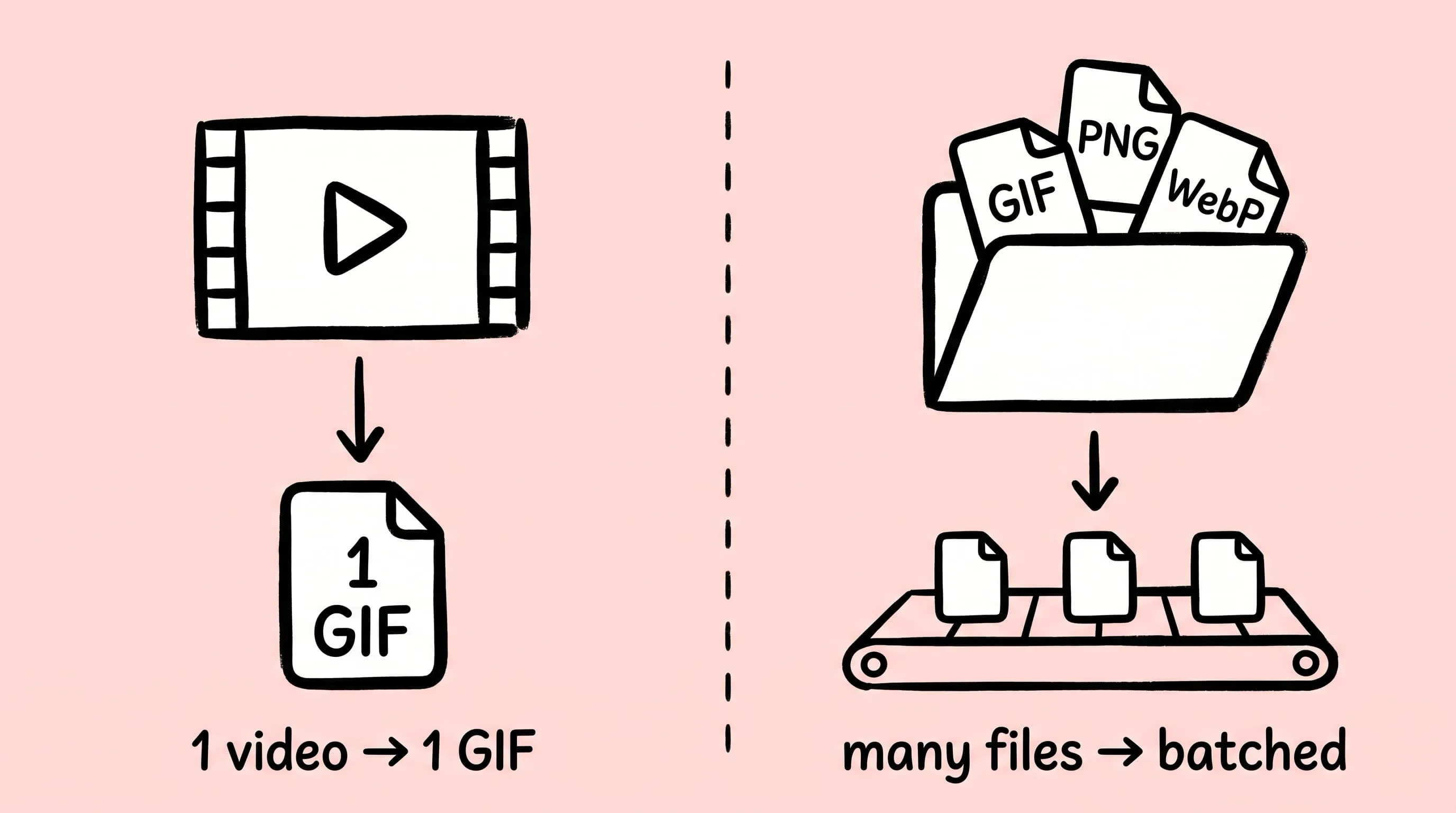
Best gifski Alternative on Mac: When One Video at a Time Isn't Enough
gifski is a great video-to-GIF encoder, but it cannot batch, monitor folders, or compress existing GIFs. Here is the Mac gifski alternative for those jobs.
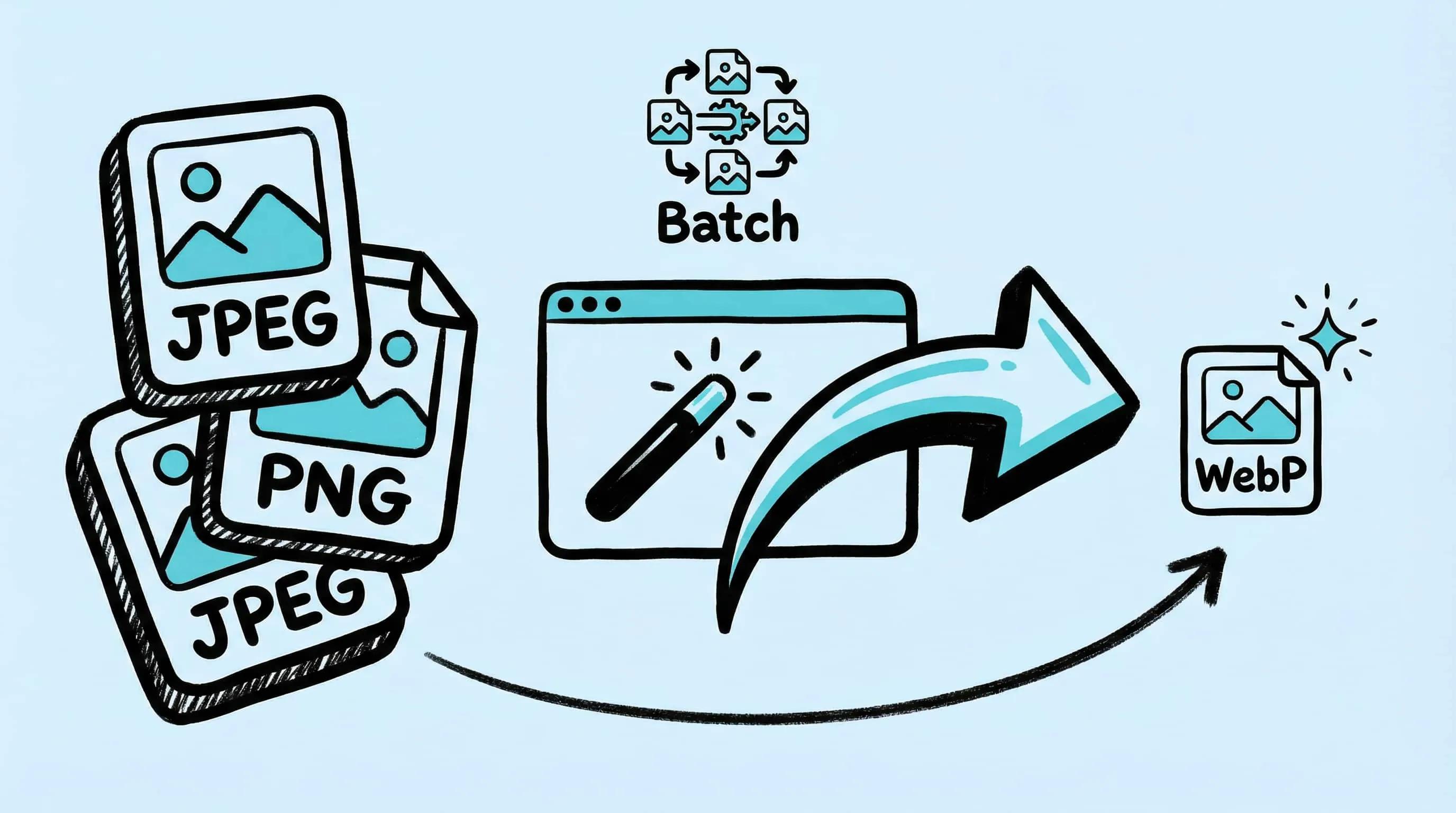
WebP Image Optimizer for Mac: Convert and Compress to WebP
Looking for a WebP image optimizer on Mac? Zipic is a native WebP compression tool that converts JPEG, PNG, and HEIC to WebP with batch processing and quality control.
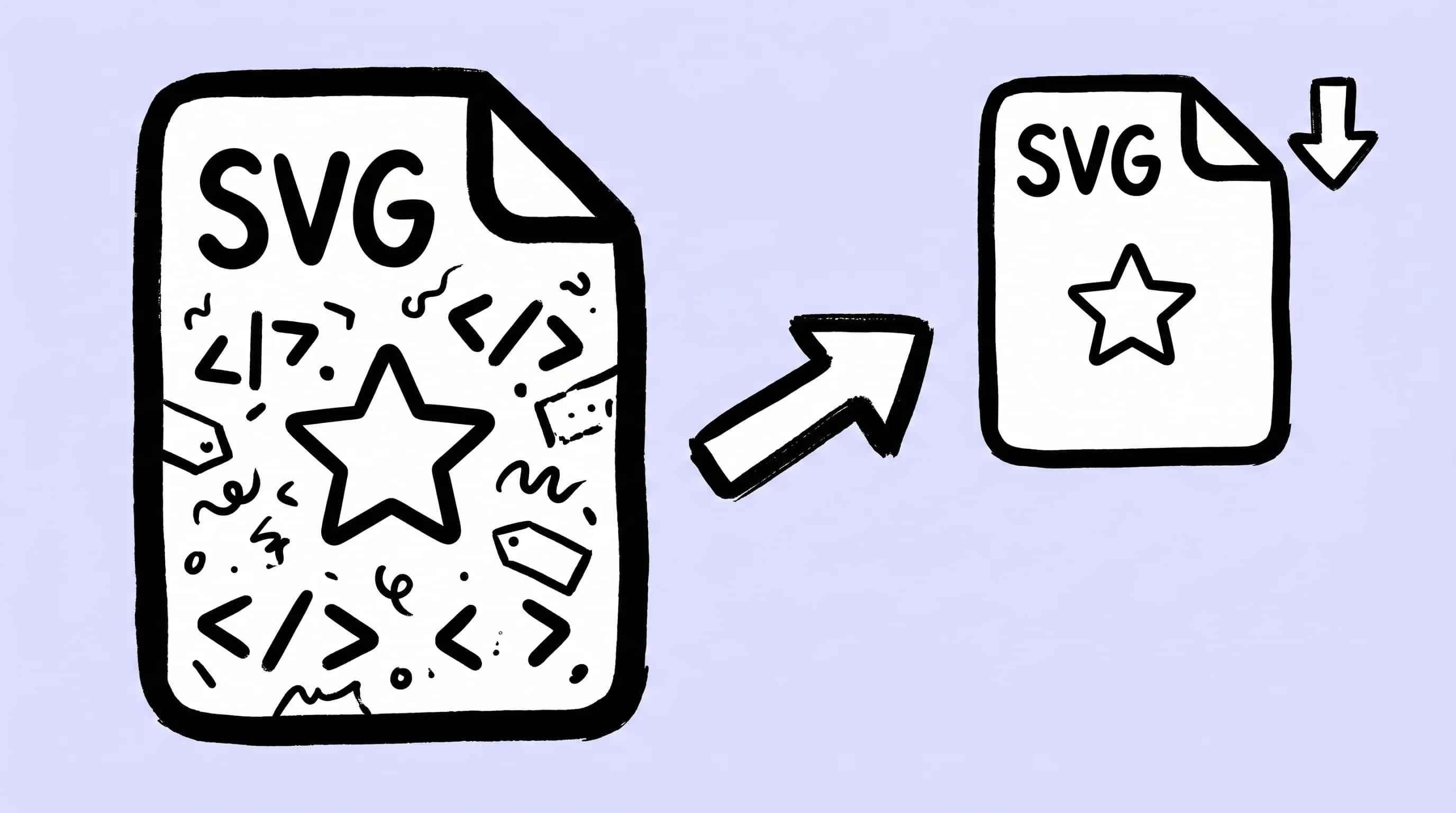
How to Compress and Optimize SVG Files on Mac with Zipic
Need an SVG optimizer on Mac? Compress and optimize SVG files with Zipic — strip editor bloat, pick from six quality steps (Q1–Q6), and batch entire icon sets.
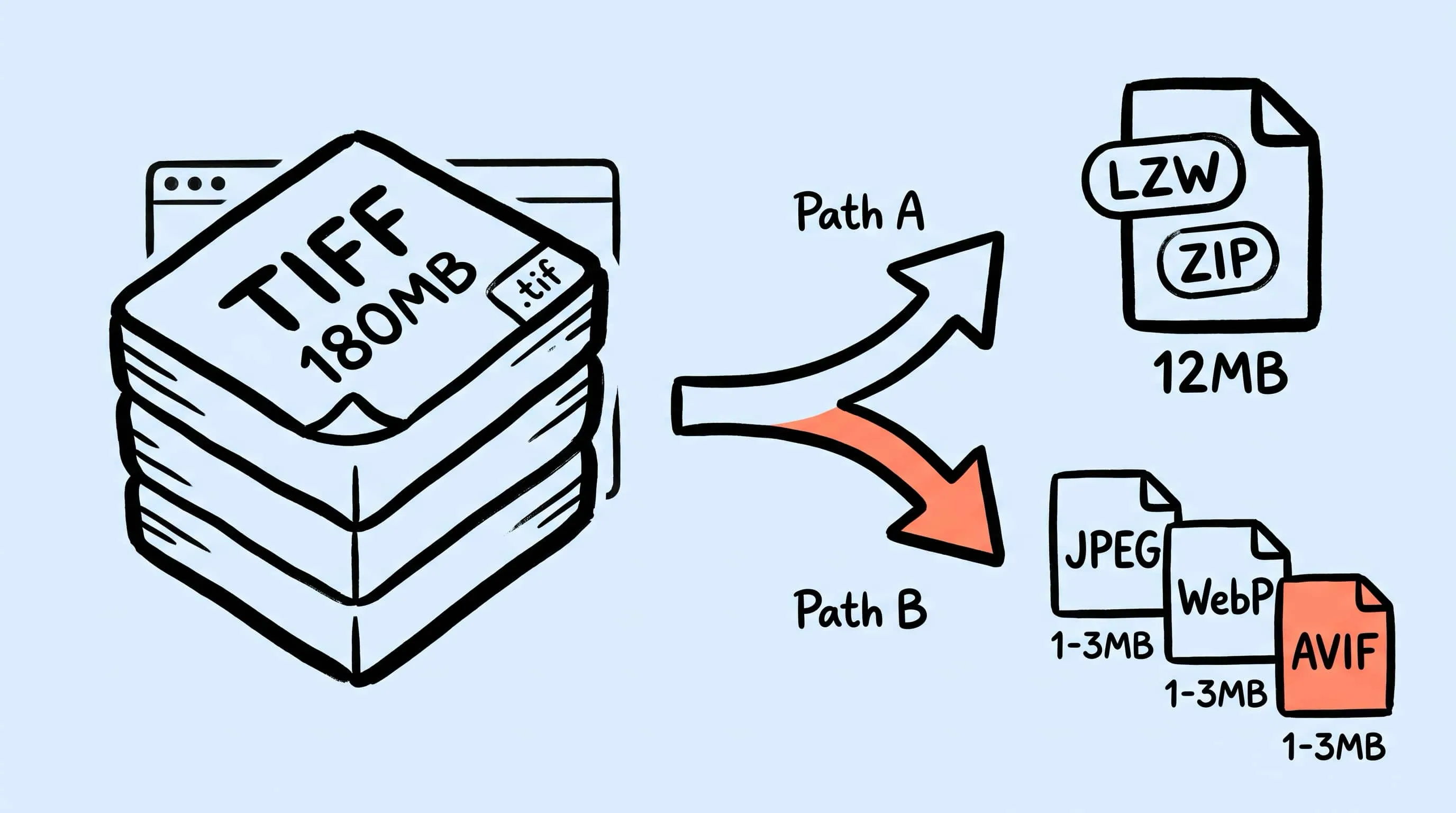
TIFF Compression: How to Reduce Large TIFF Files on Mac
Compress TIFF files on Mac without losing quality. Compare LZW vs ZIP, shrink 100 MB scans, and batch convert TIFF to JPEG, WebP, AVIF, HEIC, or JXL with Zipic.