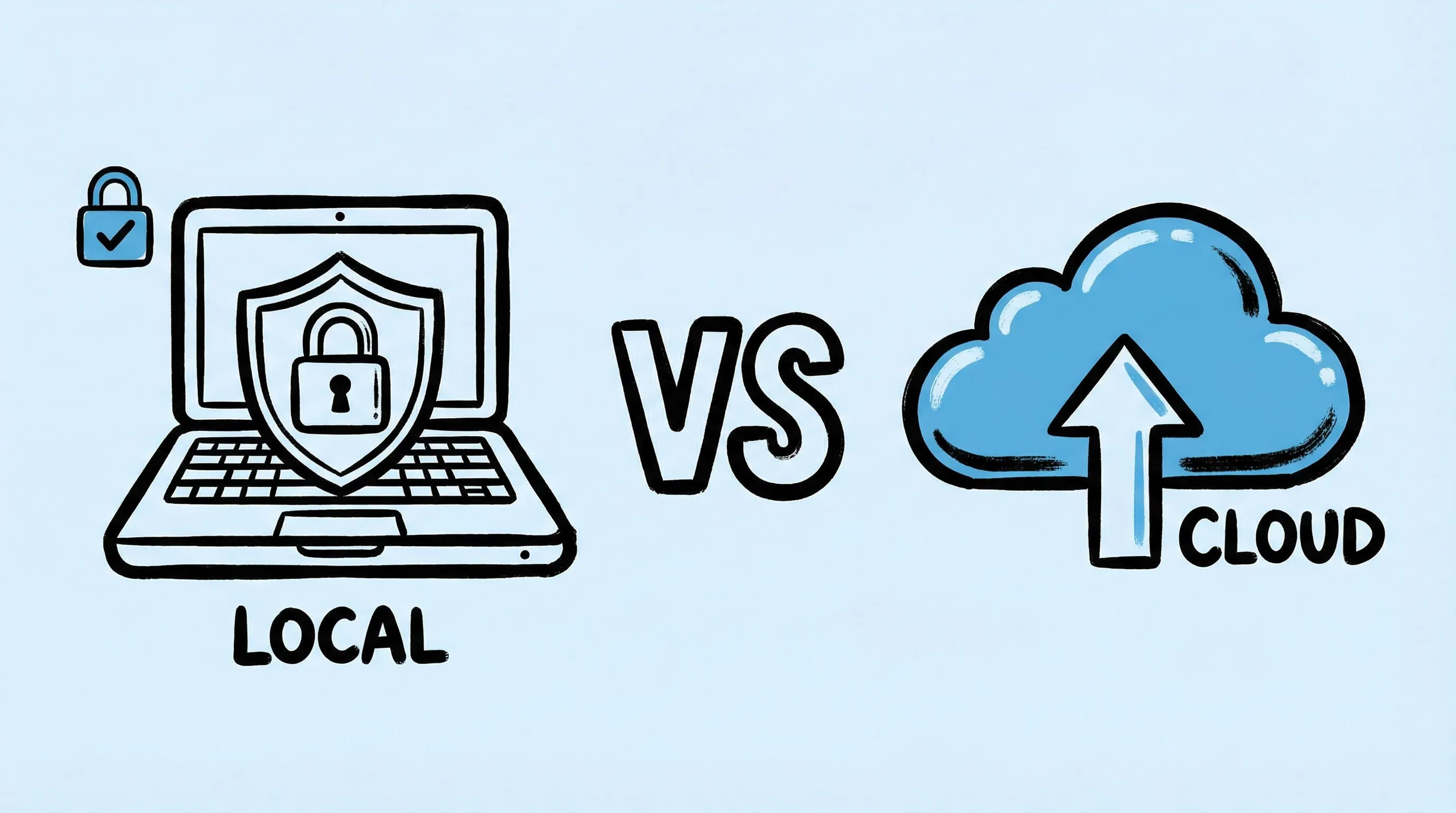
Zipic vs TinyPNG: Desktop App vs Online Tool Compared
Zipic vs TinyPNG — compare privacy, file limits, format support, and pricing. See why a native Mac app beats an online uploader for image compression.
TinyPNG is one of the most recognized names in image compression. But it’s a web-based tool — you upload images to their servers, wait, and download the results. Zipic takes a fundamentally different approach: everything happens locally on your Mac.
Here’s how they compare.
At-a-Glance Comparison
| Feature | Zipic | TinyPNG |
|---|---|---|
| Type | Native macOS app | Web-based (browser) |
| Privacy | 100% local — files never leave your Mac | Uploads to TinyPNG servers |
| Supported formats | JPEG, PNG, WebP, HEIC, GIF, AVIF, TIFF, ICNS, PDF, JPEG-XL, SVG, APNG | Web: JPEG/PNG/WebP; API/plugin workflows can differ |
| File size limit | None in app workflow | Varies by product line and plan |
| Batch limit | Unlimited (Pro) | Varies by product line and plan |
| Monthly limit | Unlimited (Pro) | Varies by product line and plan |
| Offline usage | Yes — works without internet | Web workflow requires internet |
| Format conversion | Yes — convert between any format | Web uploader: no; API/plugin: workflow-dependent |
| Compression control | 6 levels + presets | Automatic only |
| Resize | Yes — width/height with aspect ratio | Mainly available via API/plugin workflows |
| Folder monitoring | Yes (Pro) | No |
| Notch Drop | Yes (Pro) | No |
| WordPress plugin | No | Yes |
| API available | URL Scheme + Apple Shortcuts | REST API (Tinify) |
| Price | Free (25/day) / Pro $19.99 one-time | Free web tier + paid API/plugin plans |
Privacy and Security
This is the most important difference.
TinyPNG requires you to upload every image to their servers. Your files travel across the internet, get processed on their infrastructure, and then you download the results. For most casual use this is fine, but it’s a deal-breaker for:
- Confidential business documents
- Client photos under NDA
- Medical or legal images
- Any work with strict data governance requirements
Zipic processes everything locally on your Mac. No network requests, no uploads, no cloud dependency. Your images never leave your machine — period. This makes it suitable for any level of data sensitivity.
File and Batch Limits
TinyPNG has different limits depending on product line:
- Web uploader has stricter upload and usage limits
- Developer API limits and capabilities depend on your plan
- WordPress plugin behavior depends on account/API setup
If you regularly compress product photos, design assets, or screenshot libraries, you’ll hit these limits quickly.
Zipic free tier allows 25 compressions per day with no file size limit. Zipic Pro removes all limits entirely — unlimited compressions, unlimited file size, no monthly cap.
Format Support
TinyPNG web uploader handles JPEG, PNG, and WebP. Their API/plugin path can support broader workflows (including AVIF), but capabilities depend on the plan and integration path.
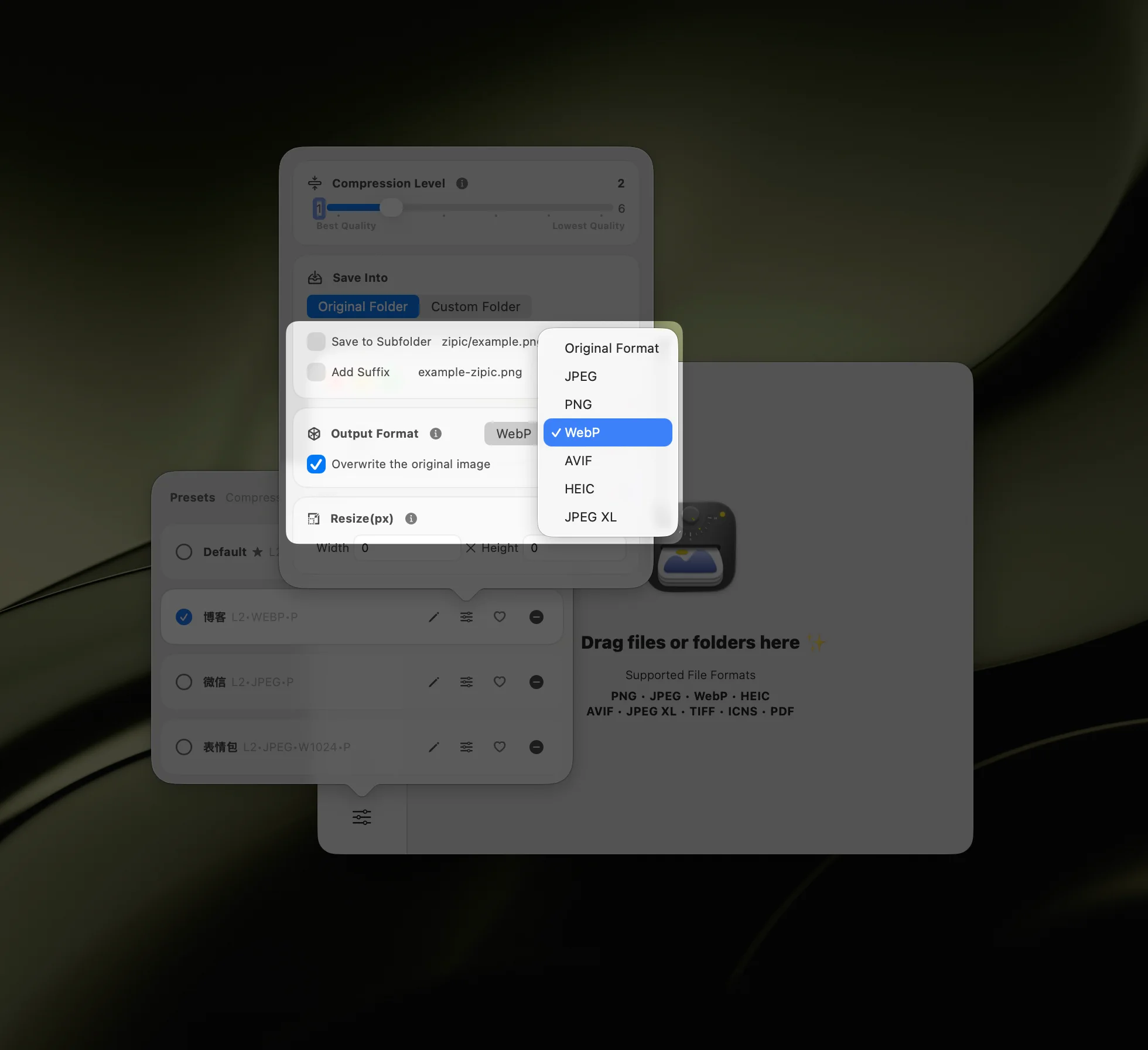
Zipic supports 12 formats — including every modern format:
| Format | Zipic | TinyPNG (web uploader) |
|---|---|---|
| JPEG | ✅ | ✅ |
| PNG | ✅ | ✅ |
| WebP | ✅ | ✅ |
| AVIF | ✅ (Pro) | Via API |
| HEIC | ✅ | Not in web tool |
| JPEG-XL | ✅ (Pro) | Not in web tool |
| TIFF | ✅ (Pro) | Not in web tool |
| ICNS | ✅ (Pro) | Not in web tool |
| ✅ (Pro) | Not in web tool | |
| GIF | ✅ | Not in web tool |
| SVG | ✅ (Pro) | Not in web tool |
| APNG | ✅ (Pro) | Not in web tool |
Zipic also converts between formats during compression. TinyPNG’s conversion and transformation capabilities depend on whether you’re using the web uploader or API/plugin routes. For details on format selection, see the format guide.
Compression Quality and Control
TinyPNG uses smart lossy compression with no user-adjustable settings. You get what you get — and to their credit, the results are generally good for web use.
Zipic offers 6 compression levels and a preset system:
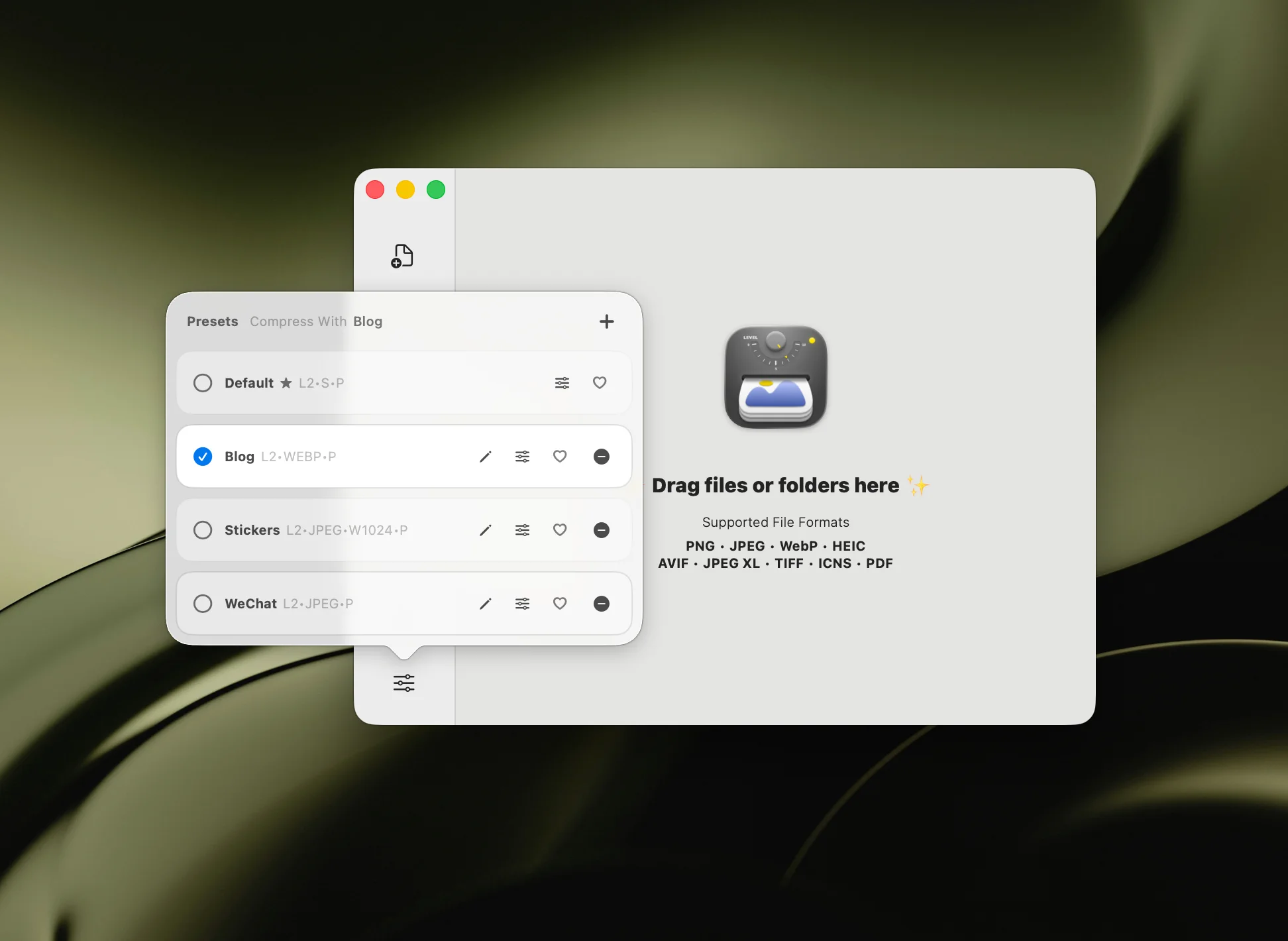
- Levels 1–2 for near-lossless (archival, print)
- Levels 2–3 for balanced quality (recommended)
- Levels 4–6 for aggressive compression (web thumbnails, email)
You can also resize images during compression — set a target width or height and Zipic preserves the aspect ratio. TinyPNG offers resize only through their paid API. Learn more about compression settings.
Workflow and Automation
TinyPNG workflow: open browser → navigate to tinypng.com → drag images → wait for upload → wait for compression → download results → move to correct folder. For API users, there’s a REST API and WordPress plugin.
Zipic workflow: drag images onto the window (or use any of 8 input methods) → done. Files are compressed in place or saved to your specified location.
Beyond manual use, Zipic Pro offers:
- Folder monitoring — auto-compress new images in watched directories
- Notch Drop — drag to screen notch for instant compression
- Clipboard auto-compress — copy an image, it’s compressed automatically
- Raycast extension — compress from Raycast command palette
- URL Scheme + Apple Shortcuts — full automation with parameters
For workflow details, see the automation guide.
Offline Capability
TinyPNG requires an internet connection. No connection, no compression. This matters when you’re traveling, on a plane, at a location with poor connectivity, or simply prefer not to send files over the network.
Zipic works completely offline. Install it once and it runs entirely on your Mac with zero internet dependency.
Pricing
TinyPNG has separate pricing for the web uploader and the Tinify API/plugin path. Limits and pricing can change over time, so check their official pricing pages before deciding.
Zipic free tier gives you 25 compressions/day with no file size limit. Zipic Pro is a one-time purchase of $19.99 with no recurring subscription.
Competitor details were last checked on 2026-02-28.
When to Choose TinyPNG
- No install needed — works in any browser, any OS
- WordPress integration — their plugin auto-optimizes uploads
- API for CI/CD — REST API integrates into build pipelines
- Casual use — compressing a few images occasionally
When to Choose Zipic
- Privacy matters — files stay on your Mac, no uploads
- High volume — no batch limits, no monthly caps (Pro)
- Modern formats — AVIF, HEIC, JPEG-XL, TIFF, ICNS, PDF, SVG, APNG
- Format conversion — convert between any supported format
- Automation — folder monitoring, Notch Drop, Shortcuts, Raycast
- Offline work — no internet required
- Cost efficiency — $19.99 once vs recurring subscription
Final Verdict
TinyPNG is convenient for quick, occasional compression when you don’t want to install anything. Its WordPress plugin is genuinely useful for bloggers.
Zipic is the better tool if you compress images regularly, care about privacy, need format flexibility, or want automation built into your macOS workflow. The one-time price is a fraction of TinyPNG’s annual cost, and you get dramatically more capability.
Try Zipic today — download free and see the difference local compression makes. Upgrade to Zipic Pro for unlimited compression with zero limits.
Related Articles
- Zipic vs ImageOptim: Which Mac Image Compressor Wins?
- Best ImageOptim Alternatives for Mac in 2026
- Optimize Images for Web Performance
- JPEG vs PNG vs WebP: Which Image Format Should You Use?
Explore all features in the Zipic documentation.