
Best ImageOptim Alternatives for Mac in 2026
Looking for an ImageOptim alternative? Compare the top Mac image compression tools — Zipic, Squoosh, TinyPNG, Compresto, and Optimage — with features, pricing, and recommendations.
ImageOptim has been a go-to image optimizer for Mac users for years. It’s free, open-source, and handles lossless compression well. But as image formats evolve and workflow demands grow, many users are looking for tools that offer more — modern format support, compression control, automation, and format conversion.
Here are the best ImageOptim alternatives for Mac in 2026.
Why Look for Alternatives?
ImageOptim is excellent at what it does, but it has clear limitations:
- Only 4 formats — JPEG, PNG, GIF, SVG. No AVIF, HEIC, WebP, JPEG-XL, TIFF, or ICNS.
- No compression control — automatic optimization only, no quality levels
- No format conversion — can’t convert between formats
- No resize — can’t adjust image dimensions during compression
- No automation beyond CLI — no folder monitoring, no Shortcuts integration
- Narrow workflow scope — focused mainly on direct optimization rather than broader automation pipelines
If any of these matter to you, the alternatives below fill those gaps.
Quick Comparison
| Tool | Formats | Compression Control | Format Conversion | Automation | Price |
|---|---|---|---|---|---|
| Zipic | 12 | 6 levels + presets | Yes | Folder monitoring, Notch Drop, Shortcuts, Raycast | Free / $19.99 Pro |
| Squoosh | 6 | Full control | Yes | No (browser only) | Free |
| TinyPNG | Web: JPEG/PNG/WebP, API: broader | Automatic (web) | API/plugin workflows | WordPress plugin, API | Free web tier + paid plans |
| Compresto | Images + video + PDF | Quality presets | No | Menu bar | $29.99 |
| Optimage | 5+ | Automatic + manual | Limited | Automator, CLI | $15 |
1. Zipic — Best Overall Alternative
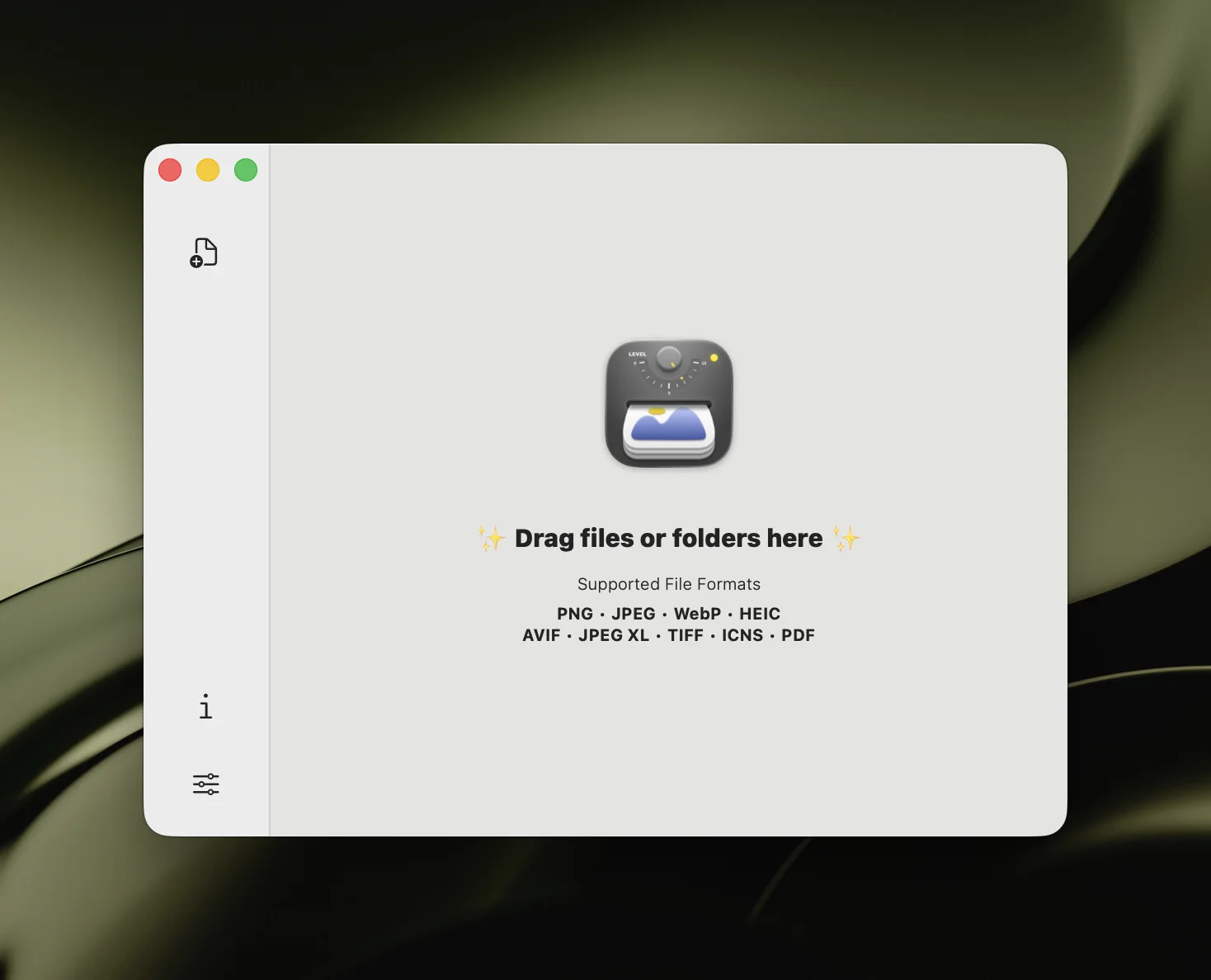
Zipic is a native macOS app that covers everything ImageOptim does — and significantly more.
What makes it stand out:
- 12 formats including AVIF, HEIC, JPEG-XL, WebP, TIFF, ICNS, PDF, SVG, and APNG — SVG compression comes with 6 quality levels, a step up from ImageOptim’s optimize-only approach
- 6 compression levels with custom presets for different workflows
- Format conversion — convert between any supported format during compression
- Resize — set target width/height while compressing
- Folder monitoring — auto-compress new files in watched directories
- Notch Drop — drag to screen notch for instant compression
- Raycast extension — compress from Raycast without switching apps
- URL Scheme + Apple Shortcuts — full automation with parameters
- Side-by-side preview — compare before/after with zoom
- Apple Silicon optimized — native performance on M-series chips
Pricing: Free (25 images/day, 5 basic formats) / Pro $19.99 one-time purchase (unlimited, all formats, full automation)
Best for: Users who need modern format support, compression control, and workflow automation.
For a detailed head-to-head, see Zipic vs ImageOptim.
2. Squoosh — Best Free Browser Tool
Squoosh is Google’s open-source image compression app that runs entirely in your browser using WebAssembly codecs.
Strengths:
- Free with no limits
- Real-time quality comparison slider
- Supports MozJPEG, OxiPNG, WebP, AVIF
- Runs locally in browser (privacy-friendly)
- Fine-grained quality controls
Limitations:
- Single image at a time — no batch processing
- Browser-based only — no native macOS integration
- No folder monitoring or automation
- No HEIC, JPEG-XL, TIFF, or ICNS support
Best for: Quick one-off comparisons when you want to fine-tune a single image’s compression settings.
3. TinyPNG — Best for WordPress Users
TinyPNG is the most recognized name in online image compression, with a popular WordPress plugin for automatic optimization.
Strengths:
- No installation needed — browser-based
- WordPress plugin auto-optimizes uploads
- REST API for CI/CD integration
- Good compression quality
Limitations:
- Uploads files to their servers (privacy concern)
- Limits and capabilities differ by product line (web uploader vs API vs WordPress plugin)
- Web uploader has stricter usage limits than paid/API paths
- Web workflow is online-only
- Pricing depends on product and usage volume
Best for: WordPress bloggers who want automatic image optimization on upload.
For a full comparison, see Zipic vs TinyPNG.
4. Compresto — Best for Multi-Format (Video + Image + PDF)
Compresto handles video, image, and PDF compression in a single app. If you need to compress more than just images, it’s a comprehensive option.
Strengths:
- Video compression (MP4, MOV, and more)
- PDF compression
- Apple Silicon optimized
- Quality presets with menu bar access
- Target file size for videos
Limitations:
- $29.99 price tag (higher than Zipic)
- No AVIF or JPEG-XL support for images
- No folder monitoring for images
- No Raycast or Shortcuts integration
- Focused on compression, not format conversion
Best for: Users who need video and PDF compression alongside image optimization.
5. Optimage — Best for Visual-Lossless Quality
Optimage uses perceptual quality metrics to compress images with minimal visible quality loss — a step beyond traditional lossless optimization.
Strengths:
- “Visually lossless” compression approach
- Supports JPEG, PNG, GIF, SVG, WebP, PDF
- Automator integration
- CLI support
- Clean, minimal interface
Limitations:
- $15 one-time purchase
- No AVIF, HEIC, or JPEG-XL support
- No folder monitoring
- No format conversion
- Limited automation options
Best for: Users who want better-than-lossless compression while preserving visual quality.
Recommendation
If you’re leaving ImageOptim because you need more formats and automation, Zipic is the most complete alternative. It handles everything ImageOptim does, plus modern formats (AVIF, HEIC, JPEG-XL), compression control (6 levels), format conversion, resize, and deep macOS automation (folder monitoring, Notch Drop, Shortcuts, Raycast).
If you need video and PDF compression alongside images, look at Compresto.
If you want a free browser-based tool for single images, Squoosh is excellent.
If you’re primarily a WordPress user, TinyPNG’s plugin is hard to beat for convenience.
Competitor snapshots were last checked on 2026-02-28.
Ready to upgrade from ImageOptim? Download Zipic free — 25 images/day with no limits on file size. Zipic Pro unlocks all 12 formats and full automation for a one-time $19.99.